BIOS SETTING
20 NP-3262 POS Terminal
5.1 Main Menu
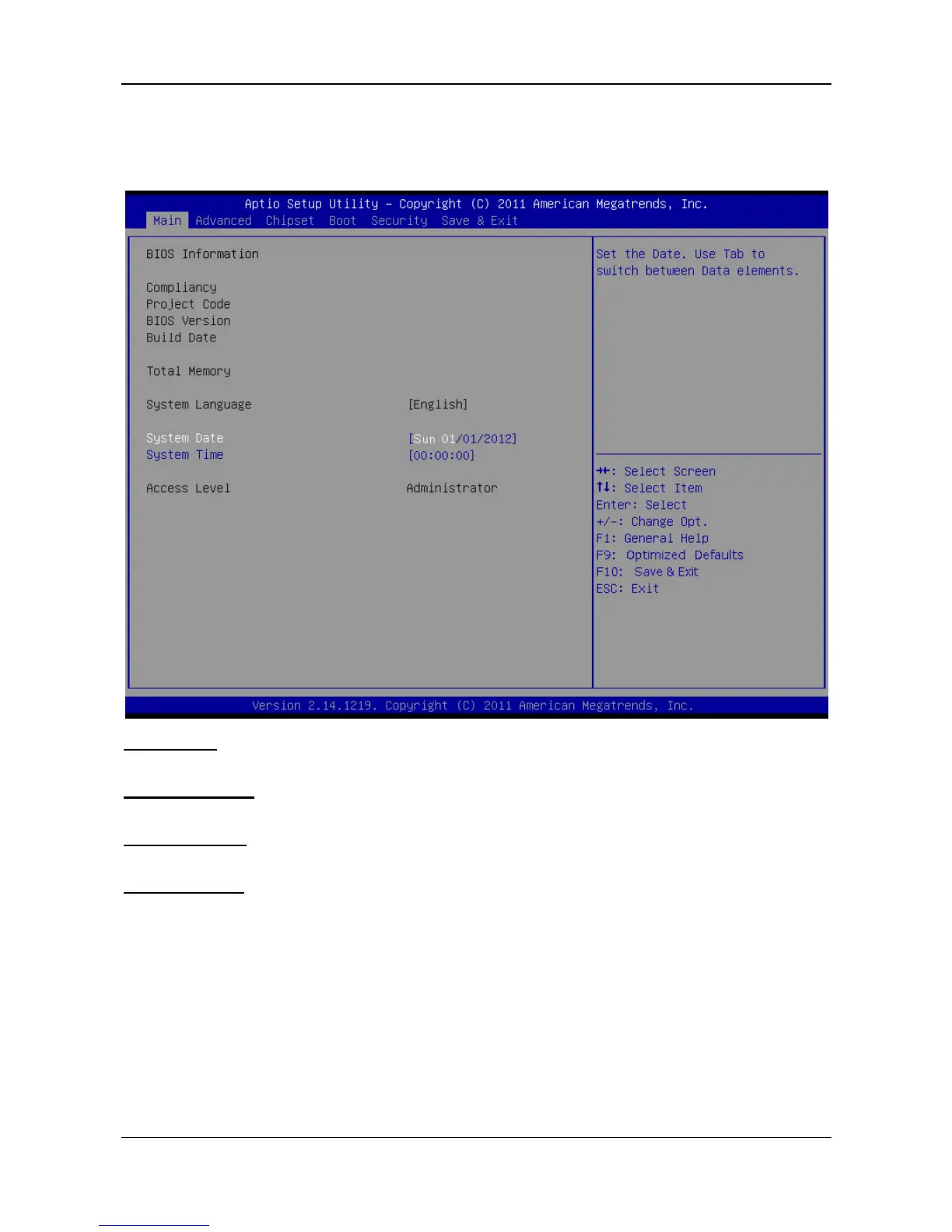
Once you enter AMI BIOS Setup Utility, the Main Menu will appear on the screen
providing an overview of the basic system information.
AMI BIOS
Shows system information including BIOS version, built date, etc.
Total Memory
Shows the system memory size, VGA shard memory will be excluded..
System Time
Set the system internal clock.
System Date
Set the system date. Note that the ‘Day’ automatically changes when you set the
date.



 To Next Page