BIOS SETTING
NP-3262 POS Terminal 47
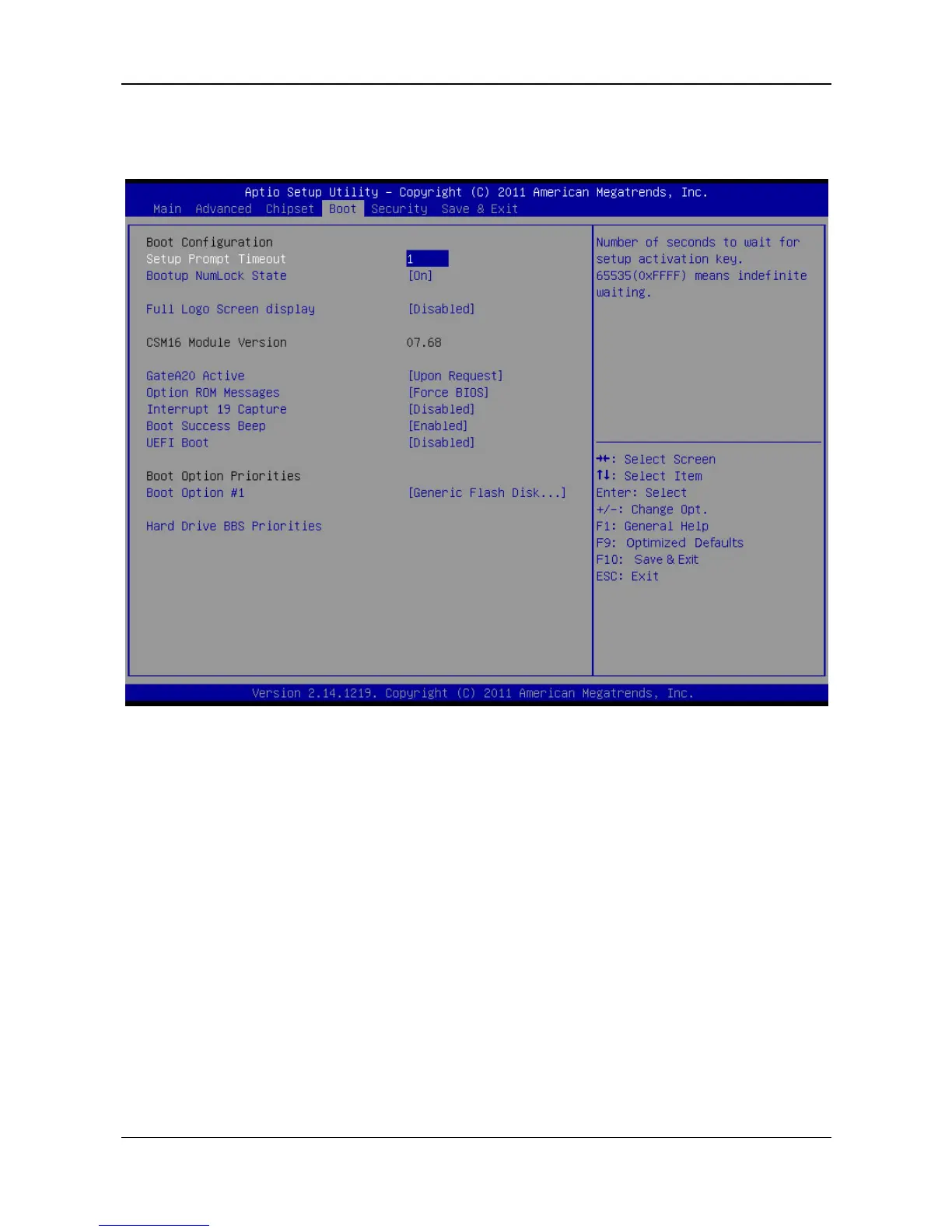
5.4 Boot Menu
This menu allows you to setup the system boot options.
Setup Prompt Timeout
You can use this item to set the number of seconds waiting for setup activation
key.
Bootup Num-Lock State
You can use this item to select the keyboard NumLock State after the system
has been switched on.
Options: On (Default) / Off
Full Screen LOGO Disaply
This item allows you to enable or disable Full Screen LOGO Show function.
Options: Disabled (Default) / Enabled
GateA20 Active
UPON REQUEST – GA20 can be disabled using BIOS services.
ALWAYS – it doesn’t allow disabling the GA20; this option is useful when any
RT
code is executed above 1MB.
Options: Upon Request (Default) / Always
Option ROM Messages
This item can set the display mode for Option ROM.
Options: Force BIOS (Default) / Keep Current



 To Next Page