BIOS SETTING
NP-3262 POS Terminal 25
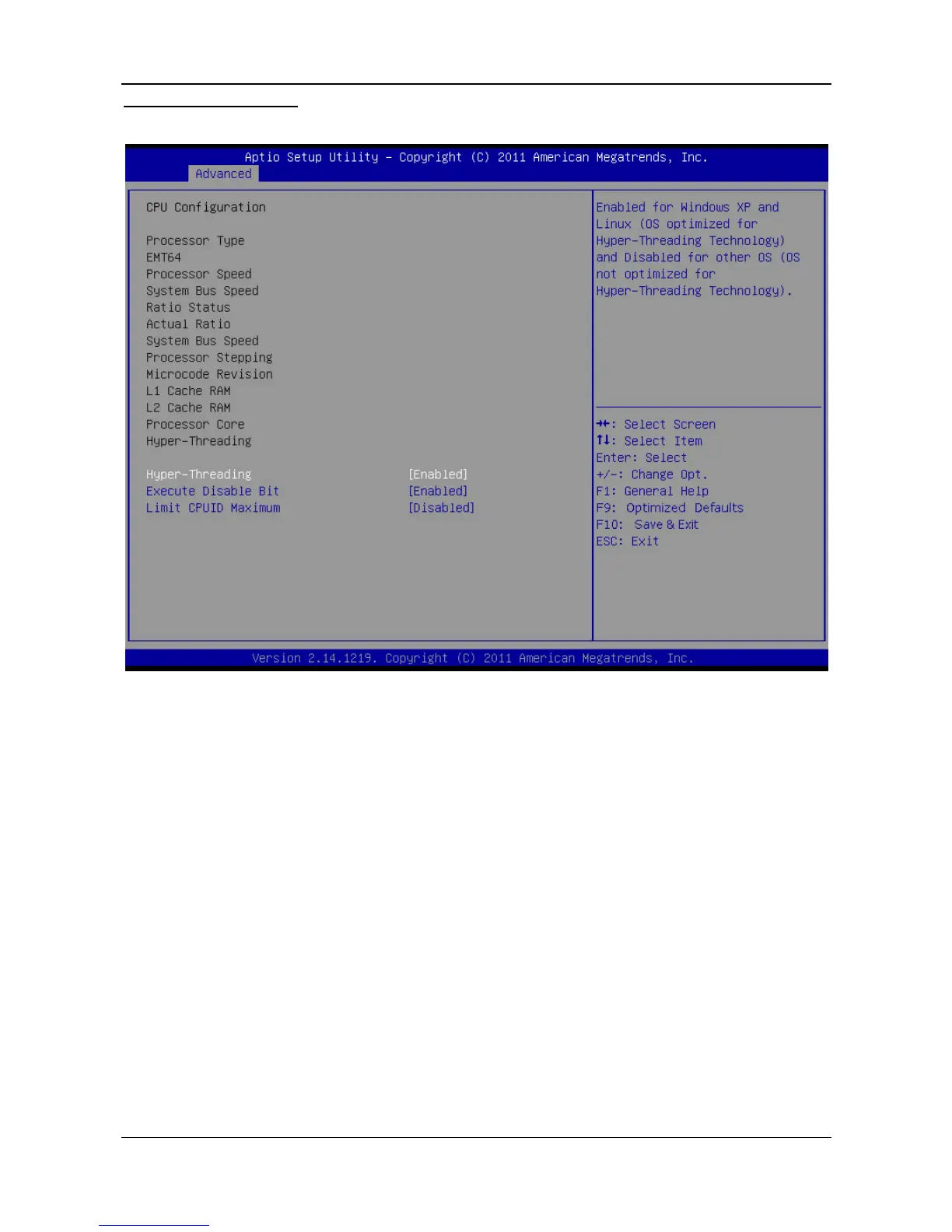
CPU Configuration
This item shows the CPU information that the BIOS automatically detects.
Hyper Threading Technology
Enabled for Windows XP and Linux (OS optimized for Hyper Threading Technology)
and disabled for other OS (OS not optimized for Hyper Threading Technology).
Options: Enabled (Default) / Disabled
Execute Disable Bit
This item allows you to configure the Execute Disabled Bit function, which protects
your system from buffer overflow attacks.
Options: Enabled (Default) / Disabled
Limit CPUID Maximum
When the computer is booted up, the operating system executes the CPUID
instruction to identify the processor and its capabilities. Before it can do so, it
must first query the processor to find out the highest input value CPUID
recognizes. This determines the kind of basic information CPUID can provide the
operating system.
Options: Disabled (Default) / Enabled



 To Next Page