BIOS SETTING
NP-3262 POS Terminal 43
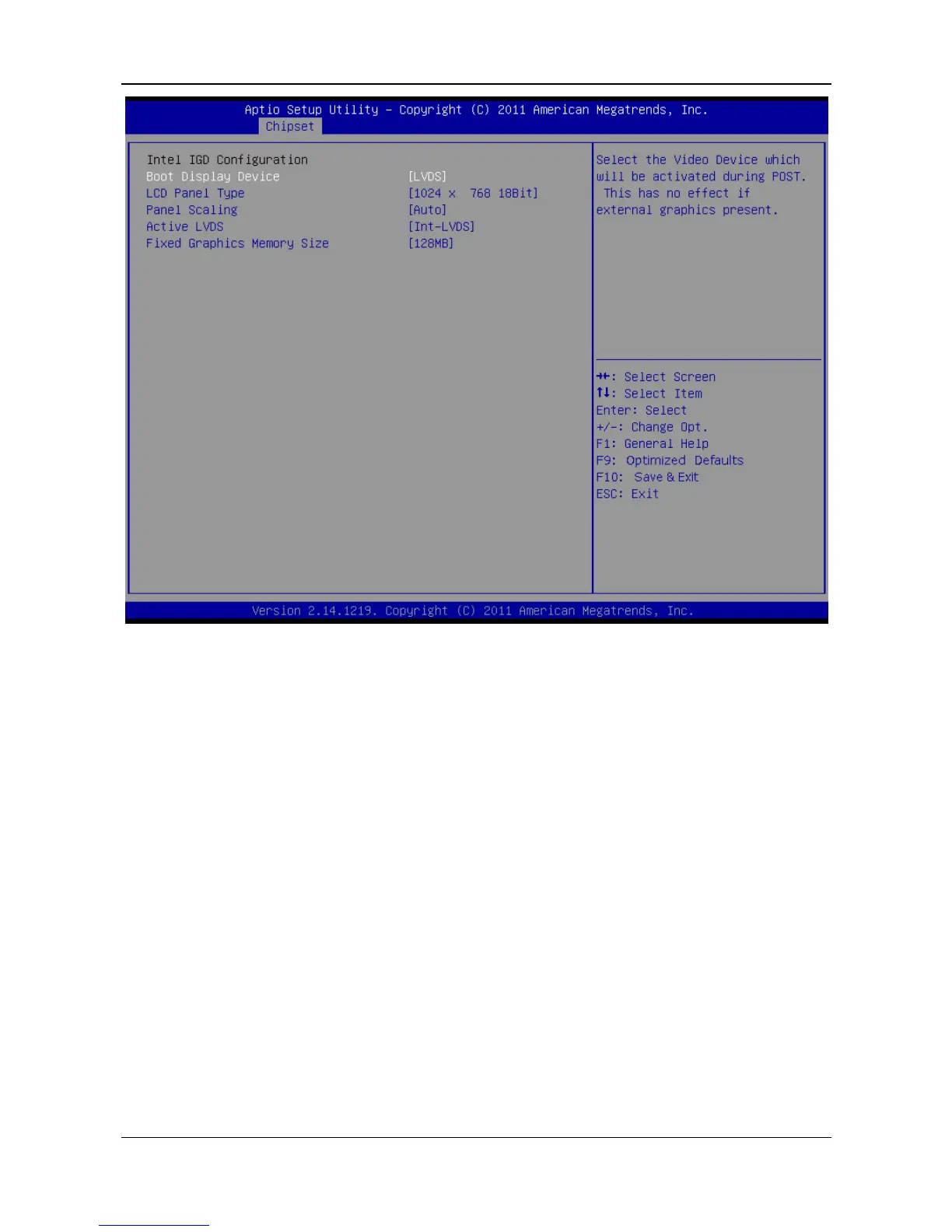
Boot Display Device
This item selects the video device which will be activated during POST. This has no
effect if external graphics present.
Options: D-SUB + LVDS / D-SUB / LVDS (Default)
LCD Panel Type
This item selects the LCD panel used by Internal Graphics Device by selecting the
appropriate setup item.
Options: 1024 x 768 18Bit (Default) / 1024 x 768 24Bit
Panel Scaling
This item selects the LCD panel scaling option used by the Internal Graphics
Device.
Options: Auto (Default) / Force Scaling / Off / 1Maintain Aspect Ratio
Active LVDS
This item selects the Active LVDS Configuration. No LVDS: VBIOS does not enable
LVDS; Int-LVDS: VBIOS enables LVDS driver by Integrated encoder.
Options: Int-LVDS (Default) / No LVDS
Fixed Graphics Memory Size



 To Next Page