74
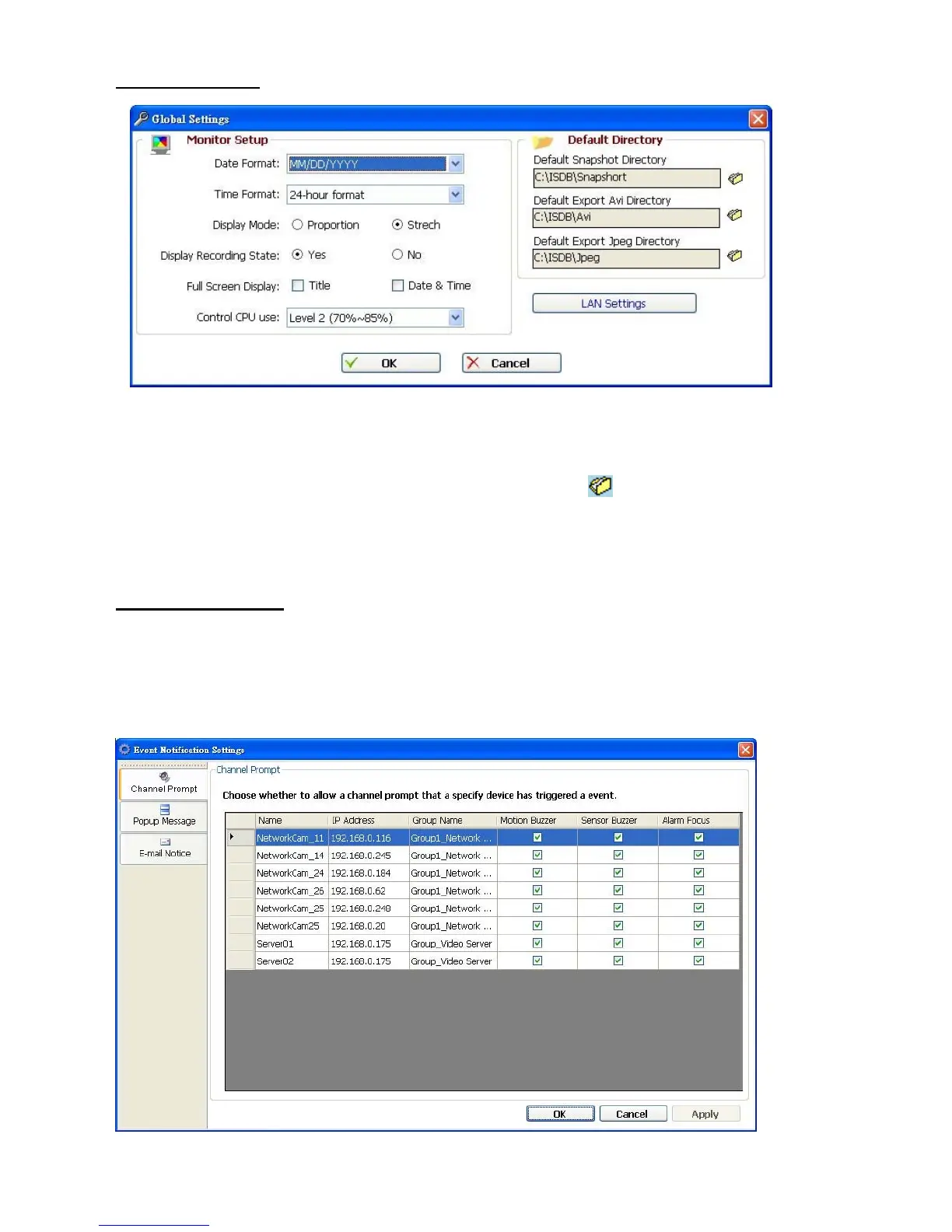
(1) Global Settings
Monitor setup: Sets the date/time mode and display mode, and controls the CPU use
percentage on five levels.
Default Directory: Sets the default files’ saving path. Click
to select the directory.
(2) Event Notification
Channel Prompt: Sets each camera to activate or deactivate the three modes of
"Motion Buzzer", "Sensor Buzzer", and "Alarm Focus". Tick mark the blank space
for each device to activate it.



 To Next Page