75
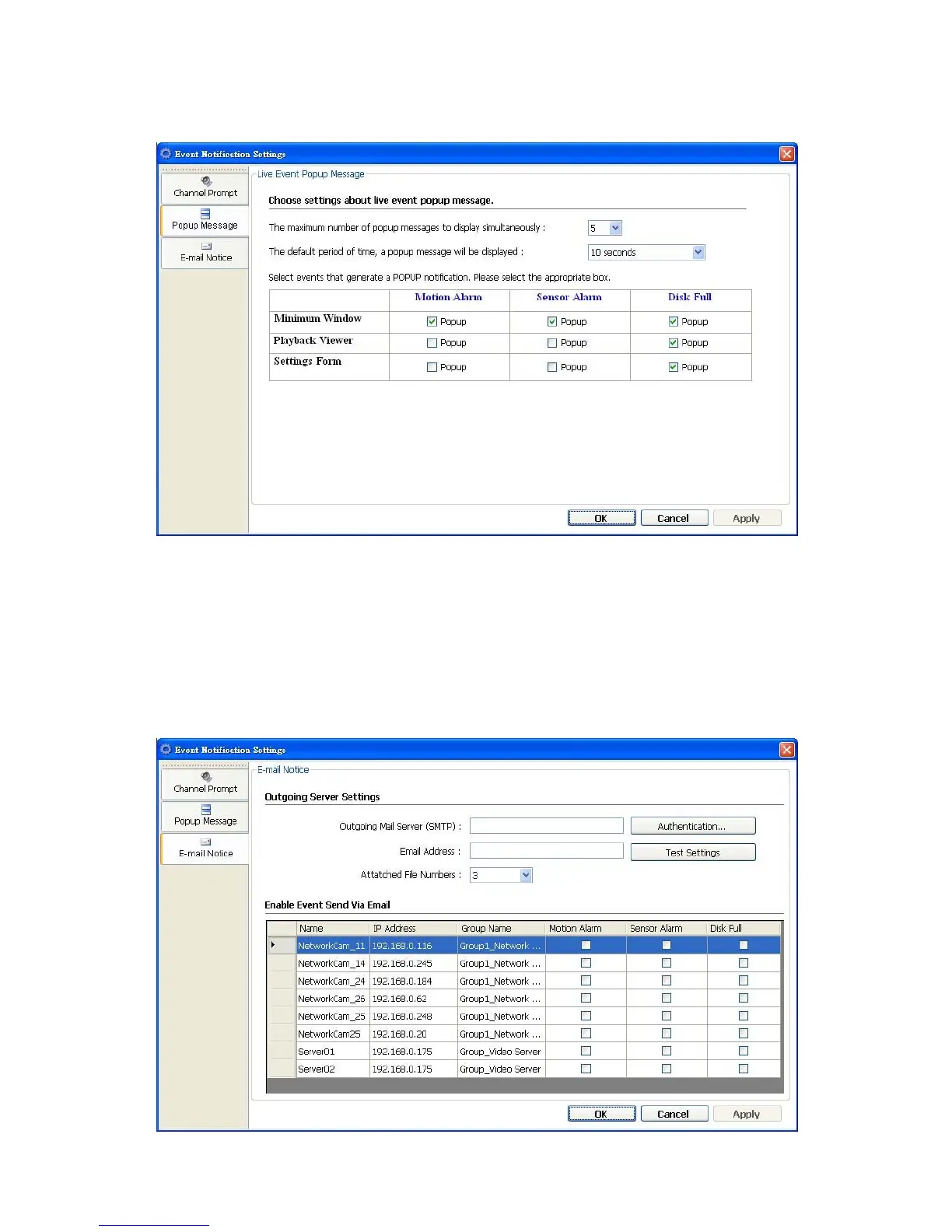
Popup Message: Sets the maximum number of the pop-up messages, the displaying
time and the pop-up forms. Tick mark the blank space for each device to activate it.
E-mail Notice: Sets each camera to activate the E-mail Notice function of the three
situations: "Motion Alarm", "Sensor Alarm", and "DISK Full". Set the SMTP, the
E-mail address and the attached file numbers to mail the user when the alarms occur.
Tick mark the blank space for each device to activate it.



 To Next Page