APsystems ECU-B Installation/User Manual
4. ECU-B User Interface
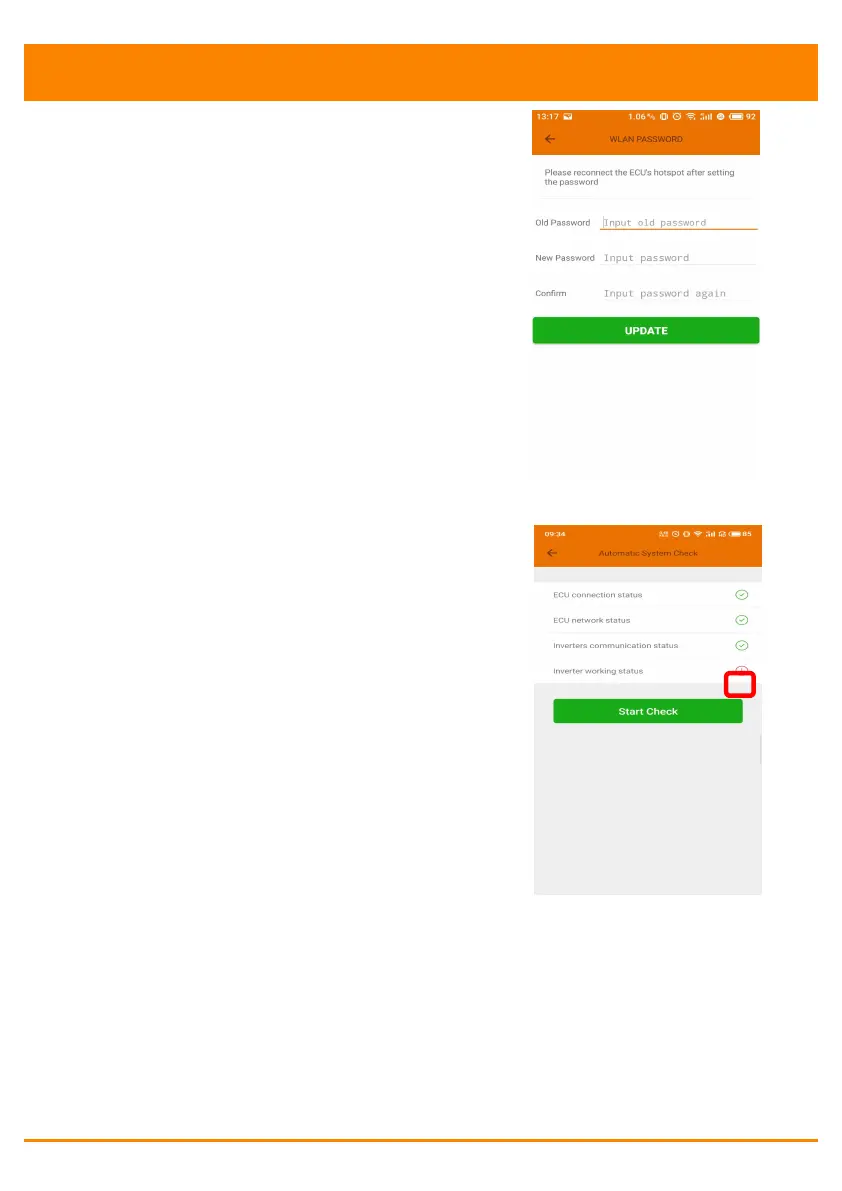
4.6.7 WLAN PASSWORD
Please reconnect the ECU-B hotspot
after setting the password. On the
page, you can change Password.
If user forget the password,
hardware reset could be carried out.
The initial password would be
"88888888".
4.6.8 Automatic System Check
Check the running status of the
system, if there are issues, click the
icon to view the reason and get the
way to solve it.



 To Next Page