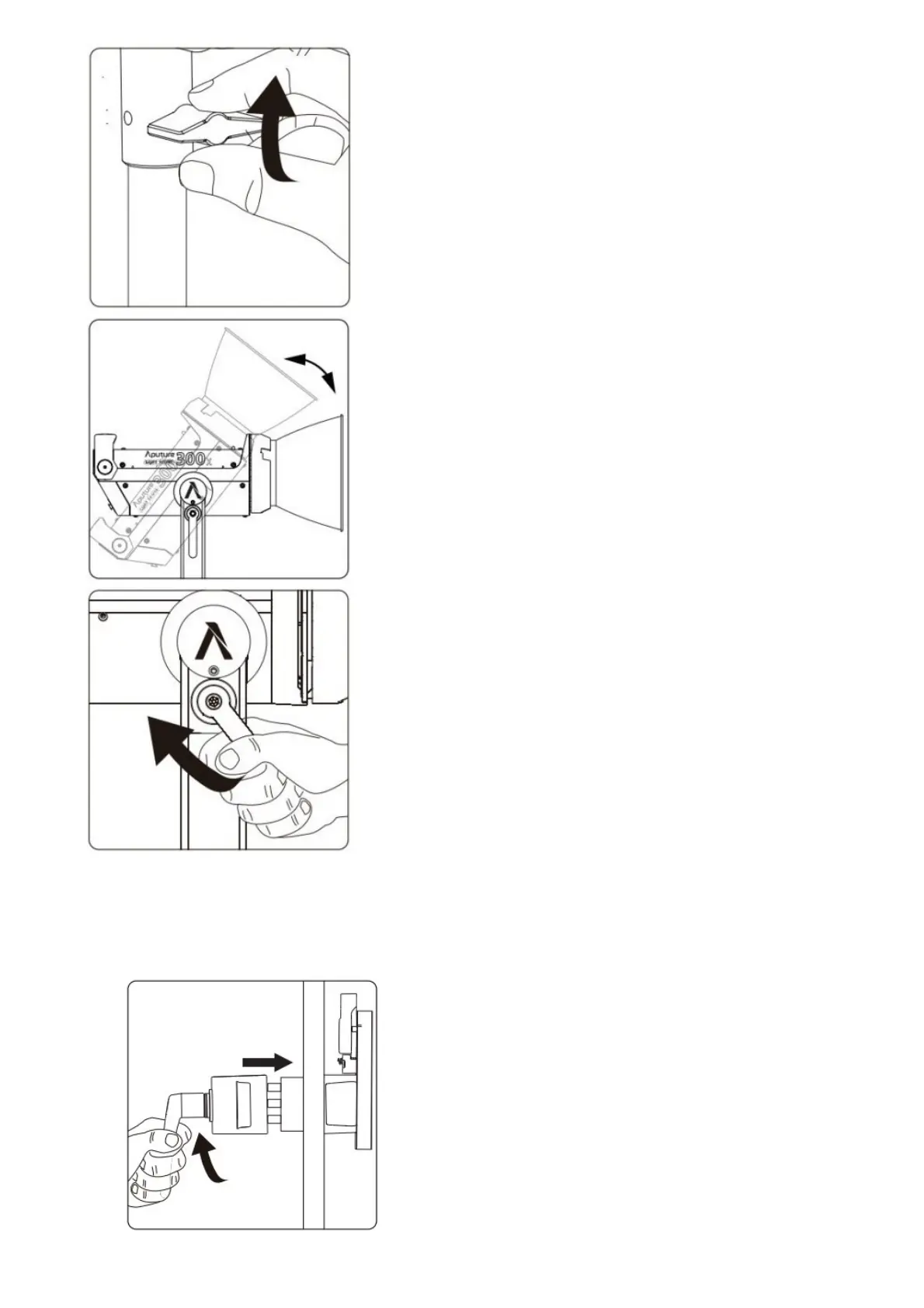
5. Instructions for the Quick-Release “Lightning Clamp”
1. Clamp the Lightning Clamp onto a light stand.
2. To attach the control box, rotate the release lever to unlock the quick-release baseplate, then mount the control
box onto the Lightning Clamp (the release lever will automatically spring back).
3. To remove the control box, grasp it firmly, then unlock the quick-release plate by turning the release lever, and
detach the control box.













 To Next Page