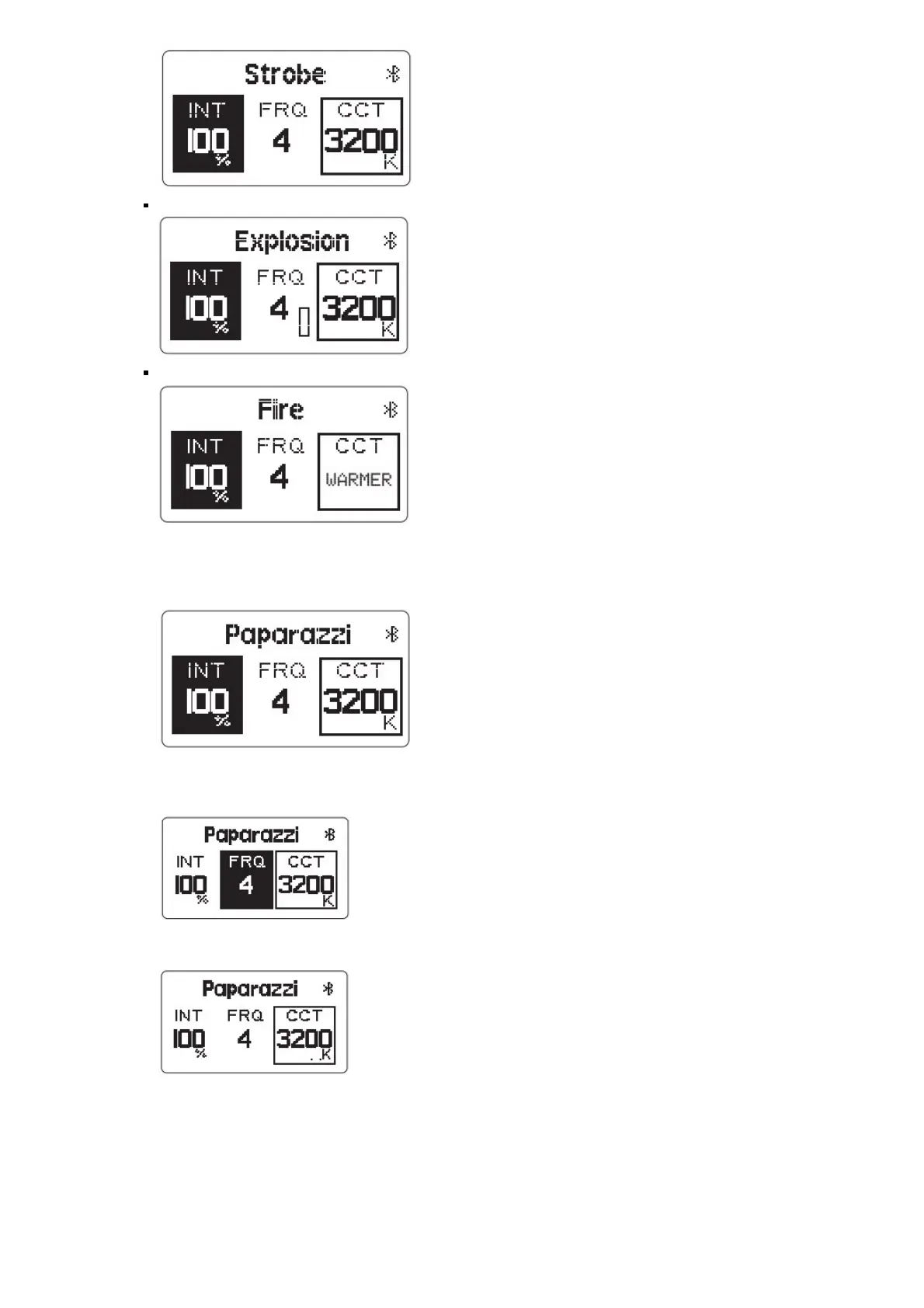
Explosion Effect
i. Fire Effect
As of writing this the TV effect worked in CCT range presets and you cannot set a fixed base CCT.
When controlling the explosion effect, short press the Trigger button to single trigger the lighting effect.
When in Lighting FX mode, short press the “Intensity” button to enter Intensity Adjustment Mode. Then
rotate the Brightness Control Wheel to adjust the intensity from 10%-100% as displayed on the screen.
When in Lighting FX mode, short press the “Frequency” button to enter Frequency Adjustment Mode. Then
rotate the Brightness Control Wheel to adjust the frequency of the eect from 1 to 10 and R (Random) as
displayed on the screen.
When in Lighting FX mode, rotate the CCT Control Wheel to adjust the base CCT of the lighting effect from
2700K to 6500K as displayed on the screen.
As of writing, you cannot set a fixed base CCT for certain eects, such as: Fireworks, TV, and Fire.
If the light is powered o, upon turning on again, the light will resume its last saved setting
4. ) Wireless Connectivity Modes
Press the Wireless/Trigger button in order to switch between 2.4GHz Wireless Remote Control, Bluetooth SIG
Mesh Sidus Link App Control, and no wireless control.













 To Next Page