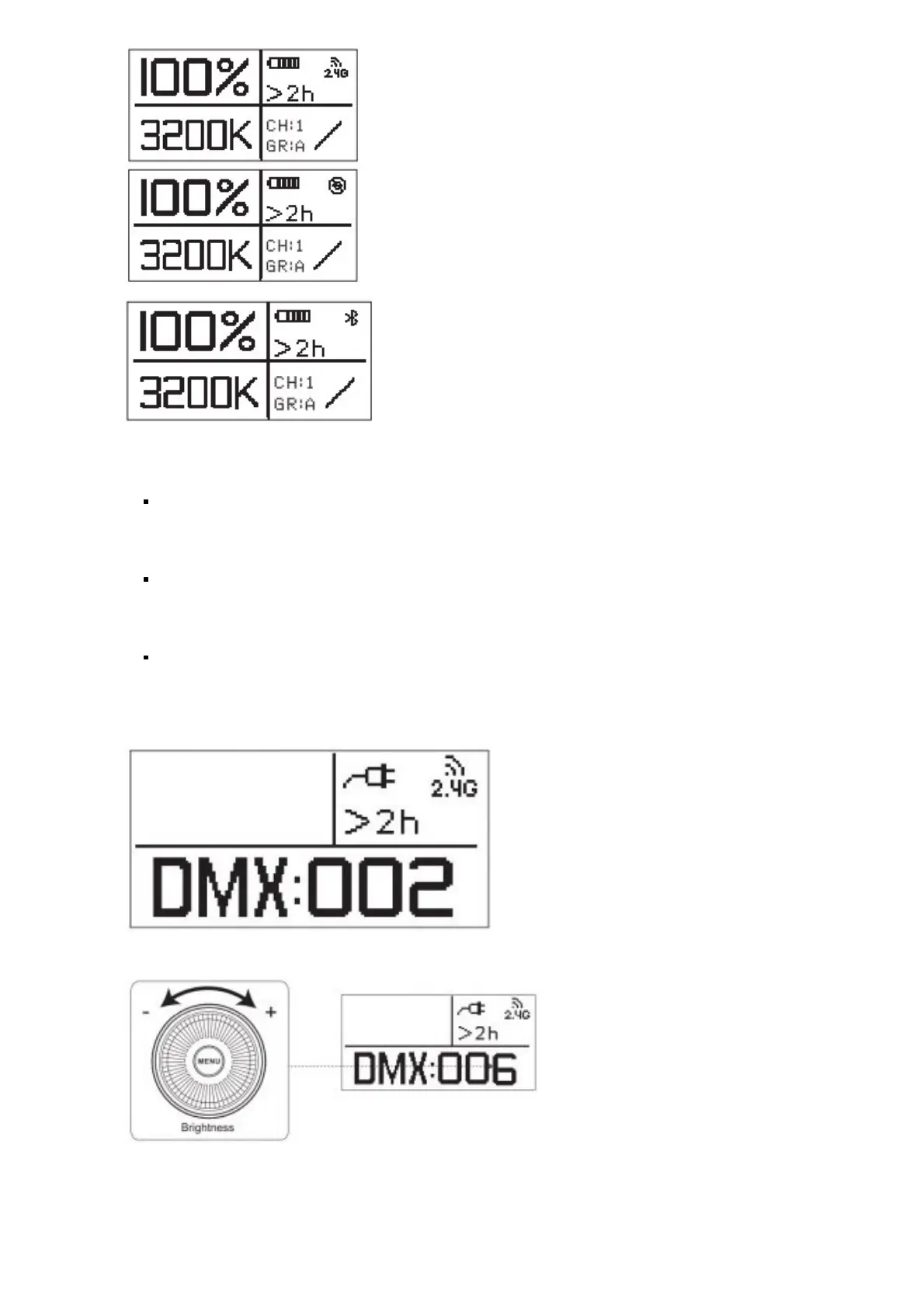
*When setting up the device with the Bluetooth mobile application, the corresponding name of the
fixture is LS 300x (six digits + letters represent the fixture’s serial number)
5. Press the MENU button to enter the system menu interface, as shown below.
Output Mode
DMX Mode
Dimming Curve
Fan Mode
Stduo Mode
BT Reset
Language
USB Mode
Exit
Ver:1.0
6. DMX mode
Press the MENU button to enter the system menu, rotate the dimming wheel to select DMX mode and press the
MENU button again to enter DMX mode.
When in DMX mode, rotate the brightness control wheels to set the device’s DMX
channel. Then press the MENU button to take you back to the Menu interface
7. Dimming curve mode
Press the MENU button to enter the system menu, rotate the dimming wheel to select Dimming Curve, and press
the MENU button again to enter the dimming curve selection menu. Using the wheel to choose from exponential
(Exp), logarithmic (Log), S-Curve, or linear dimming curves, and press the MENU button to make your selection.













 To Next Page