This remote will not work when the light is in DMX mode.
The remote control will only control the operation of the light when the fixture is in 2.4Ghz Wireless Control Mode.
4. CCT Control
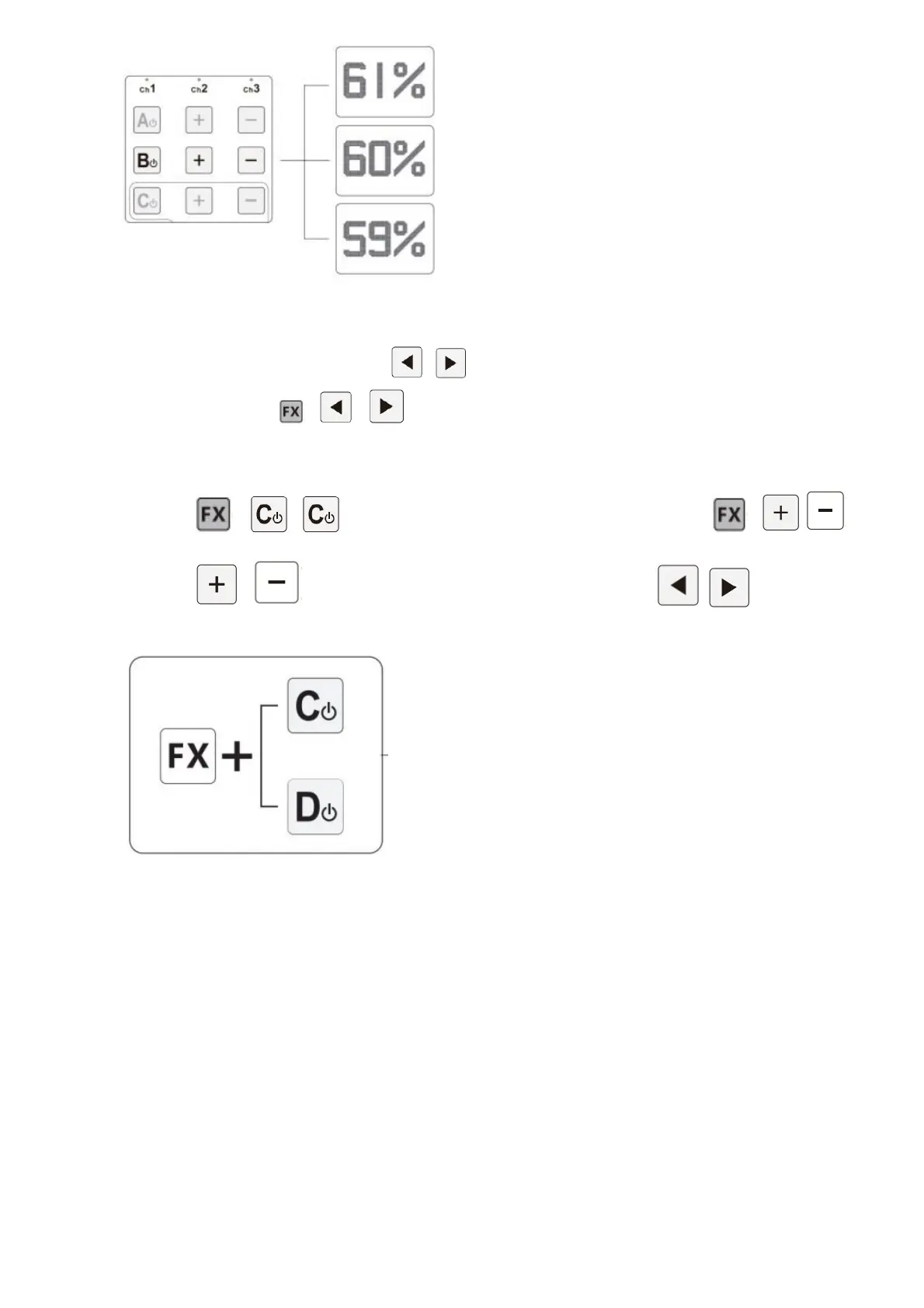
In normal light control mode, press the ( / ) buttons to adjust the light’s output CCT.
In FX Mode, press the ( + / ) buttons to adjust the lights output CCT.
The remote control can only be used to adjust CCT if the lights are in groups C or D.
page 18………………….
5. FX Control
Press the ( + / ) button to enter or exit lighting eect mode. Press the ( + / ) to
toggle between dierent eects.
Press the ( / ) buttons to adjust the output of the light. Press the ( / ) buttons to toggle
the eect frequency.
Enter or Exit Eect Mode
a. Paparazzi Mode
b. Fireworks Mode
c. Faulty bulb Mode
d. Lightning Mode
e. TV Mode
f. Pulsing Mode
g. Strobe Mode
h. Explosion Mode
i. Fire Mode













 To Next Page