3.3.4 GEL
Rotate and press the knob to select GEL in Light Mode.
INT (Intensity): 0.0%- 100.0%
CCT (Correlated Color Temp.): select 3200 or 5600K as the virtual light color temperature
ROSCO: Select a lighting color filter from ROSCO filter library
LEE: Select a lighting color filter from LEE filter library
3.3.5 Source
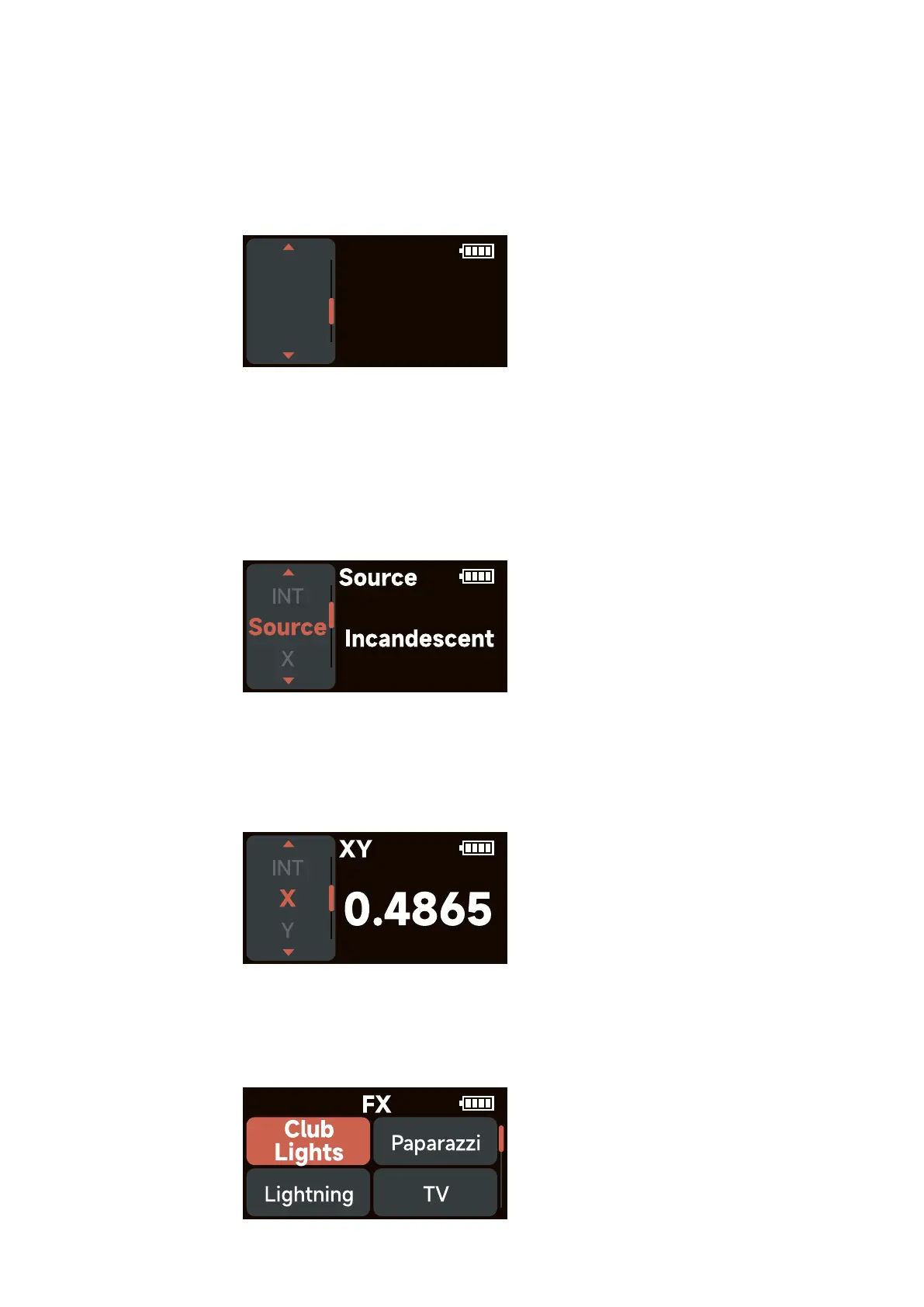
Rotate and press the knob to select Source in Light Mode.
INT (Intensity): 0.0%- 100.0%
Source: Select the light source that best matches the illumination of the scene from the
Source library
X: Adjust the value of the x coordinate within ±0.0050
Y: Adjust the value of the y coordinate within ±0.0050
3.3.6 XY
Rotate and press the knob to select XY in Light Mode.
INT (Intensity): 0.0%- 100.0%
X (x coordinate): 0.0000 – 0.8000
Y (y coordinate): 0.0000 – 0.8000
3.3.7 FX
Rotate and press the knob to select FX in Light Mode. Rotate and press the knob to select Club
Lights/Paparazzi/Lightning/TV/Candle/Fire/Strobe/Explosion/Faulty Bulb/Pulsing/Welding/Cop
Car/Colors Chase/Party Lights/ Fireworks.
- 8 -
GEL
Col.Cor
ROSCO
CCT
LEE













 To Next Page