EasyManua.ls Logo

Aqua HC151+ pH (RX) - HC151+ pH(Rx)-CI(J); HC200+ pH(Rx); HC151+;HC200+ PUMP CONTROLS

Default Icon
29 pages
Print Icon
To Next Page IconTo Next Page
To Previous Page IconTo Previous Page
Loading...
HC151+ pH(Rx)-Cl(J) / HC200+ pH(Rx)
ENGLISH
3. HC151
+
pH(Rx)-Cl(J) / HC200
+
pH(Rx)
3.1 HC151
+
/HC200
+
PUMP CONTROLS
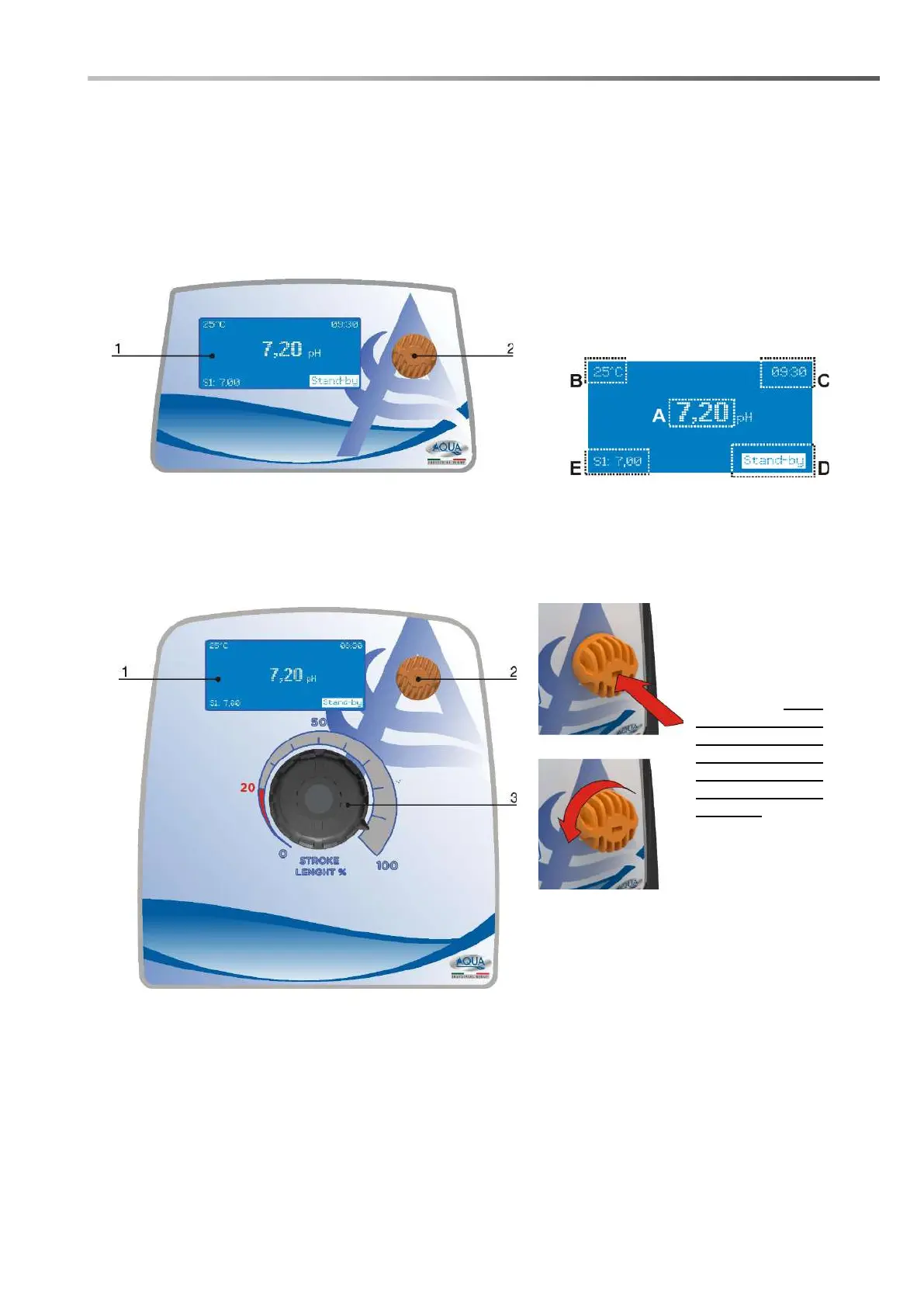
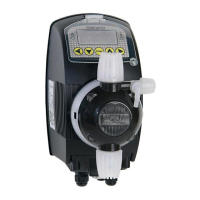
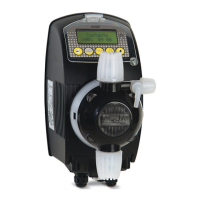
The control panel of the HC151+ pH(Rx)-Cl (J) and HC200+ pH(Rx) pump is composed of a graphic
display (1) and an encoder knob (2) which allow you to navigate through the various menus and select
/ modify the parameters of the pump. The figures below, show what the control panel looks like:
HC151+
A. Active function;
B. Configured parameters;
C. Time;
D. Warnings messages
E. Setpoint
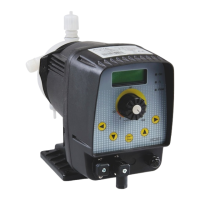
HC200+

1. 132x56 pixel graphic display;
2. Encoder;
3. Mechanical stroke lenght adjustment
(only for HC200+)
Press to: confirm
a value or access
a submenu. If it is
kept pressed for 2
seconds, it returns
to the previous
menu or activates
/ deactivates the
Stand-by.
Turn to: navigate
the menus or
change a numeric
value.

Related product manuals