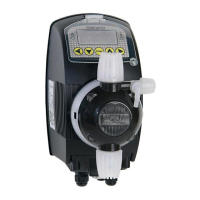
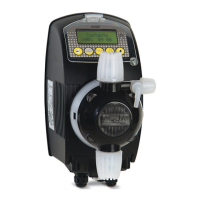
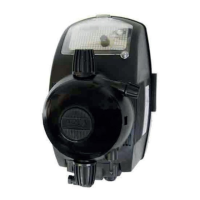
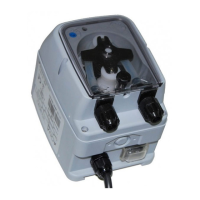
HC151+ pH(Rx)-Cl(J) / HC200+ pH(Rx)
ENGLISH
3.5 PUMP SETUP
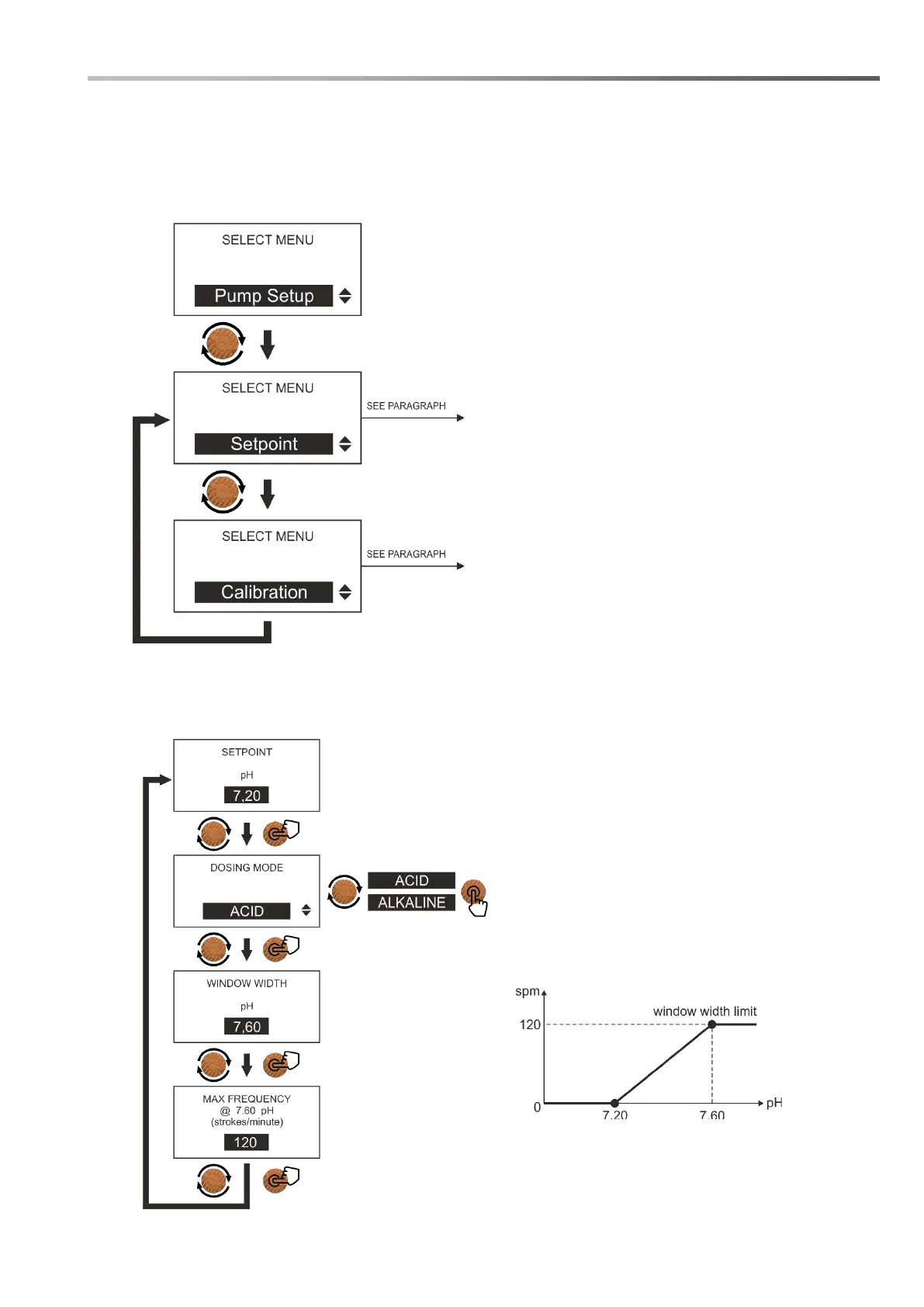
Within this menu, you can choose whether to set the working point (setpoint) or calibrate the probes
connected to the pump.
The complete list of available functions is shown below:
3.5.1 SETPOINT menu
This function allows you to program the working point (Setpoint) and to program the proportional
dosage according to the value of the measurement read.
Here are the steps to set up this feature:
This menu allows you to program the
operating point (setpoint) and the
intervention mode to which the pump
must refer.
This menu allows you to calibrate the
probes connected to the pump and to
know the operating status of the probe
itself.
Eg pH: dosing of an ACID chemical:
Setpoint: 7.20 pH
Window width limit: 7.60 pH (e.g. 120
strokes / min);
For values equal to or lower than the
Setpoint, the pump is stopped;
The pump works at maximum frequency for
values equal to or greater than the set
window width limit, the frequency
decreases as the pH value decreases until
it stops at the Setpoint.
ATTENTION: the pump can also be programmed for the
dosage of an Alkaline chemical product but it is necessary to
check that the seals in the pump body (in Viton for the standard
version) are chemically compatible with the product to be
dosed.



 To Next Page