Set up Shower - Wifi
The Aqualisa app will direct you to the Wifi settings
menu on your mobile device.
From the list of available Networks select: QSVC XXXX
The password is: SmartShower (case sensitive)
N.B. Depending on signal strength, the connection
may take a few minutes. You do not need to wait for
connection confirmation. Go back to the Aqualisa app
and follow the steps, for these stages you will need your
SSID code and password.
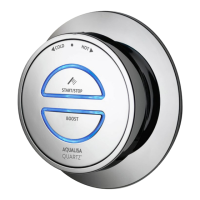
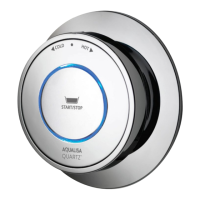
Wifi setup can be activated via
the main controller for both
Single outlet and Dual outlet
(divert) models.
Press and hold the Start/Stop
button for 6-8 seconds or
until the LEDs on the controller
start flashing.
Set up Shower - Controller
The LEDs on the controller will flash rapidly to indicate
that the Aqualisa SmartValve
TM
is searching for an
available Wifi network. N.B. There is a 2-minute time out
if unable to connect.
10



 To Next Page