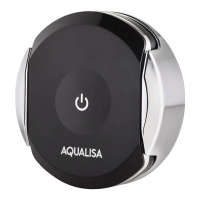
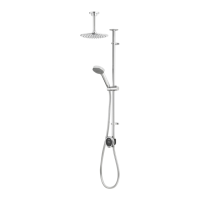
Choose your colour accent
We have created a range of five dierent colour accents to choose from
to suit your style and decor. Your choice will include a matching colour
accent for both the controller and the shower handset. Stardust Silver is
included as standard. To purchase other colour accents, call our Customer
Service team; contact numbers are at the back of this guide.
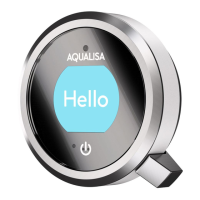
CHANGING THE Q
TM
CONTROLLER COLOUR ACCENT
1 Switch o the power to the Quartz™ Smart Valve.
2 Loosen the retaining screw at the bottom of the control.
3 Remove the Q
TM
controller from the back plate by holding the Q
TM
lever
to the extreme left and using it as leverage to rotate the whole controller
clockwise until it releases from the back plate.
4 Remove the Q
TM
lever. This is held on by magnets.
5 Remove the colour accent ring by hand. There may be some resistance.
6 Replace the new colour accent using the same steps in reverse.
Q
TM
CONTROLLER COLOUR ACCENTS
Lagoon
Blue
Stardust
Silver*
* Stardust Silver is included as standard.
Sunrise
Orange
Polar
White
Shadow
Grey
21


 To Next Page