EasyManua.ls Logo

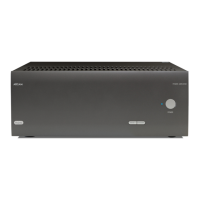
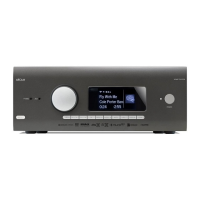
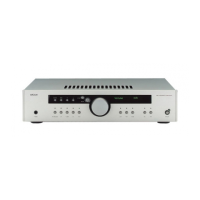
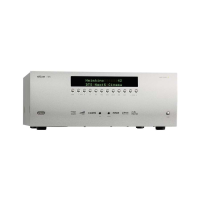
Arcam HDA AV41 - User Manual

Arcam HDA AV41
47 pages
Print Icon
To Next Page IconTo Next Page
Loading...
HANDBOOK
EN
AVR SURROUND AMPLIFIERS
AV41/AVR31/AVR21/AVR11

Questions and Answers

  • L
    lnealSep 13, 2025
    Why are there no lights on my Arcam Amplifier?
    • A
      Alexis GibsonSep 13, 2025
      If there are no lights on your Arcam Amplifier, check the following: - Ensure the power cord is plugged into the receiver and the mains socket is switched on. - Verify the power button is pressed in. - If a red LED is present, the receiver is in standby mode; press any button on the front panel or the standby button on the remote control.

Arcam HDA AV41 Specifications

General IconGeneral
TypeAV Processor
HDMI Inputs7
HDMI Outputs3
HDMI 2.1Yes
eARCYes
Audio Formats SupportedDolby Atmos, DTS:X, IMAX Enhanced
Room CalibrationDirac Live
Network ConnectivityEthernet, Wi-Fi
IMAX EnhancedYes
Roon ReadyYes
BluetoothYes
Streaming ServicesApple AirPlay 2, Chromecast, Spotify Connect
DACESS Sabre ES9026PRO
Frequency Response20Hz - 20kHz
InputsHDMI, Optical, Coaxial, RCA
OutputsHDMI, XLR, RCA

Related product manuals