EasyManua.ls Logo

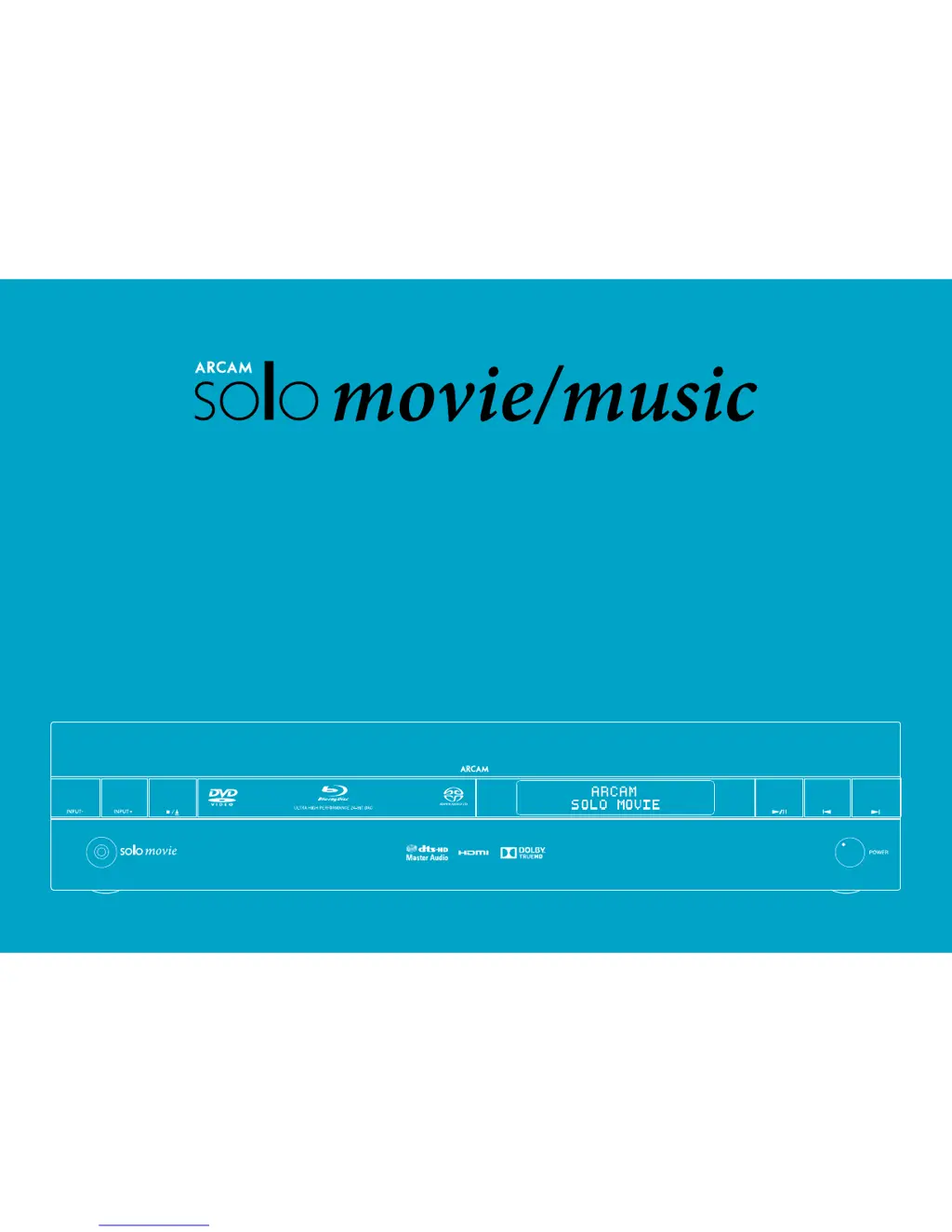
Arcam Solo movie - User Manual

Arcam Solo movie
43 pages
Print Icon
To Next Page IconTo Next Page
Loading...
Handbook Solo movie/music
Manuel Solo movie/music
Handbuch Solo movie/music
Handleiding Solo film/muziek
Manual Solo movie/music
Руководство Solo movie/music
Manuale Solo movie/music
手册 Solo movie/music

Questions and Answers

Summary

Safety Information

Important Safety Instructions

Guidance on safe operation and installation of the Arcam Solo movie/music device.

Getting Started

Placing the Unit

Instructions for optimal placement of the Arcam Solo for performance and ventilation.

Power Connection and Standby

Details on connecting the power lead and understanding standby mode for the Arcam Solo.

Front Panel Controls

Top Panel Controls

Volume and Mute Control

Adjusting volume and muting audio output using the top panel controls.

System Navigation and Power

Using Power, Menu, Display, and Navigation keys on the Arcam Solo's top panel.

Rear Panel Connections

Audio and Video Inputs;Outputs

Connecting audio and video sources via HDMI, optical, coaxial, and analogue inputs.

Audio;Video Connections

Connecting Digital Devices via HDMI

Guide to connecting digital devices using HDMI for optimal audio and video.

Speakers and Setup

Speaker Connection and Positioning

Guidance on connecting speakers, cable types, and optimal placement for sound.

Basic Operation

Remote Control Overview

Remote Control Device Modes

Remote Customisation Methods

Code Learning and Setup Methods

Learn, direct code, and library search methods for programming the remote.

Playing a Disc

Network and USB Operation

Display and Audio Settings

Audio Configuration Options

Configuring audio settings like DRC, speakers, subwoofer, and Pro Logic II.

Language and Network Configuration

Network Connection Setup

Configuring network type, IP settings, BD-Live, and proxy settings.

System and Security Settings

Security and Parental Controls

Managing passwords, parental control levels, and BD-Live storage.

Troubleshooting Guide

Common Unit and Display Problems

Resolving issues with power, remote control, and front panel display.

Audio and Video Troubleshooting

Diagnosing and fixing problems with picture, sound, and speaker output.

Connectivity and Interference Issues

Troubleshooting network, USB, interference, and source switching problems.

Firmware Update and USB Issues

Addressing USB device recognition and performing firmware updates.

Arcam Solo movie Specifications

General IconGeneral
HDMI in4
Digital audio optical in1
Speakers connectivity type-
Audio decodersDolby Digital, Dolby Digital Plus
aptX audio decodingYes
Supported radio bandsDAB, DAB+, FM
Disc types supportedBD, CD, DVD
Card reader integratedNo
Power output per channel (1KHz@8 Ohm)60 W
Power output per channel (20-20KHz@8 Ohm)- W
Weight and Dimensions IconWeight and Dimensions
Depth414 mm
Width420 mm
Height90 mm
Weight12000 g

Related product manuals