P92x/EN FT/E11 Technical Guide
User Guide
Page 58/110 MiCOM P921-P922-P923
11.1.3 Additional information for the MiCOM P923 relay
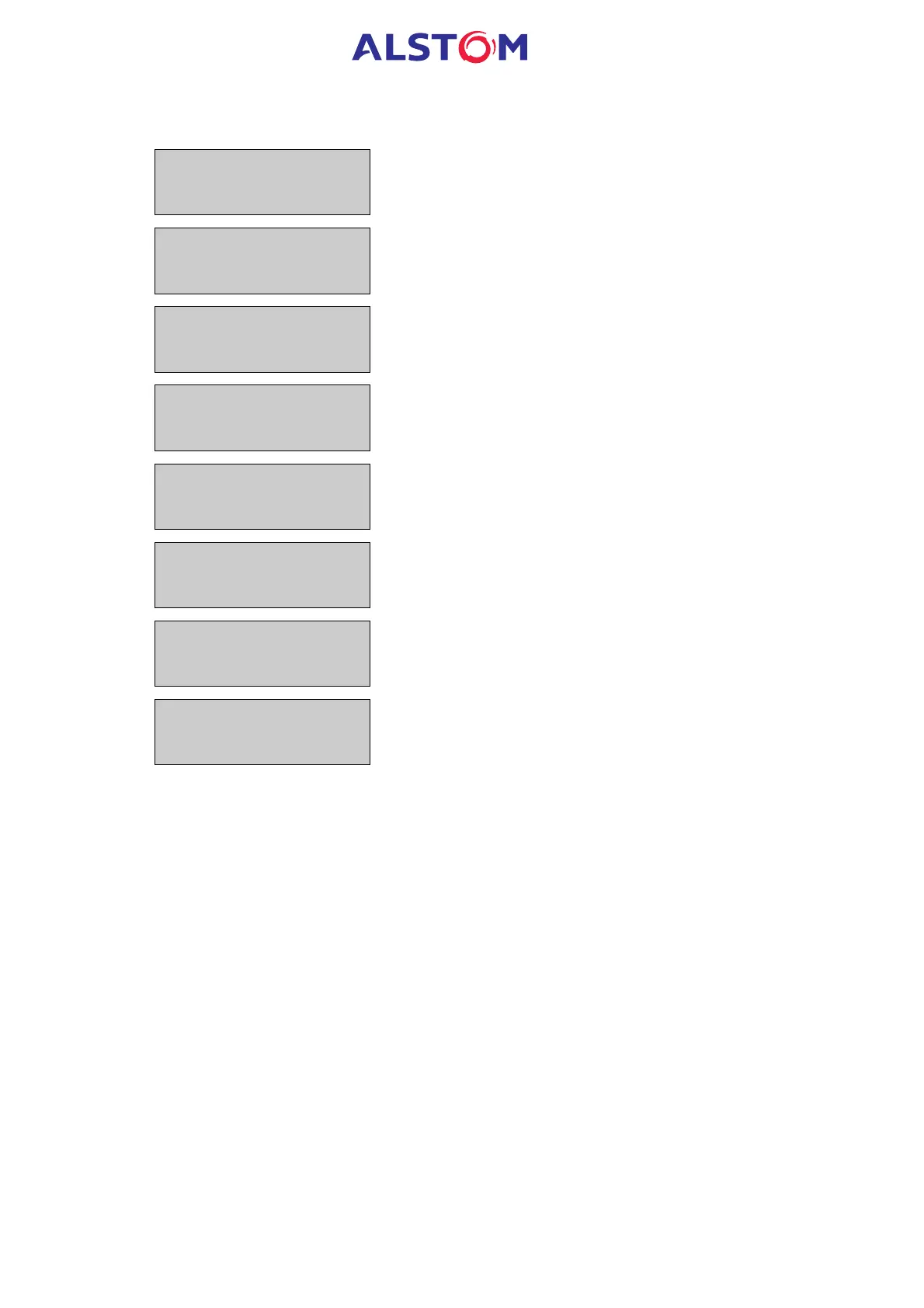
TRIP df/dt1=
NO
Description : selection of the 1
st
stage of rate of change of
frequency, which will be sent to RL1 output contact
Range : YES/NO
TRIP df/dt2=
NO
Description : selection of the 2
nd
stage of rate of change of
frequency, which will be sent to RL1 output contact
Range : YES/NO
TRIP df/dt3=
NO
Description : selection of the 3
rd
stage of rate of change of
frequency, which will be sent to RL1 output contact
Range : YES/NO
TRIP df/dt4=
NO
Description : selection of the 4
th
stage of rate of change of
frequency, which will be sent to RL1 output contact
Range : YES/NO
TRIP df/dt5=
NO
Description : selection of the 5
th
stage of rate of change of
frequency, which will be sent to RL1 output contact
Range : YES/NO
TRIP df/dt6=
NO
Description : selection of the 6
th
stage of rate of change of
frequency, which will be sent to RL1 output contact
Range : YES/NO
TRIP EQUATION
C= NO
Description : selection of the "C" logic equation result which will
be sent to the RL1 output contact
Range : YES/NO
TRIP EQUATION
D= NO
Description : selection of the "D" logic equation result which will
be sent to the RL1 output contact
Range : YES/NO
11.2 "LATCH OUTPUTS" Menu
11.2.1 Description
This sub-menu makes it possible to latch the information of any stage associated to
the trip output contact (RL1). The latched trip output contact will then be maintained
even if the fault has disappeared, and as long as a reset will not be performed. The
reset can be done :
· via a logic input (select “UNLATCH” in the list of available data, see “INPUTS”
menu § 11.8),
· via the local or remote communication link.
In order to latch one information, please go to the relevant cell corresponding to the
selected information, press then the 5 key. Select the configuration (YES or NO) with
the 2 and 8 keys. Validate with the 5 key.



 To Next Page