P92x/EN CM/E11 Techncal Guide
Commissioning Guide
Page 12/28 MiCOM P921-P922-P923
abcd
4.2.5 Output relays
This test checks that all the output relays are functioning correctly. (4 output relays for
the P921 and 8 output relays for the P922-P923).
The output relays should be energised one at a time.
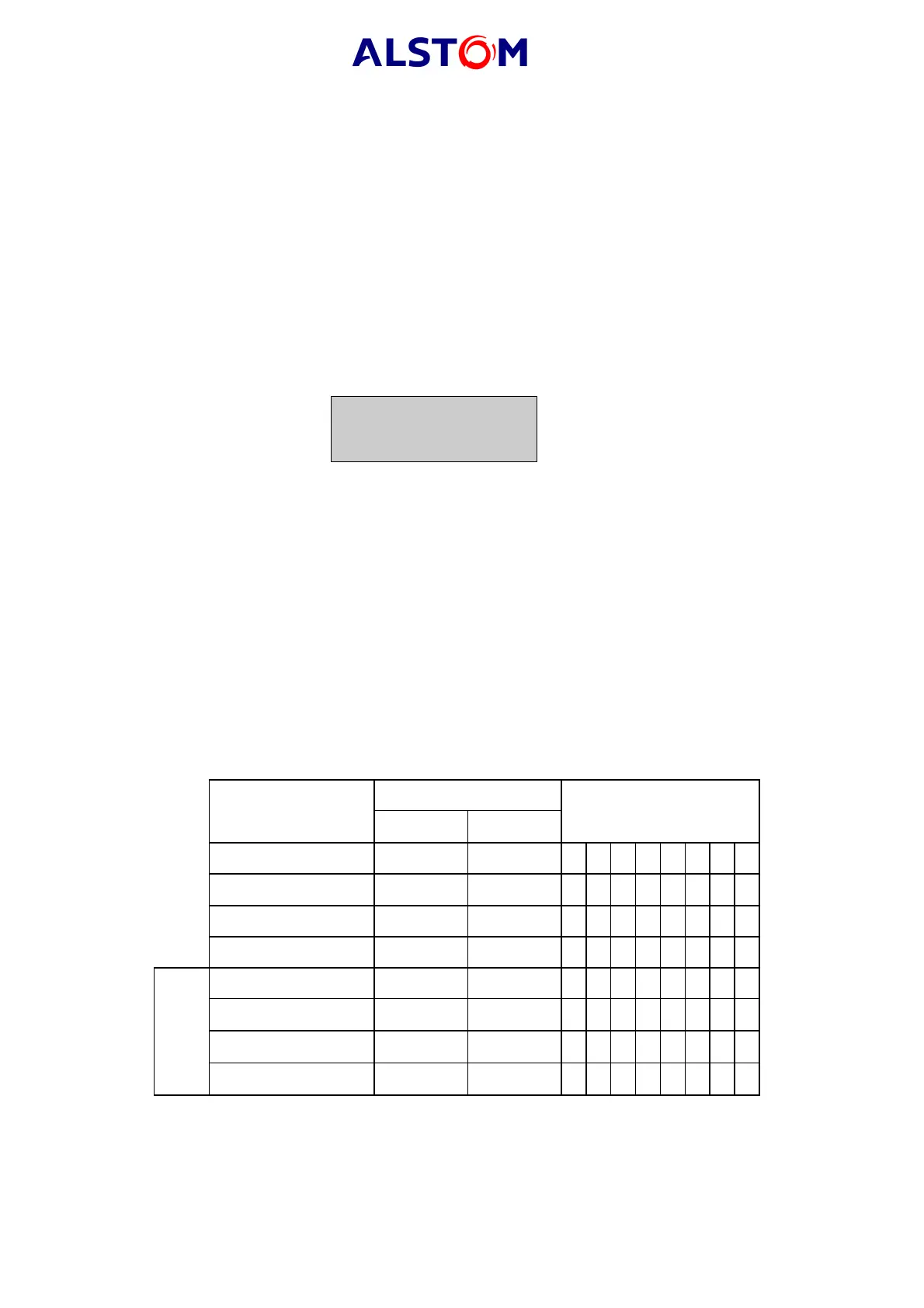
Connect a continuity tester across the terminals corresponding to output relay 1 given
in Table 4.
To actuate each output relay, activate the "Undervoltage" function, 1
st
stage.
Allocate the instantaneous information (V<) to the relay to be tested; for example,
enter the following settings in the "OUTPUTS" sub-menu of the "CONTROL SYSTEMS"
menu:
V< 8 7 6 5 4 3 2
0 0 0 0 0 0 1
to control relay no. 2.
Repeat the test for each relay, modifying the allocation of the instantaneous
information (V<).
To validate relay RL1 (trip relay), allocate the time-delayed information (tV<) to the
relay in the "CONF DEC" sub-menu of the "CONTROL SYSTEMS" menu.
Operation will be confirmed by the continuity tester operating for a normally open
contact and ceasing to operate for a normally closed contact.
NOTE: It should be ensured that thermal ratings of anything connected
to the output relays during the test procedure is not exceeded by
the associated output relay being operated for too long. It is
therefore advised that the time between application and removal
of relay testing is kept to the minimum.
Monitor terminals Output relays states
Output relays
N/C N/O 87654321
Relay 1 2-4 2-6 00000001
Relay 2 8-10 8-12 00000010
Relay 3 - 14-16 00000100
Relay 4 - 18-20 00001000
Relay 5 - 1-3 00010000
Relay 6 - 5-7 00100000
Relay 7 - 9-11 01000000
P922-P923
Relay 8 - 13-15 10000000
TABLE 4 : RELAY OUTPUT TERMINALS



 To Next Page