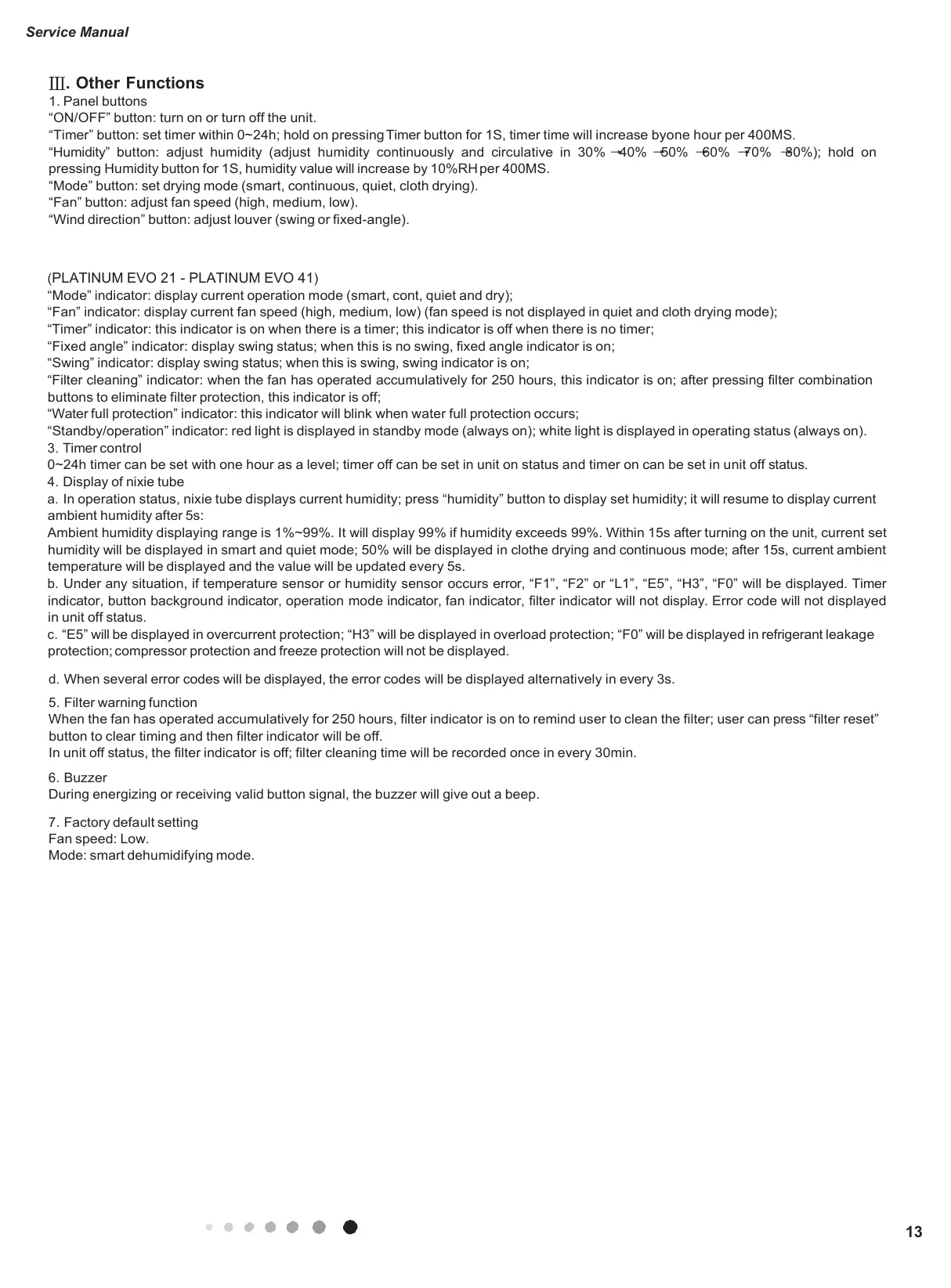
. Other Functions
1. Panel buttons
“ON/OFF” button: turn on or turn off the unit.
“Timer” button: set timer within 0~24h; hold on pressing Timer button for 1S, timer time will increase byone hour per 400MS.
“Humidity” button: adjust humidity (adjust humidity continuously and circulative in 30% 40% 50% 60% 70% 80%); hold on
pressing Humidity button for 1S, humidity value will increase by 10%RH per 400MS.
“Mode” button: set drying mode (smart, continuous, quiet, cloth drying).
“Fan” button: adjust fan speed (high, medium, low).
“Wind direction” button: adjust louver (swing or fixed-angle).
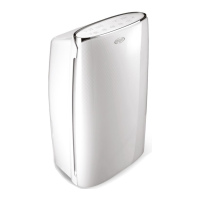
(PLATINUM EVO 21 - PLATINUM EVO 41)
“Mode” indicator: display current operation mode (smart, cont, quiet and dry);
“Fan” indicator: display current fan speed (high, medium, low) (fan speed is not displayed in quiet and cloth drying mode);
“Timer” indicator: this indicator is on when there is a timer; this indicator is off when there is no timer;
“Fixed angle” indicator: display swing status; when this is no swing, fixed angle indicator is on;
“Swing” indicator: display swing status; when this is swing, swing indicator is on;
“Filter cleaning” indicator: when the fan has operated accumulatively for 250 hours, this indicator is on; after pressing filter combination
buttons to eliminate filter protection, this indicator is off;
“Water full protection” indicator: this indicator will blink when water full protection occurs;
“Standby/operation” indicator: red light is displayed in standby mode (always on); white light is displayed in operating status (always on).
3.
Timer control
0~24h timer can be set with one hour as a level; timer off can be set in unit on status and timer on can be set in unit off status.
4.
Display of nixie tube
a.
In operation status, nixie tube displays current humidity; press “humidity” button to display set humidity; it will resume to display current
ambient humidity after 5s:
Ambient humidity displaying range is 1%~99%. It will display 99% if humidity exceeds 99%. Within 15s after turning on the unit, current set
humidity will be displayed in smart and quiet mode; 50% will be displayed in clothe drying and continuous mode; after 15s, current ambient
temperature will be displayed and the value will be updated every 5s.
b.
Under any situation, if temperature sensor or humidity sensor occurs error, “F1”, “F2” or “L1”, “E5”, “H3”, “F0” will be displayed. Timer
indicator, button background indicator, operation mode indicator, fan indicator, filter indicator will not display. Error code will not displayed
in unit off status.
c.
“E5” will be displayed in overcurrent protection; “H3” will be displayed in overload protection; “F0” will be displayed in refrigerant leakage
protection; compressor protection and freeze protection will not be displayed.
d.
When several error codes will be displayed, the error codes will be displayed alternatively in every 3s.
5.
Filter warning function
When the fan has operated accumulatively for 250 hours, filter indicator is on to remind user to clean the filter; user can press “filter reset”
button to clear timing and then filter indicator will be off.
In unit off status, the filter indicator is off; filter cleaning time will be recorded once in every 30min.
6.
Buzzer
During energizing or receiving valid button signal, the buzzer will give out a beep.
7.
Factory default setting
Fan speed: Low.
Mode: smart dehumidifying mode.







 To Next Page