ARIESAUTOMOTIVE.COM
•
NEED ASSISTANCE?
•
87 7. 2 8 7. 8 6 3 4
•
3025183-INS-RB
•
PAGE 4
Step 8
With the steps functioning properly,
re-install all trim panels, carpet and
other removed items.
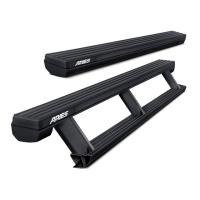
Congratulations on the installation of your new
ARIES ActionTrac
™
powered running boards.
With the running boards installed, periodic
inspections should be performed to ensure
all mounting hardware remains tight.
To protect your investment, see the
'Notes and Maintenance' section on
the first page of this instruction manual.
Step 7
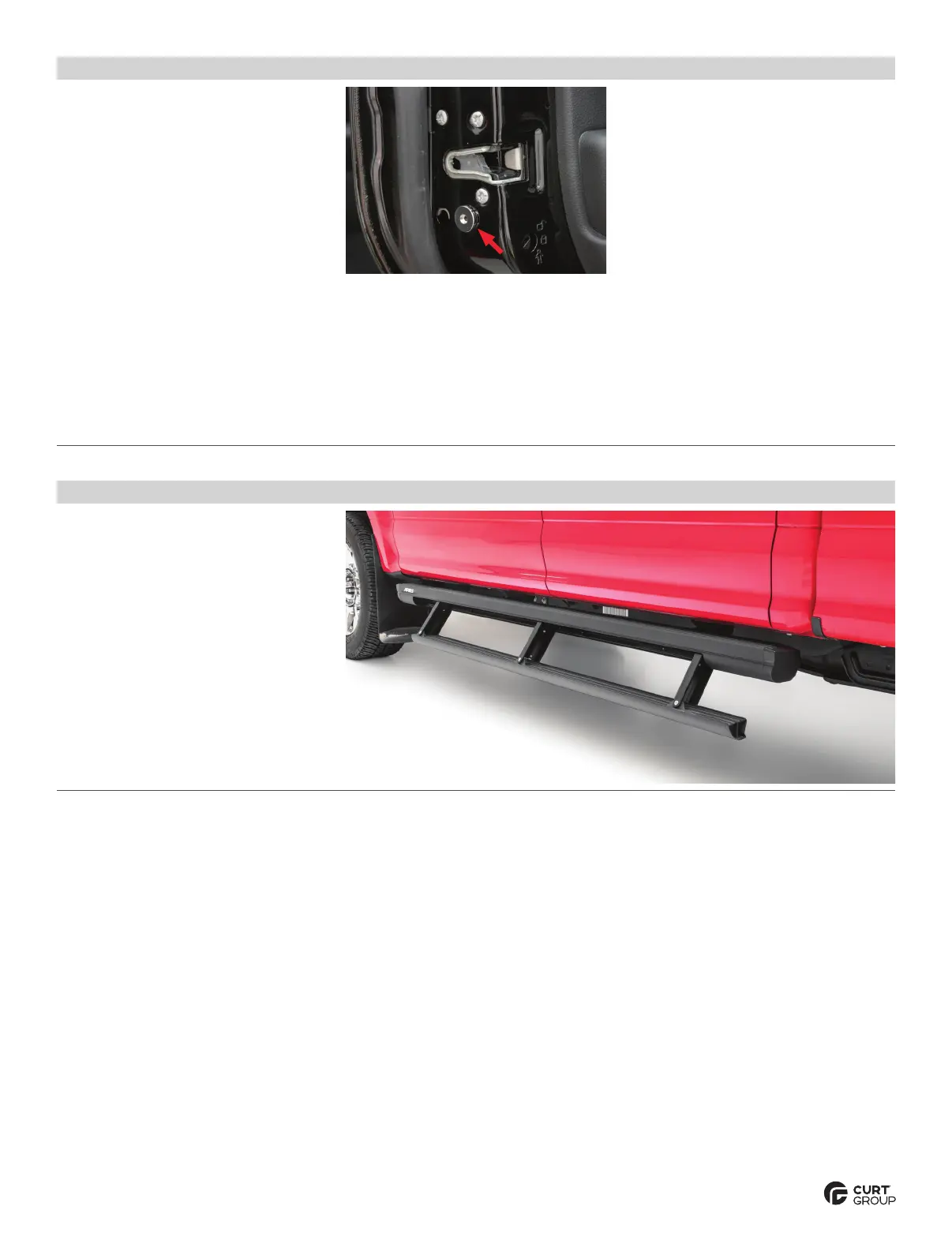
With power connected to the installed wire
harness, temporarily position the supplied
magnets on the doors to align with the
sensors when the doors are closed.
Repeat this for the other three doors.
Note: On vehicles with aluminum
body panels, non-marking tape may be
used to temporarily secure the magnets.
With the magnets in position and the
system power switched on, test the
boards by opening each door independently
to ensure proper step function.
Once all magnet locations are confirmed and
the system is operating correctly, mark the
magnet positions and permanently install
using the 3/4" x 3/4" double-sided tape.
Note: If there are any issues with the step
function refer to the 'Troubleshooting' section
on the last page of this installation manual.


 To Next Page