Electromagnetic Flowmeter M-910
58
Operation manual
Appendix B M910 Menu structure
There are three types of menu for parameters setting:
Setup menu
Calibration menu
Service menu
Access to these menus is enabled after pushing the key “ENTER” from the Main menu. Each menu has its own
password and you can enter this menu using an appropriate password only. Setup password you can change in
setup menu, calibration password you can change in calibration menu. Service password is fixed and can be used
for service purpose only (it is not described in this manual).
Setup menu has following submenus:
1 INPUT/OUTPUT
2 FLOWMETER
3 GENERAL
Calibration menu has following submenus:
1 INPUT/OUTPUT
2 FLOWMETER
3 GENERAL
4 CALIBRATION
Service menu has following submenus:
1 INPUT/OUTPUT
2 FLOWMETER
3 GENERAL
4 CALIBRATION
5 SERVICE (not described in this manual)
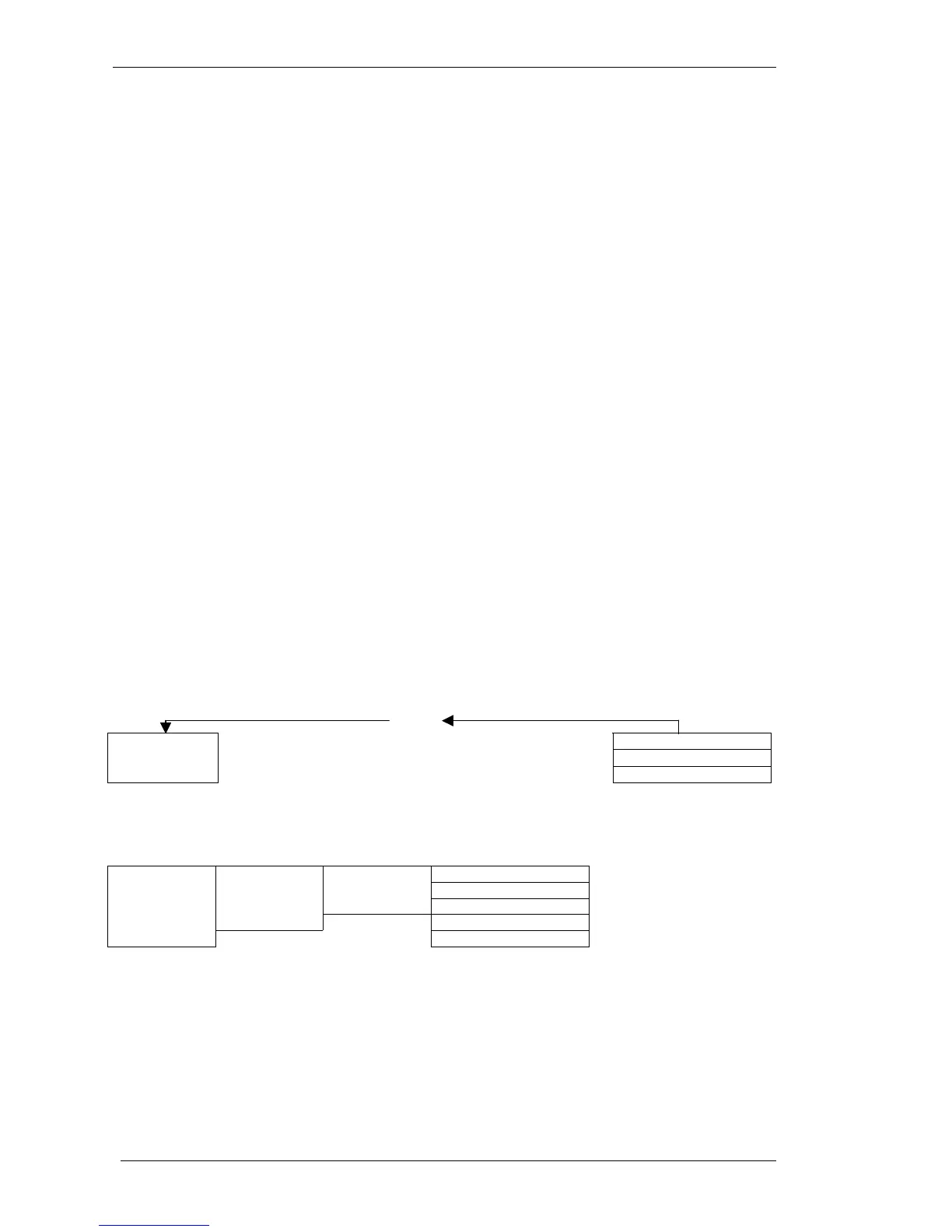
Menu structure – password required
ESC
-> ENTER - SETUP PASSWORD – ENTER
SETUP MENU
-> ENTER - CALIBRATION PASSWORD – ENTER
CALIBRATION MENU
MAIN
MENU
-> ENTER – SERVICE PASSWORD - ENTER
SERVICE MENU
1 INPUT/OUTPUT
2 FLOWMETER
SETUP
MENU
3 GENERAL
CALIBRATION
MENU
4 CALIBRATION
SERVICE
MENU
5 SERVICE



 To Next Page