80
EN
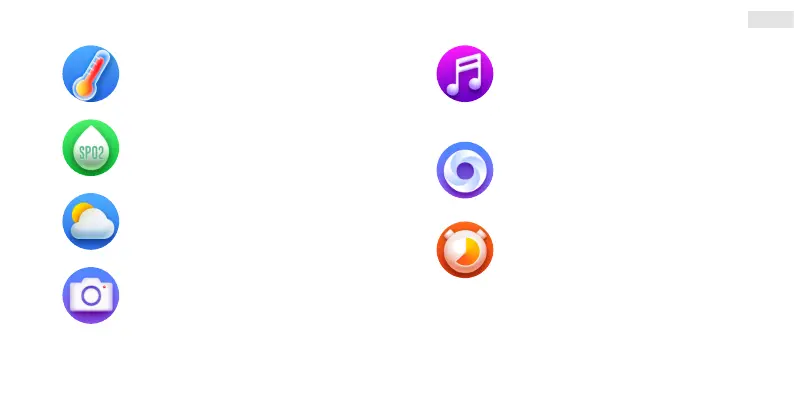
Blood pressure
Activate by tapping.
After switching, wait for the measurement to
begin and end.
SpO2 – Oxygen levels
Activate by tapping.
After switching, wait for the measurement to
begin and end.
Weather
In the app, tap on “Others” (Fig. 3) and set and
allow the Weather function (Fig. 7). The data in
the watch is updated according to the weather
data collected by the phone app.
Shutter
Open the Da Fit app and tap on “Shutter” on the
phone (Fig. 3). Tap on “Shutter” on the watch to
take a photo. The phone must always be paired
with the watch for the shutter function to work.
Music player
Tap to enter the music player menu. Tap to play/
stop, skip one track forward or backward or to set
volume. The audio output is from the phone,
which is why the watch must be paired with the
phone.
Breathe
Activate by tapping and releasing – inhale and
exhale according to the display.
Game
Tap to enter the games menu.
Young bird – avoid obstacles by tapping.
2048 - the objective of the game is to connect
tiles with the same number which then combine
to form a new tile with a number which is double
that of the original number and to reach the target
of 2048.


 To Next Page