EasyManua.ls Logo

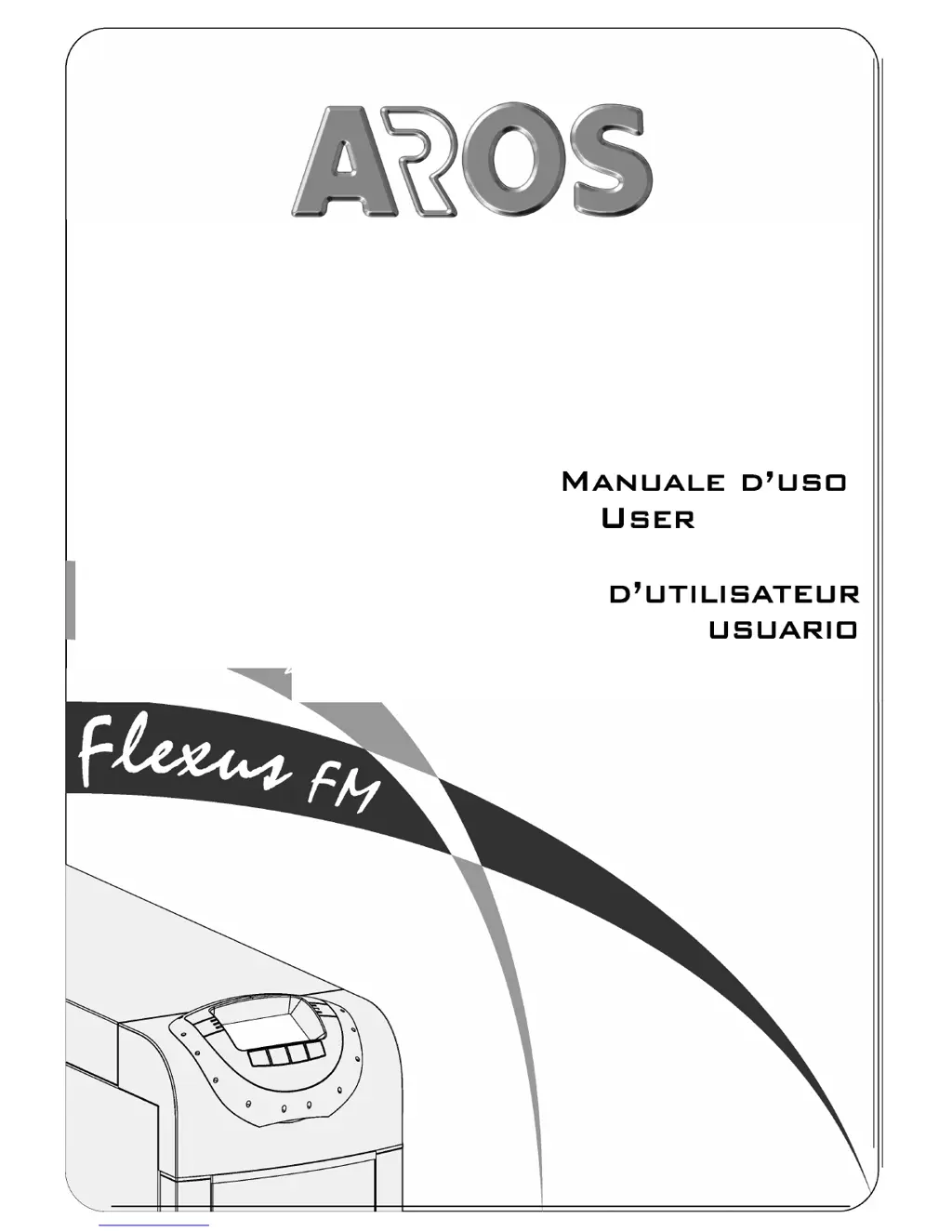
Aros Flexus FM Series - User Manual

Aros Flexus FM Series
51 pages
Print Icon
To Next Page IconTo Next Page
Loading...
THE SCIENCE OF CONTINUITY
MANUALE
D’USO
USER
MANUAL
B ETRIEBSHANDBUCH
M ANUEL
D’UTILISATEUR
M ANUAL DE
USUARII

Table of Contents

Questions and Answers

  • M
    Mary PayneJul 29, 2025
    What to do if my Aros UPS doesn't switch to standby mode?
    • K
      Kimberly HarrisJul 29, 2025
      If your Aros UPS, connected to the mains, fails to switch to standby mode, indicated by the red block/standby LED not flashing, no beep sounds, and the display not lighting up, several factors could be at play. First, check for a missing connection to the input terminal and ensure the mains are properly connected according to the installation instructions. Secondly, verify the neutral connection. If the 1/0 switch behind the door is in the '0' position, set it to '1'. Also, ensure the SWIN switch behind the door is closed. In case of a mains power failure, confirm that power is restored and, if needed, switch on the batteries to power the load. Lastly, check for any upstream protection device interventions and restore the protection.

Summary

BATTERY BOX (OPTIONAL)

INSTALLATION

ELECTRICAL CONNECTIONS

Electrical Connection Diagrams

Illustrates various UPS connection diagrams to electrical systems.

PROTECTIONS INSIDE THE UPS

EXTERNAL PROTECTION DEVICES

CABLE SIZES

CONNECTIONS

CONNECTIONS FOR THE MODEL WITH SEPARATE BYPASS

CONNECTION OF UPS SINGLE-PHASE INPUT

R.E.P.O. (REMOTE EMERGENCY POWER OFF)

EXTERNAL SYNC

CONNECTION OF THE REMOTE MAINTENANCE BYPASS

CONNECTING THE BATTERY BOX TO THE UPS

SETTING THE RATED BATTERY CAPACITY - SOFTWARE CONFIGURATION

USE

PRELIMINARY OPERATIONS

POWERING ON FOR THE FIRST TIME

POWERING ON FROM THE MAINS

POWERING ON FROM THE BATTERY

POWERING OFF THE UPS

GRAPHIC DISPLAY

DISPLAY MENUS

OPERATING MODES

MAINTENANCE BYPASS (SWMB)

PROGRAMMABLE AUXILIARY SOCKET (POWER SHARE)

POWER WALK-IN

CONFIGURING THE UPS

Configuration Options Table

Details all configurable parameters for the UPS, including frequency, voltage, modes, etc.

Advanced Functions Table

Lists advanced configuration settings like frequency tolerance, bypass thresholds, and power-on delay.

COMMUNICATION PORTS

SOFTWARE

TROUBLESHOOTING GUIDE

Common UPS Problems and Solutions

Lists common UPS operational problems, their causes, and solutions.

Display Error Codes and Troubleshooting

Addresses specific display error codes and their corresponding troubleshooting steps.

Troubleshooting Specific Error Codes

Provides solutions for various specific error codes displayed by the UPS.

Troubleshooting Overheating and Display Issues

Addresses issues related to overheating, display problems, and fan operation.

STATUS; ALARM CODES

Anomaly, Fault, and Lock Codes

Details codes for minor anomalies, critical faults, and lock conditions.

TECHNICAL SPECIFICATIONS

Input Specifications

Details input specifications like voltage, frequency, tolerance, and technology.

Aros Flexus FM Series Specifications

General IconGeneral
ModelFlexus FM Series
CategoryUPS
Input Voltage220/230/240 VAC
Output Voltage220/230/240 VAC
TopologyLine Interactive
TypeTower
Battery TypeSealed Lead Acid Maintenance Free
CommunicationRS232, USB
Frequency50/60 Hz
Communication InterfaceRS-232 / USB
Operating Temperature0-40°C
Humidity0-95% non-condensing
DimensionsVaries by model
WeightVaries by model

Related product manuals