Antenna Analyzer AIM4170 page 10
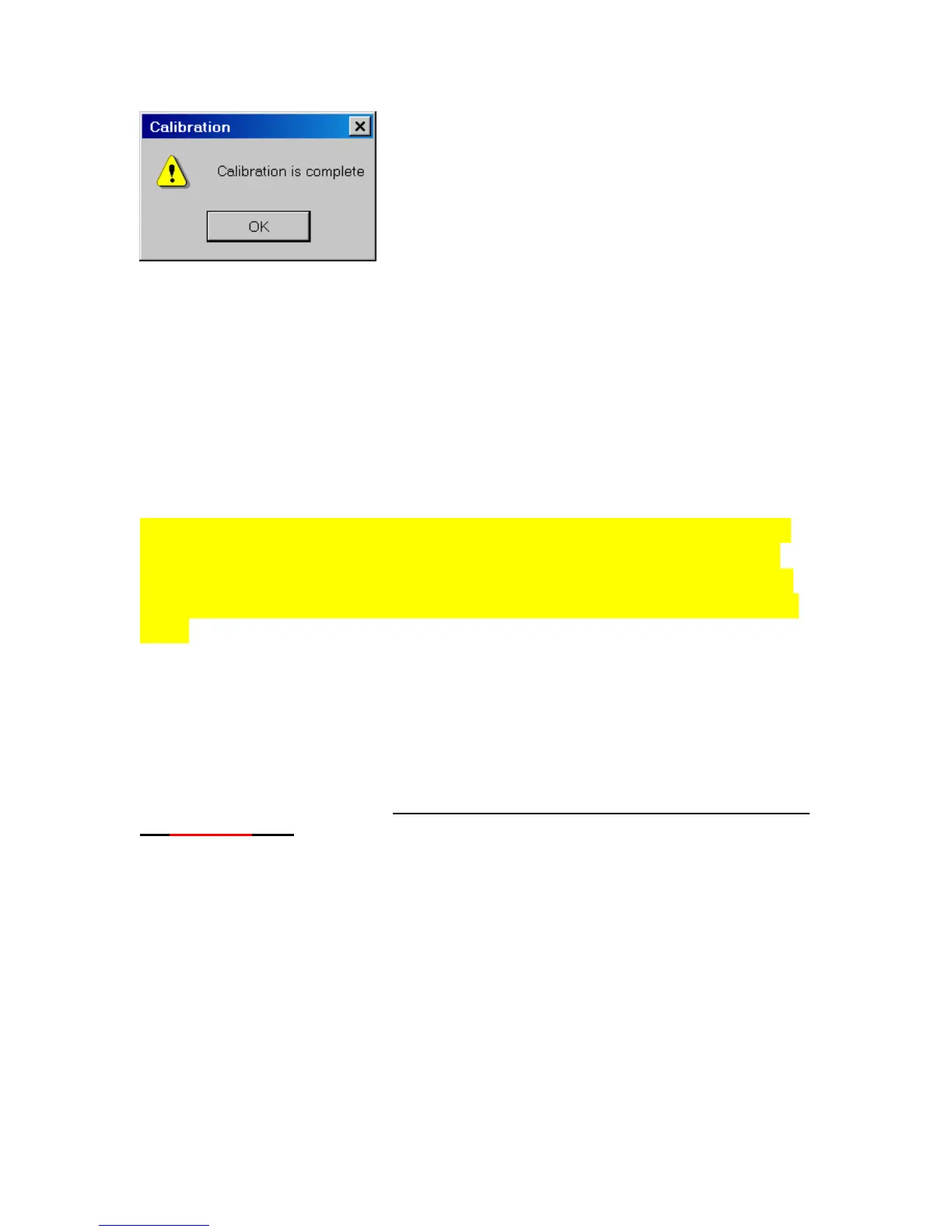
Click OK to continue.
Each time the AIM4170 program starts, the last calibration file that was used will be read
to restore the cal data.
Since there are no adjustments that have to be made inside the case, the calibration is
very stable.
This completes the calibration procedure. Now you are ready to begin testing your
antenna.
NOTE: Before connecting a transmission line to the input of the AIM4170,
be sure to momentarily short its pins together to drain off any static charge
that may be present. Also, be sure there is no DC voltage on the antenna. If
there is DC, use a blocking capacitor between the AIM4170 and the antenna
input.
Antennas and transmission lines can have enough static charge to damage sensitive
electronic equipment. This can happen even when there is no rainstorm in the area.
A strong wind can generate static charge. So can just flexing a coaxial cable by
rolling it up or unrolling it, even if there is no antenna connected to it.
An antenna or a component to be measured should not be connected or
disconnected from the analyzer while a test is in progress. A test is in progress when
the RED LED is on.



 To Next Page