Antenna Analyzer AIM4170 page 9
After taking several reading of the open connector, the program will prompt for the
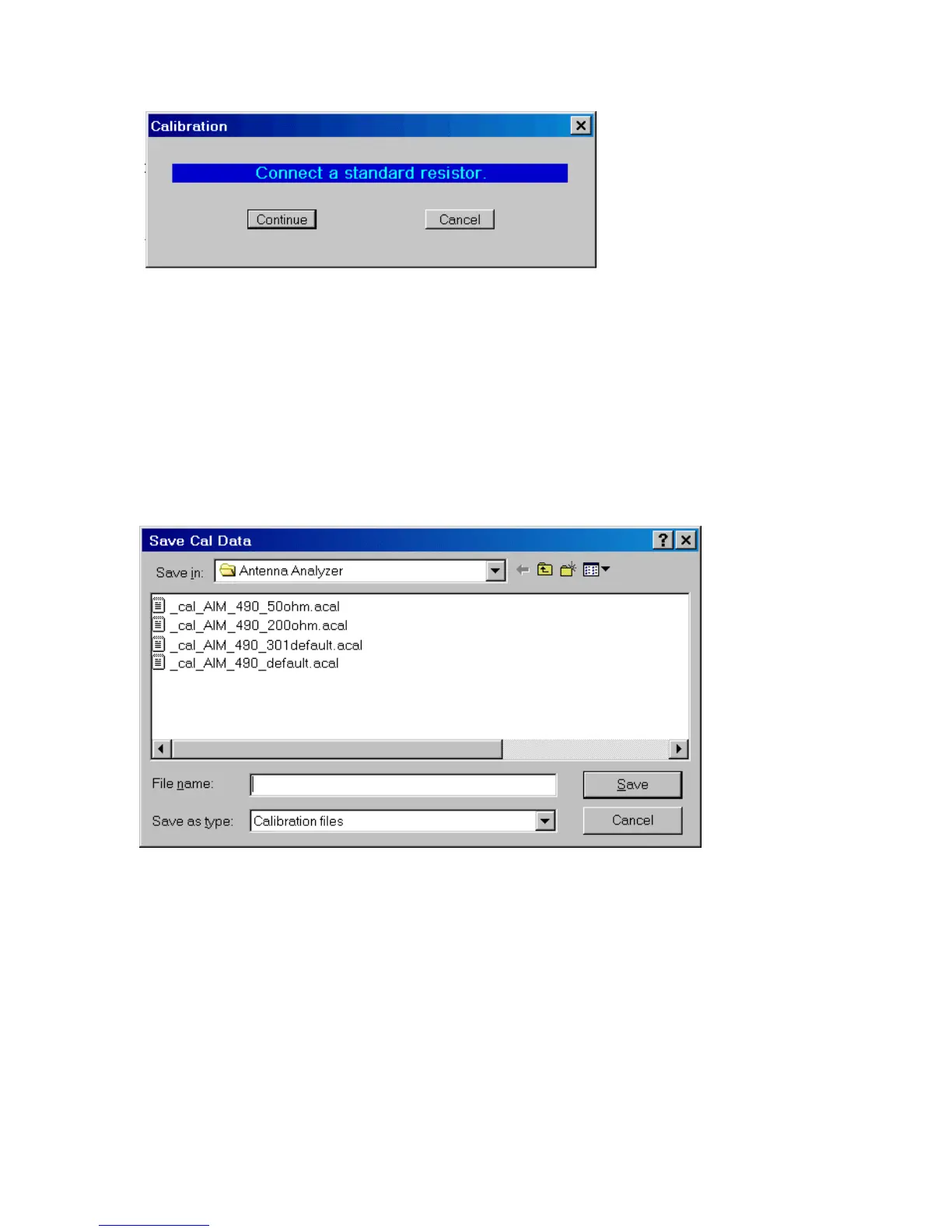
standard resistor with a value between 50 ohms and 500 ohms. This resistor should be
mounted on a connector like those used during the open and short calibration steps. The
exact value is not critical. Enter the value you measured with a digital ohmmeter and
click Continue. If you are using the cal resistor that is included with your AIM, the
number printed on it should be entered. If you have a different cal standard, use that
value.
After reading the standard resistor, the Red LED goes off and the prompt for a
calibration data file name appears:
Enter the name of the calibration file and click “Save”. There is no restriction on the
name of the cal data file. It’s extension is automatically set to .acal (“analyzer cal”). Any
of these cal files can be recalled latter using the menu option “File” Load Cal File.
Then the cal complete message box is displayed as shown below:



 To Next Page