Antenna Analyzer AIM4170 page 12
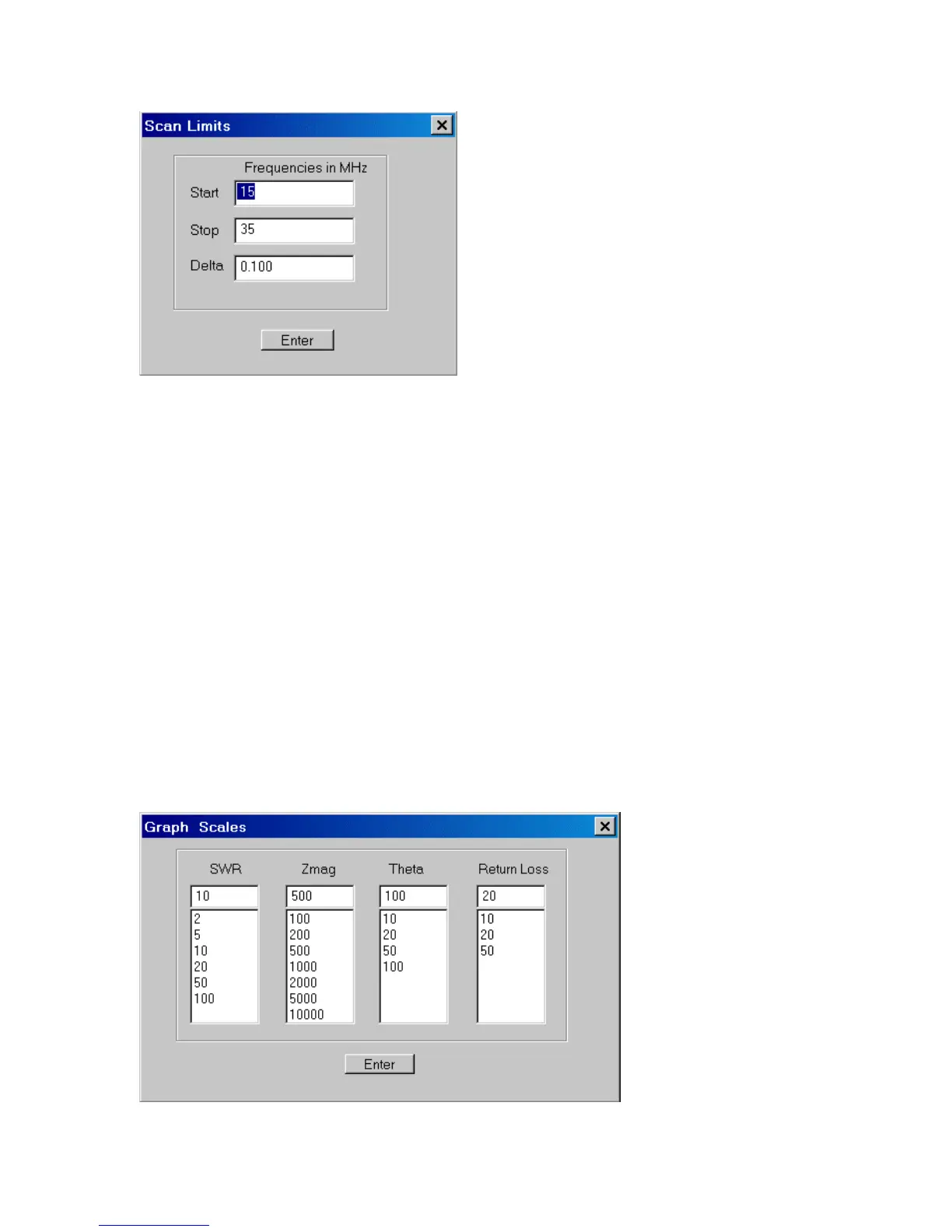
For example, to scan the 40-meter band, you might enter 6.9MHz for the Start
frequency, 7.4MHz for the Stop frequency and 0.01MHz for the frequency Step (the
spacing between measured points). This would result in a scan of 50 points across the
band. The maximum number of scan points is 300 and the minimum number is 5.
You can also enter a number in the Step (delta) box and follow it with the letter “p” for
“points” and the scan will use that many data points. If the number in the Step box is
followed by a percent sign “%”, the step size will be that percentage of the total scan
width.
Note that when using the cursor to read out numeric data (discussed in detail later), the
displayed values are interpolated between the measured values. Therefore, in some cases
it may be desirable to use a larger frequency Step for a faster scan rate. You can still
read the parametric values at intermediate frequencies with the cursor. The scan rate is
about 15 to 25 points per second, depending on the speed of the PC. The program can be
run on older, slower computers with Windows 95 but the scan rate may be slower.
SCALES - When this button is clicked, a dialog box pops up for entering the full-scale
values for: SWR, Zmag (impedance magnitude), Theta (deg), and Return Loss (db).



 To Next Page