Antenna Analyzer AIM4170 page 22
accurate than using a single value for velocity factor since the velocity factor is a
complex function of frequency.
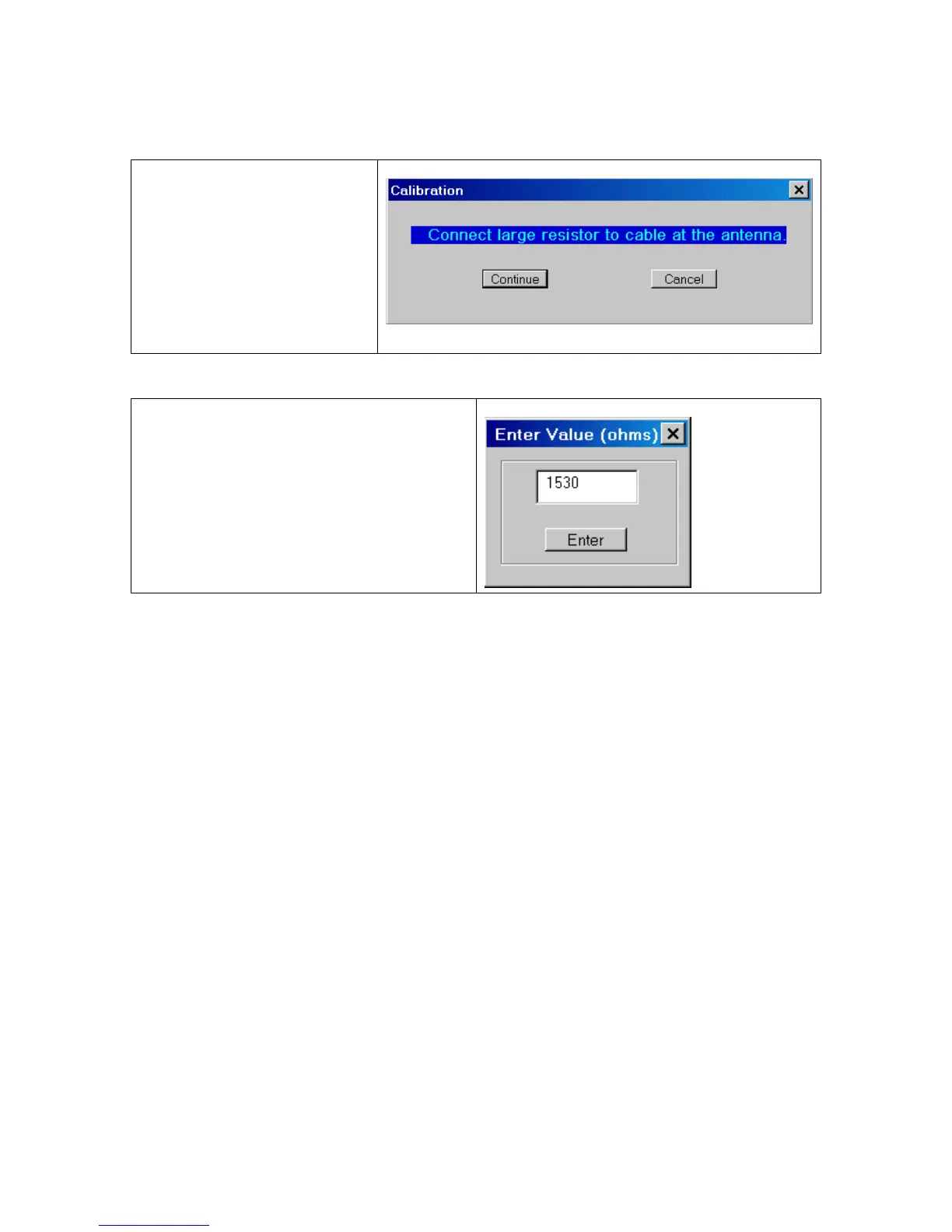
Next, connect a large resistor
in the range of 200 ohms to
2K ohms across the coax.
Again, the actual value is not
critical as long as it is known
accurately.
Click “Continue”
Enter the value of the larger resistor (in
ohms). The last value that was entered will
be displayed as the default value.
The AIM4170 will now scan the specified frequency range and save another table of
parameters that contains information about the cable using the large terminating resistor.
After the cable calibration is complete, the data is saved in a user-specified file. Later
whenever you turn this feature on, there is an option to use any of the cable-calibration
(*.ccal) files that have been saved.
When the reference data is restored from disk, the scan limits will be set to the same
values they had when the cable was calibrated.
After calibration, Method A is enabled by clicking:
Functions -> Refer to Antenna -> A. Use cable cal data.



 To Next Page