Lens & Electronic Control System (ECS) 89
Motor Calibration
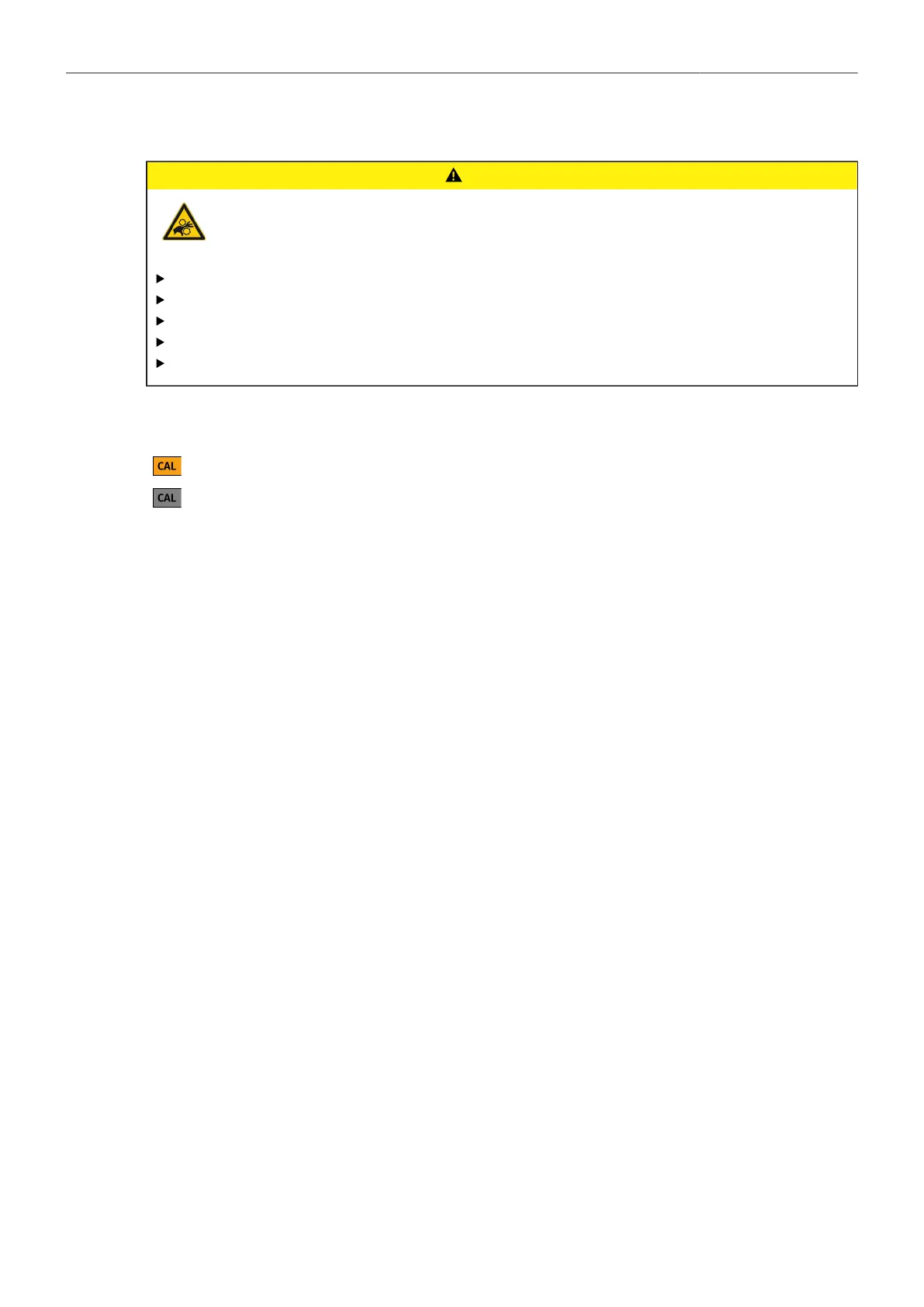
CAUTION!
Rotating Lens Motor
Risk of crushing fingers and capturing and unraveling long hair, jewelry and/or clothing.
Make sure that the lens motor is properly attached to the lens.
Do not touch the lens motor gears while they are moving.
Keep hair and loose clothing away from the motor gear teeth.
Keep cables connected to the camera away from the motor gear teeth.
Do not trigger a calibration unless all connected motors are attached to the lens.
After a lens motor has been connected to the camera, it must first be calibrated before it can be used.
The camera indicates the calibration request by displaying an orange CAL icon on the HOME
screen as well as in the Status Info. The icon turns gray once calibration is in progress, and
expires when calibration has finished.
► Select MENU > Lens + ECS > Calibrate All Motors to start calibration of all connected lens motors.
Alternatively, motor calibration can be triggered via the hand unit or the motor itself.
Motor Torque
► Select MENU > Lens & ECS > LBUS Lens Motor Configuration Focus / Iris / Zoom Motor Torque to
set the torque of a lens motor in the range of 1 (the lowest torque) to 4 (the highest torque).
Motor Direction
► Select MENU > Lens & ECS > LBUS Lens Motor Configuration Focus / Iris / Zoom Motor Direction
to set the motor direction between Left and Right.
Use Left if a lens motor is to the left of the lens, use Right if it is to the right.
Teeth Count
The motor teeth count setting is only active when an LDA lens table is active and is used to assure
correct lens table mappings when using a different motor gear than the one the lens table was initially
created with. The number of teeth can be read on the gear wheel of the motor.
► Select MENU > Lens & ECS > LBUS Lens Motor Configuration Focus / Iris / Zoom
Motor Teeth Count to set the teeth count.
Following options are available:
Auto
40t
50t
60t
The camera determines the teeth count during motor calibration.
The motor is equipped with a 40 tooth gear.
The motor is equipped with a 50 tooth gear.
The motor is equipped with a 60 tooth gear.
22.3 Lens Data
ARRI Lens Data System (LDS)
The Lens Data System (LDS) allows ARRI cameras and accessories to identify connected lenses and
exchange dynamic lens data reflecting the current lens settings. It works with cine lenses using ARRI
LDS or LDS-2 technology, lenses using Cooke /i technology and even cine lenses without lens data
capabilities. LDS also offers basic support for most B4 or PL ENG lenses and Canon photo lenses



 To Next Page