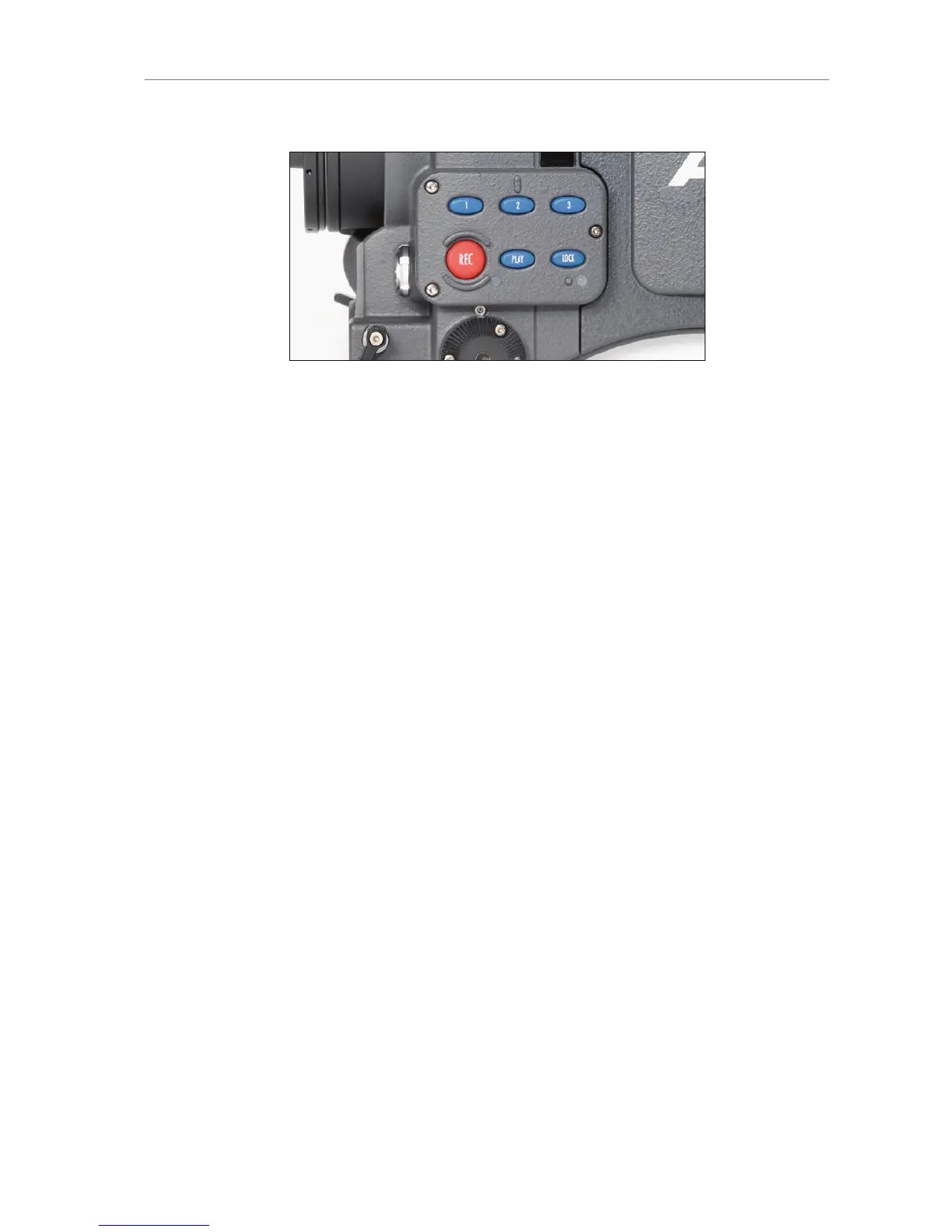
Figure 75: Operator UI
11.3 EVF-1 Controls
The EVF-1 controls are located on the electronic viewfinder. They
consist of a number of function buttons and a jogwheel.
CAM Press the CAM button to open the EVF-1's CAM
menu.
EVF Press the EVF button to open the EVF-1's EVF
menu.
ZOOM
Press the ZOOM button to magnify the EVF-1
image 2.25x for focus check. The magnification
ratio is 1:1, or one sensor pixel to one EVF-1
display pixel. Active magnification is indicated by
an orange frame around the image. Frame lines
are deactivated while zoom is active.
EXP Press the EXP button (EXP = EXPOSURE) to
toggle false color display on and off.









 To Next Page