18
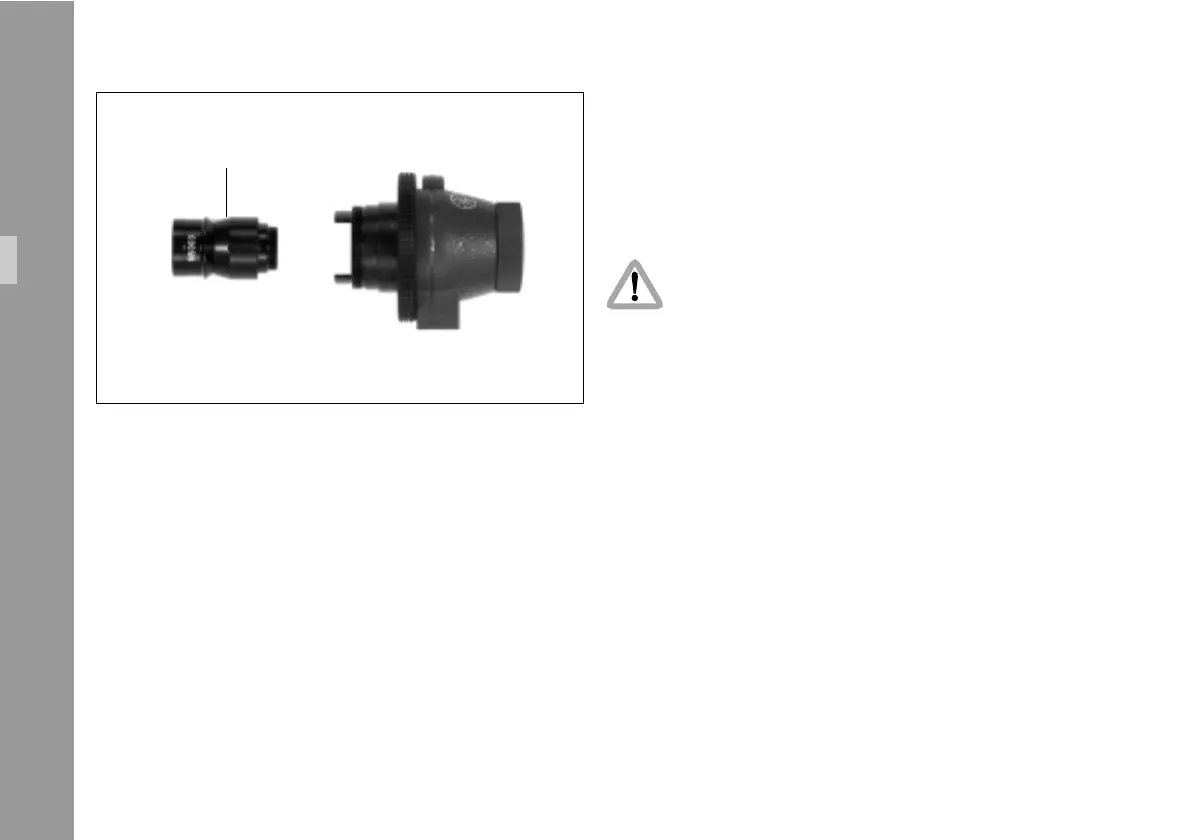
• Insert the video lens with the thread first into the CCD
optic module as far as it will go §.
• Turn the lens left or right to insert the iris key into its
path and push the lens further in. Close the thread
clockwise until the lens is secured.
The video lens must be properly inserted into
the lens mount until the end of the thread.
Uncomplete insertion might result in damage to
the beam splitter when attaching the unit to the
camera body.
• Re-attach the cover and protecting cap on the CCD
optic module.
• To release the lens again, rotate carefully counter-
clockwise until loose and pull forwards to remove.
optic
Setup



 To Next Page