37
cover
5.3 Aligning the Image
and Focusing
The position of the image on the CCD chip can vary slightly
from film camera to film camera. The video image on the
monitor may appear not centered. In addition, it is necessary
to focus the lens on every new film camera.
All settings can be made by using a 1.5 mm allen key.
Do not use force!
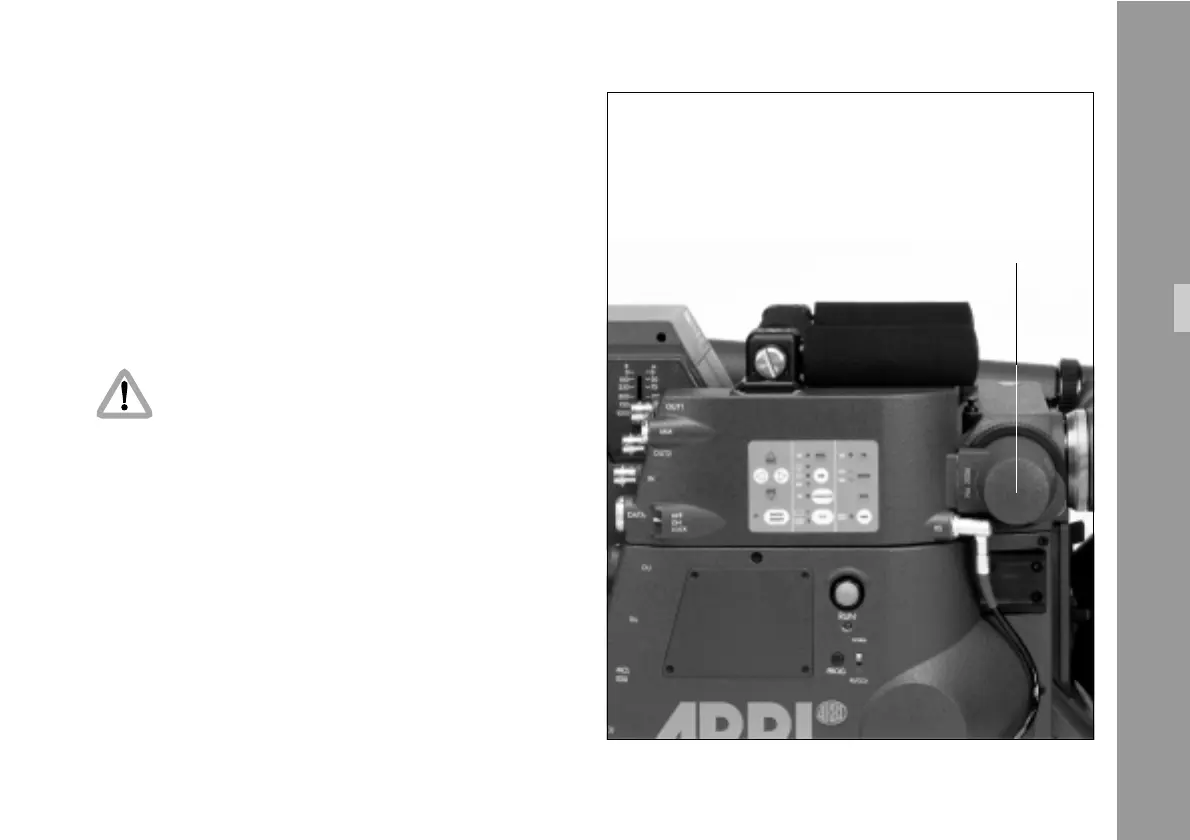
Both adjustments can be made on the CCD optic module.
Note: Make sure that the iris is fully open during
focusing in order to optimize focus.
• Remove the cover § located at the end of the
module by twisting it counter-clockwise to access
alignment screws.
Standard Video Controls



 To Next Page