85
T.V. SAFE / TRANSMITTED
SUB MENU
> DISPLAY
VERT.
POS. 3
WHITE
LEVEL 2
INVERSE OFF
ALL
STANDARD
EXIT
11:24:30/03 100297C1 A1
SUB MENU
> DISPLAY
VERT.
POS. 3
WHITE
LEVEL 2
ALL
STANDARD
EXIT
INVERSE OFF
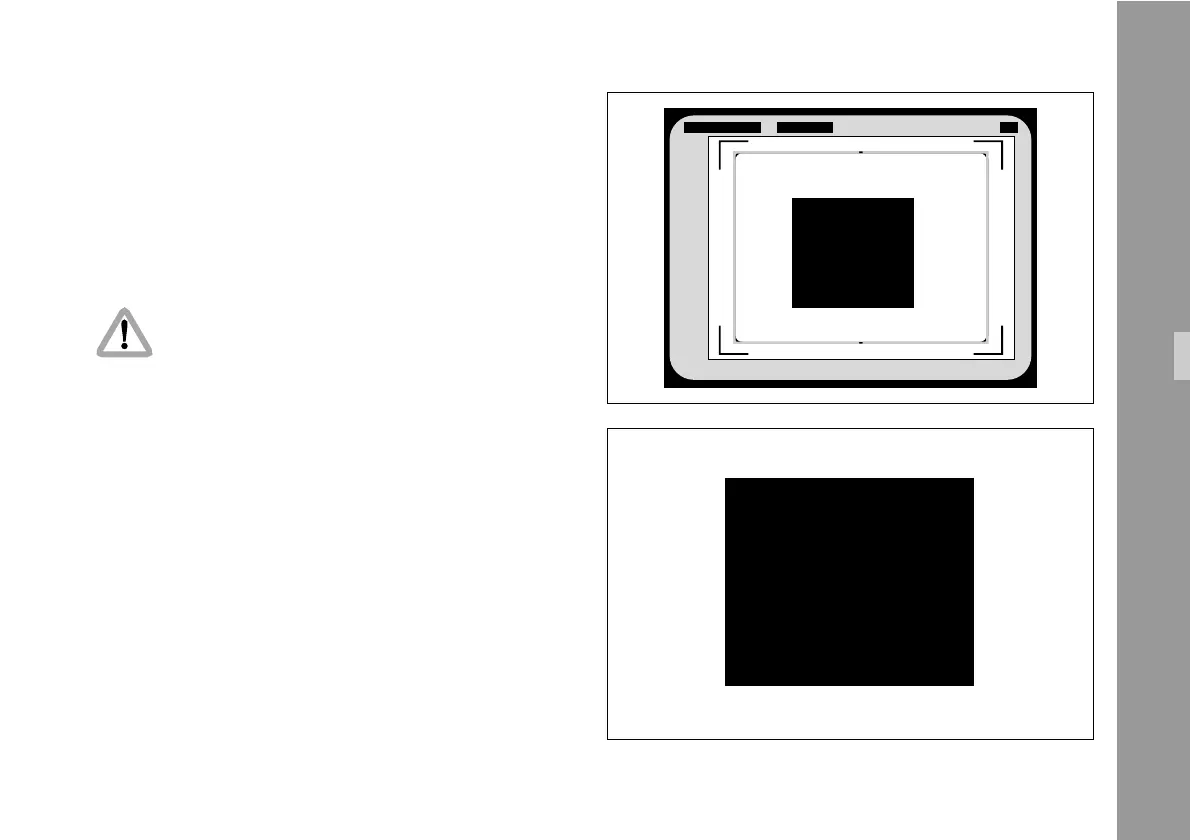
6.9 Display Menu
In the sub menu DISPLAY it is possible to change
some basic settings, which affect all active man-readable
windows of the inserter at the same time.
• Enter the DISPLAY Menu from the Main Menu.
All settings are immediately activated by
changing them.
Check all settings on the connected monitor.
Inserter Facilities



 To Next Page