95
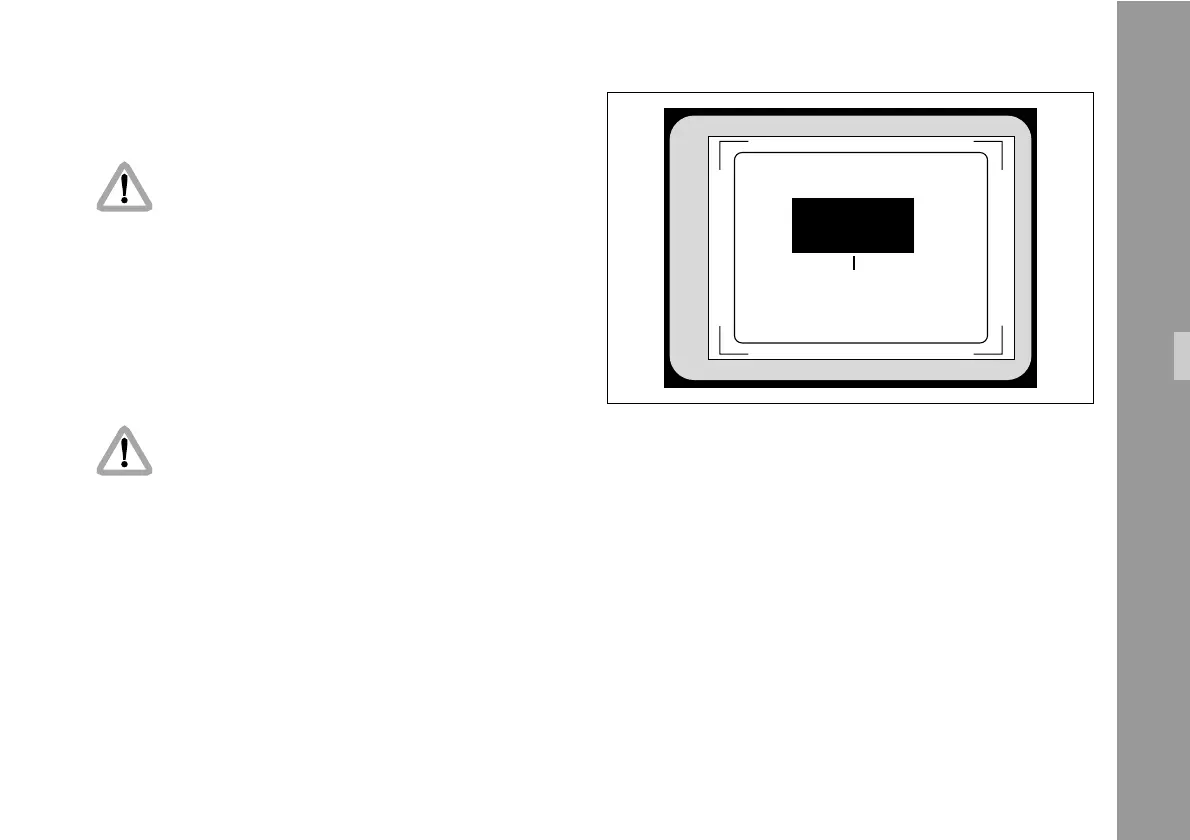
T.V. SAFE / TRANSMITTED
SUB MENU
POS. 11
> WHITE L. ON
EXIT
6.11 White Line Menu
For all TC- and related functions, the ARRIFLEX
535B must be equipped with the data cable ZV4
and the IVS must be in flicker free mode.
The IVS can generate information on whether the current
video image corresponds to a new film frame or whether
it is a repeated video image. The White-Line flag displays
this in machine readable form.
• Enter the WHITE LINE Menu from the Main Menu.
All settings are immediately activated by
changing them.
Check all settings on the connected monitor.
Inserter Facilities



 To Next Page