TCP/IP Configuration for Windows XP
Follow these steps to configure the TCP/IP settings on a Windows XP operating sys-
tem.
Note: Dialog boxes shown on your computer may differ slightly from those
shown in this procedure.
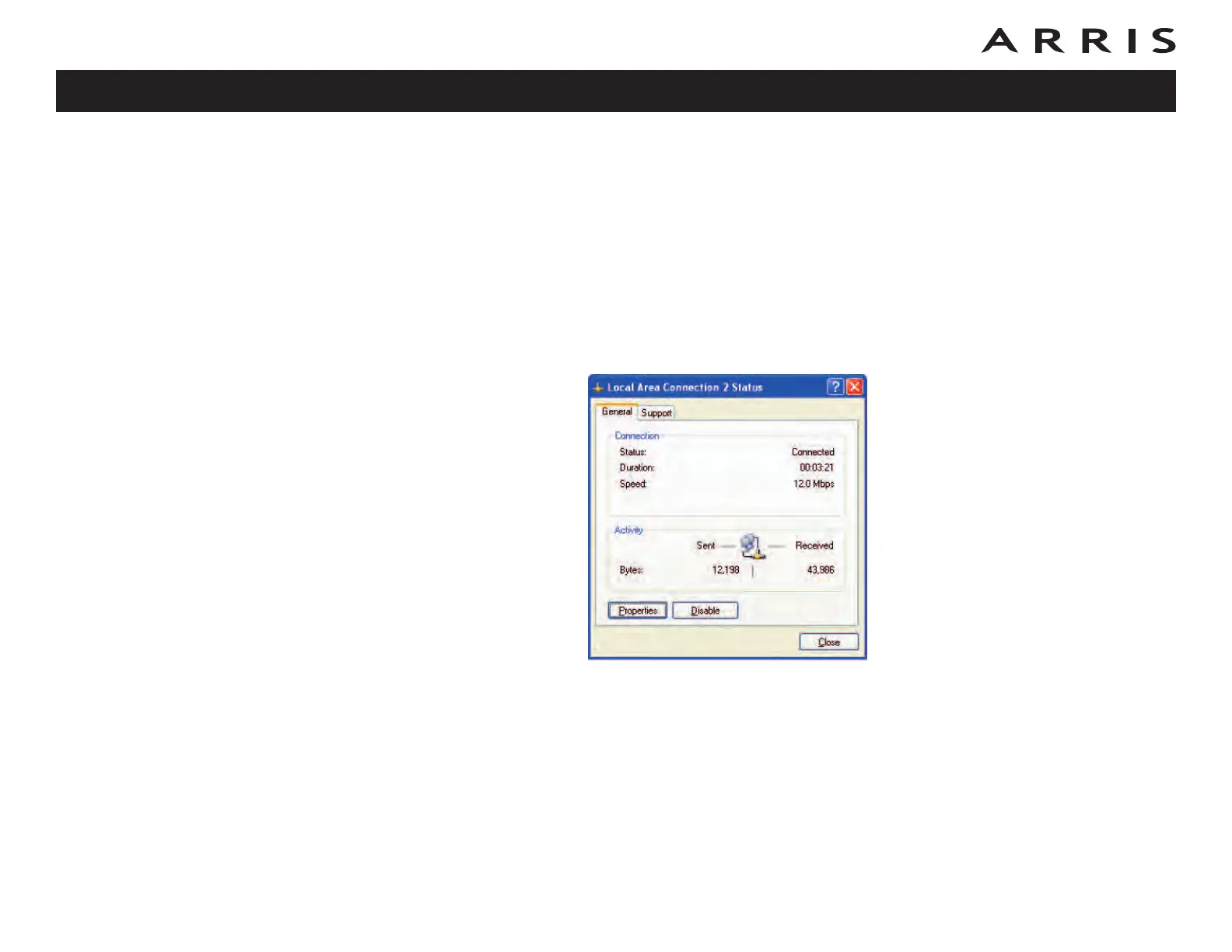
1 From the computer, select Start > Settings > Control Panel and double
click on the Network Connections icon in the Control Panel.
2 Click the Configuration tab in the Network window to display the list of
Network Adapters.
Touchstone TM604 Telephony Modem User’s Guide
Safety
Getting
Started
Battery
Installation
Installation
Ethernet
Configuration
Usage Troubleshooting Glossary
31















 To Next Page