TCP/IP Configuration for Windows 2000
Follow these steps to configure the Ethernet interface on a Windows 2000 operat-
ing system.
Note: Dialog boxes shown on your computer may differ slightly from those
shown in this procedure.
1 From the computer, select Start > Settings > Network and Dial-up Con-
nections > Local Area Connection.
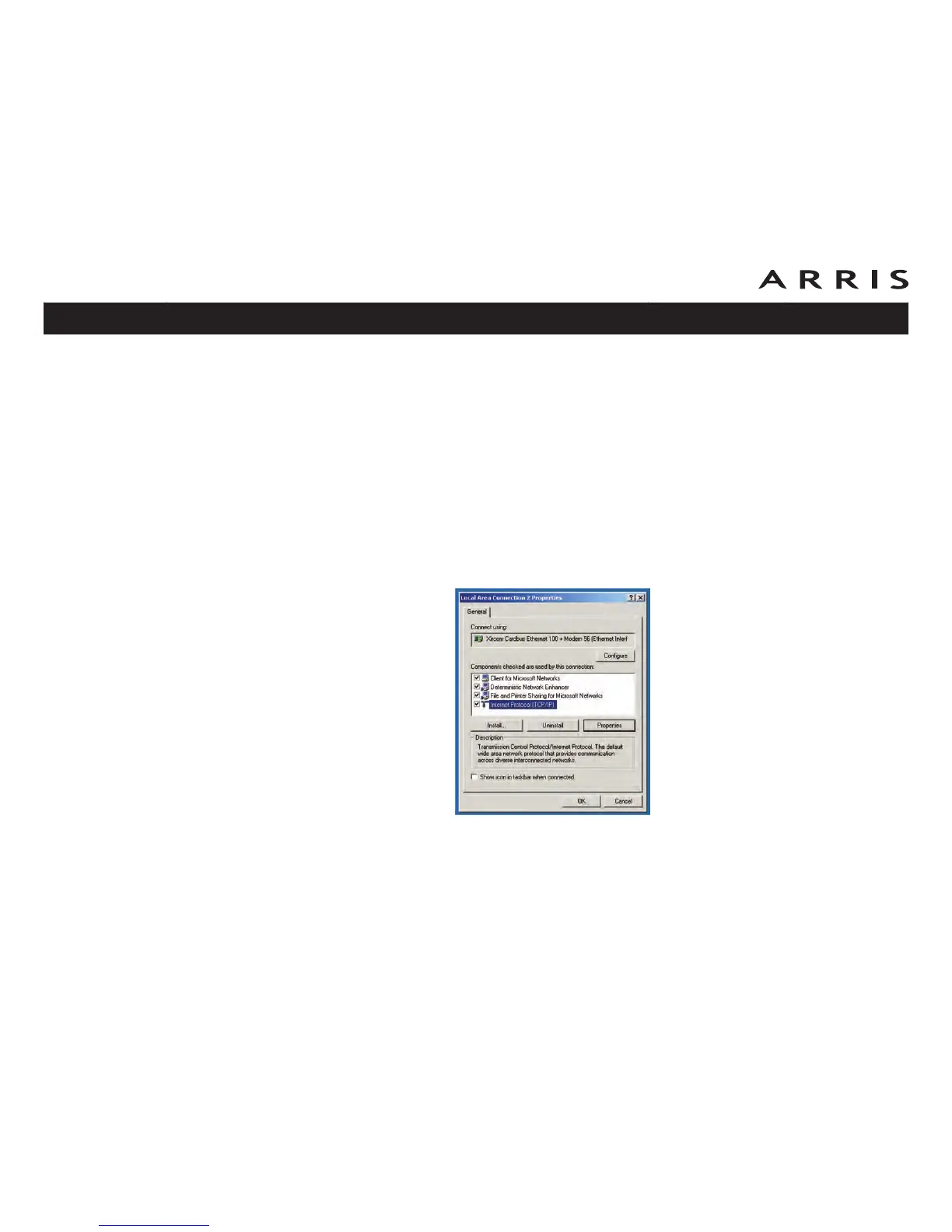
2 In the Local Area Connections Properties window, highlight TCP/IP by click-
ing on it one time, then click on Properties.
Note: If your computer has more than one Ethernet card, you may have to
select the appropriate Ethernet card in the Connect using: area of the Local
Area Connection Properties window.
Touchstone TM902 Telephony Modem User’s Guide
Safety
Getting
Started Installation
Ethernet
Configuration Usage Troubleshooting Glossary
21















 To Next Page