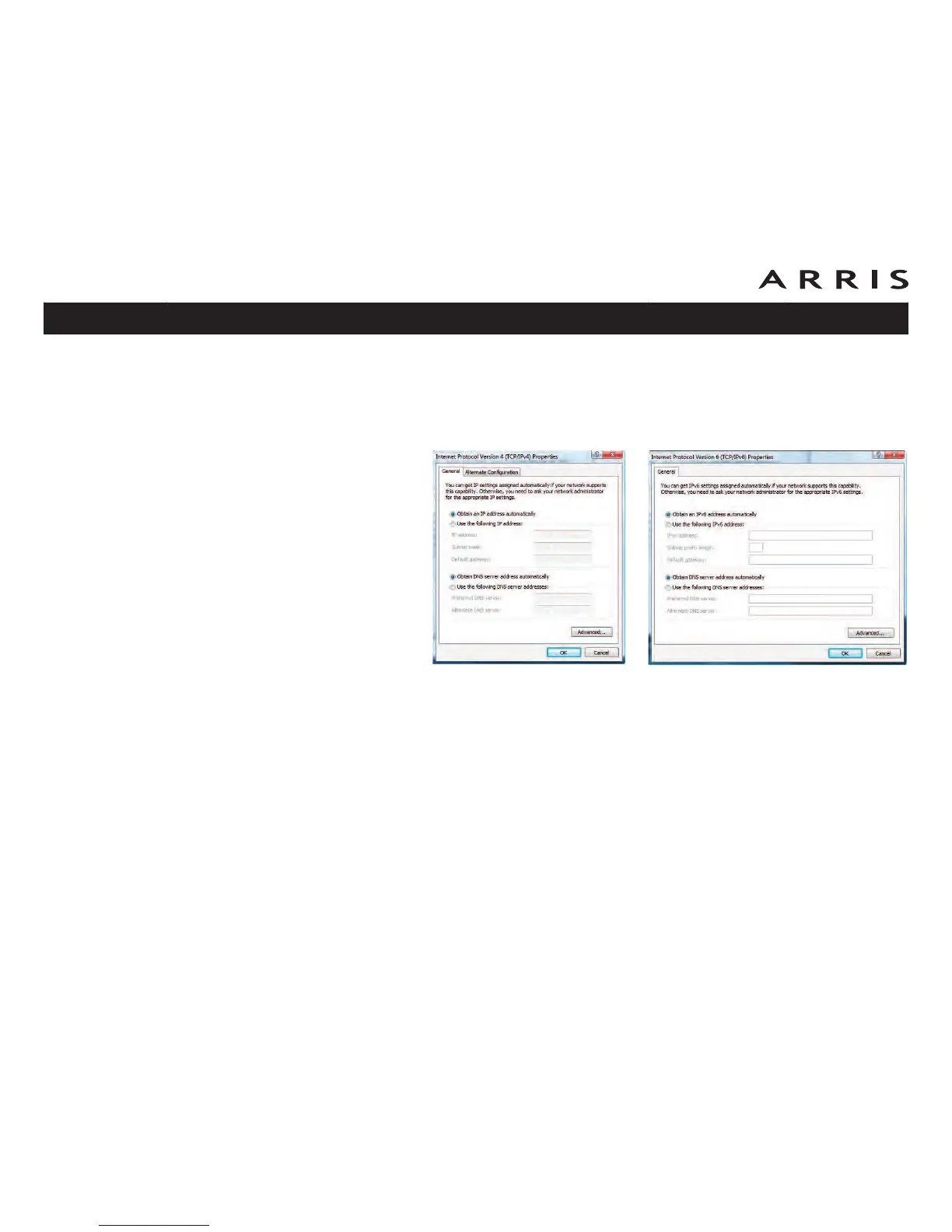
5 Double-click Internet Protocol Version 4 (TCP/IPv4) to configure
TCP/IPv4.
Note: If your cable provider requires TCP/IP version 6, double-click Inter-
net Protocol Version 6 (TCP/IPv6) to configure TCP/IPv6.
The TCP/IP properties window for the version you selected displays.
6 For either TCP/IPv4 or TCP/IPv6, select Obtain an IP address automati-
cally and Obtain DNS server address automatically, unless instructed
otherwise by your cable provider.
7 Click OK to accept the new settings and close the Properties window.
Touchstone TM902 Telephony Modem User’s Guide
Safety
Getting
Started Installation
Ethernet
Configuration Usage Troubleshooting Glossary
28
TCP/IPv6 PropertiesTCP/IPv4 Properties















 To Next Page