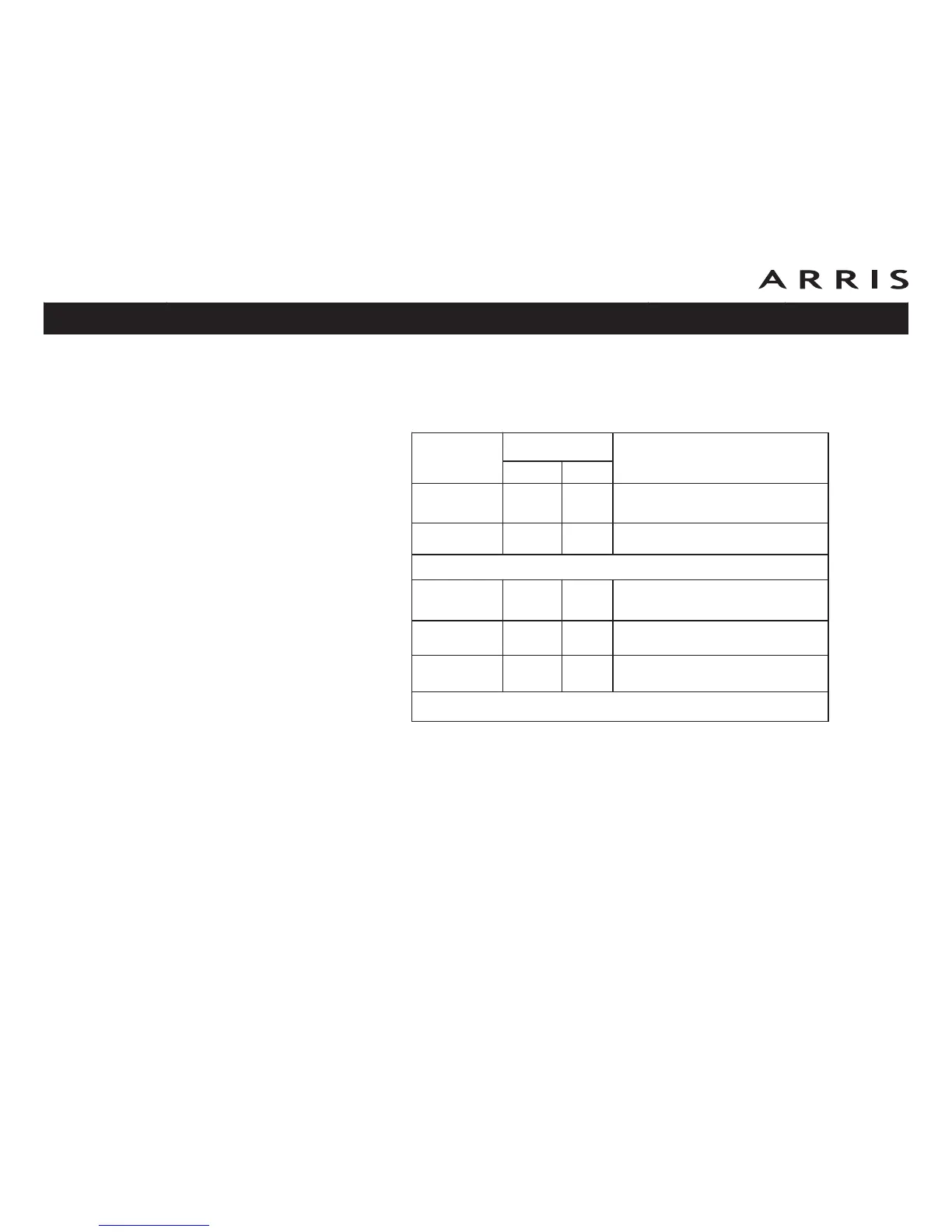
Indicator Lights: Startup Sequence
The following table shows the Telephony Modem light patterns during each phase
of the startup sequence. There are two phases of startup; the Telephony phase and
the cable modem phase. Both are outlined below.
Note: The DS and US indicators flash yellow during startup, and turn green if
the Telephony Modem establishes an ultra-high speed connection. For
some cable companies these colors may be reversed.
Power, DS,
US, Online
Telephone
Description
1 2
Off Off Off No power to Cable Modem
Flash Flash Flash Power-on Self Test
“Cable Modem Start Up Sequence” Begins
On Flash Off
Retrieving telephone network in-
formation
On Off Flash
Retrieving telephone line informa-
tion
On Flash Flash Activating telephone service
Normal Operation Begins
Touchstone TM902 Telephony Modem User’s Guide
Safety
Getting
Started Installation
Ethernet
Configuration Usage Troubleshooting Glossary
39















 To Next Page