Installation and Overview
VAP3400/3402 802.11ac Wireless Video Access Point • User Guide 4
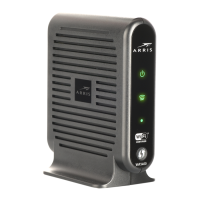
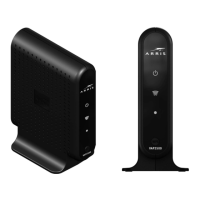
Configured as an Access Point Configured as a Client
3 Dual
Function
LED
Operational
Mode and
WPS Status
WPS Status (During WPS pairing only)
The LED will do the following to result in a
successful pairing:
1. Slow Flashing Green = WPS is
initiated and in process. This state lasts
approximately two minutes.
2. Fast Flashing Green to solid green =
WPS pairing is successful. The fast flashing
green LED state lasts for 15 seconds,
followed by an LED state of solid green.
If the LED does not initiate as slow flashing
green or does not transition from slow to
fast flashing green within 2 minutes, then
there is an error. Refer to “Troubleshooting”
for more details.
Operational Mode:
Off: Device is not ready or in an unknown
state.
Solid Green: Device is configured as an AP.
WPS Status (During WPS pairing only)
The LED will do the following to result in a
successful pairing:
1. Slow Flashing Blue = WPS is
initiated and in process. This state lasts
approximately two minutes.
2. Fast Flashing Blue to Solid Blue = WPS
pairing is successful. The fast flashing blue
LED state lasts for 15 seconds, followed
by an LED state of solid blue.
If the LED does not initiate as slow
flashing blue or does not transition
from slow to fast flashing blue within 2
minutes, then there is an error. Refer to
“Troubleshooting” for more details.
Operational Mode:
Off: Device is not ready or in an unknown
state.
Solid Blue: Device is configured as an AP.
4 WPS
Button
Establishes secure wireless connection to
your home network.
Establishes secure wireless connection to
your home network



 To Next Page