EasyManua.ls Logo

Arris VIP5662W - User Manual

Arris VIP5662W
24 pages
Print Icon
To Next Page IconTo Next Page
Loading...
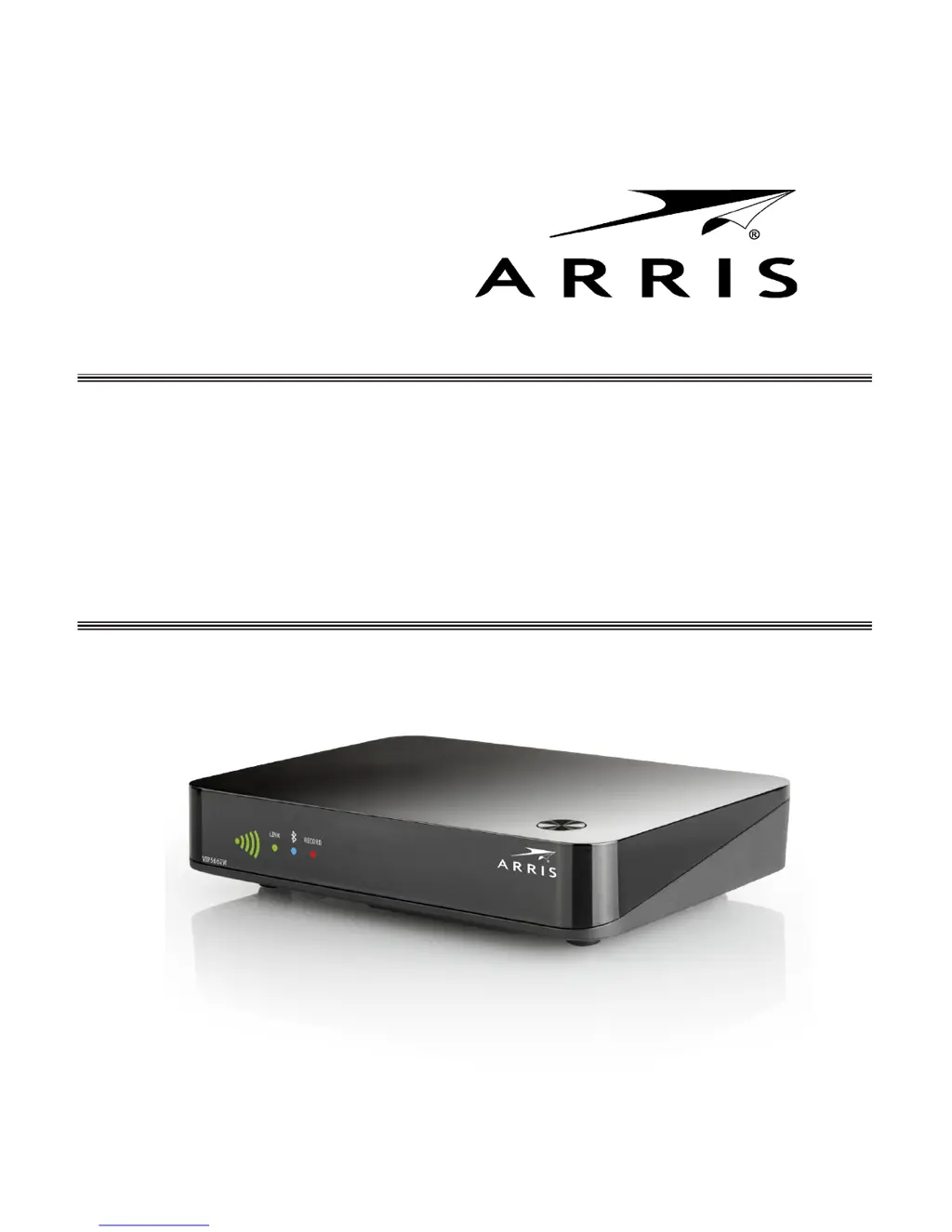
VIP5662W
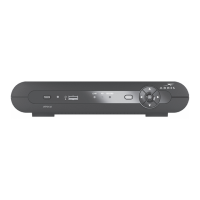
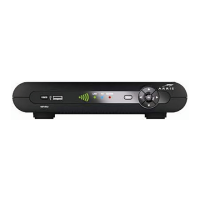
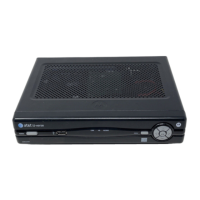
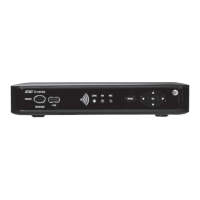
Wireless IPTV Receiver
Installation Guide

Questions and Answers

  • M
    Mr. Mark SanfordJul 27, 2025
    What to do if the remote control does not work with my Arris TV Receiver?
    • L
      Larry MurrayJul 27, 2025
      First, ensure that your TV is powered on and that the STB mode LED on the remote is lit. Make sure there are no obstructions between the remote and the Arris wireless receiver, and aim directly at the receiver's front panel. Avoid aiming at the TV or VCR. Also, ensure you're not too far to either side and that the angle isn't too large. Press and release the operation keys one at a time, firmly and deliberately. Try changing channels using the buttons on the wireless receiver front panel. Finally, check and replace the batteries in the remote if needed.
  • R
    rmendozaAug 2, 2025
    Why is there no audio when viewing TV channels on my Arris VIP5662W?
    • H
      Heather DavidsonAug 2, 2025
      First, check if the Mute button on your Arris remote control or TV has been activated. If you're using a home theater receiver, ensure it's set to the correct input source and that its Mute button hasn't been pressed. Also, make sure you're using the correct cables and that they are firmly connected between the Arris wireless receiver and your audio playback device (TV, home theater receiver, etc.). Press Mute on the remote control to restore sound.
  • G
    Gail LloydAug 8, 2025
    Why is the video or audio quality poor on my Arris VIP5662W TV Receiver?
    • D
      Danielle RobertsAug 8, 2025
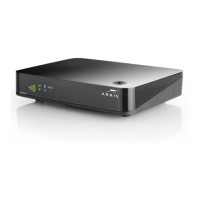
      Poor video or audio quality may be due to inadequate signal strength from the wireless Access Point. Check the number of illuminated bars on the front panel indicator of your Arris TV Receiver: * Five green bars: Excellent signal. * Four green bars: Very good signal. * Three green bars: Good signal (minimum acceptable). * Two green bars: Fair signal. * Two red bars: Weak signal (video may be affected). * One red dot: Very weak signal (no association with the Access Point). * No bars lit: No wireless connectivity. Try reorienting or relocating the receiver or Access Point. For better video quality, consider upgrading your connection (composite analog to component+digital audio to HDMI).
  • B
    Brian WestAug 14, 2025
    How to fix no audio from surround speakers connected to Arris VIP5662W?
    • T
      Thomas RasmussenAug 14, 2025
      Verify that the Optical S/PDIF cable is firmly connected to both the Arris wireless receiver and the home theater receiver. Ensure that your home theater receiver is set to a surround sound audio mode such as Dolby Digital, Dolby Pro Logic® II, or Dolby Pro Logic. Also, verify that the home theater receiver is correctly configured to work with all connected speakers. Note that not all Dolby Digital programs feature full 5.1 surround sound; some may only contain left and right stereo audio.
  • T
    Troy WilsonAug 20, 2025
    What to do if Arris VIP5662W TV Receiver will not power on?
    • H
      Heather JohnsonAug 20, 2025
      Check that the power adapter is properly connected to both the wireless receiver and a working AC outlet. Unplug the receiver, plug it back in, and then press the POWER button. If the receiver is connected to a switched outlet, ensure that the switch or unit is powered on. Try pressing the POWER button on the receiver's front panel instead of using the remote. Also, the remote's batteries might be depleted.

Summary

Safety and Warning Guidelines

Important Safety Instructions

Essential safety guidelines for operating the wireless IPTV receiver and preventing hazards.

Installation and Placement Requirements

Ventilation and Positioning Advice

Guidelines for ensuring adequate airflow and proper placement to prevent overheating and damage.

Device Front and Top Panel Details

Device Rear Panel Connectivity Options

Ports and Functions Explained

Explanation of the receiver's rear panel connectors and their functions.

Wireless Connection Setup

Registering Receiver with Access Point

Guide to establishing a secure wireless connection using the WPS process.

Connecting Your Receiver to TV: HDMI

HDMI Connection for HDTVs

Detailed guide for connecting the receiver to an HDTV using HDMI for optimal video and audio.

Connecting Your Receiver to TV: Other Options

Digital Audio;Video Connection Details

Component Video and Audio Connection Details

Composite Video and Audio Connection Details

Troubleshooting: Power and Remote Issues

Resolving Power and Remote Control Problems

Solutions for the wireless receiver not powering on or the remote control not working.

Troubleshooting: Audio and Video Quality

Arris VIP5662W Specifications

General IconGeneral
ModelVIP5662W
CategoryTV Receiver
ConnectivityWi-Fi, Ethernet
ResolutionUp to 4K UHD
Video OutputsHDMI
Audio OutputsHDMI, Optical
Wi-Fi802.11ac
BluetoothNo
TypeSet-Top Box
ManufacturerArris
Input Voltage12V DC
Ethernet Port1 x RJ45
HDCP ComplianceHDCP 2.2
Operating Temperature0°C to 40°C
Storage Temperature-20°C to 60°C
RAM2 GB
Ethernet10/100/1000 Mbps
HDRHDR10
Supported Resolutions480i, 480p, 720p, 1080i, 1080p, 2160p

Related product manuals