EasyManua.ls Logo

Arris VIP5662 - User Manual

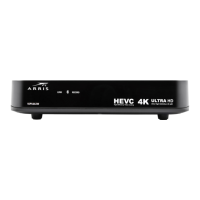
Arris VIP5662
24 pages
Print Icon
To Next Page IconTo Next Page
Loading...
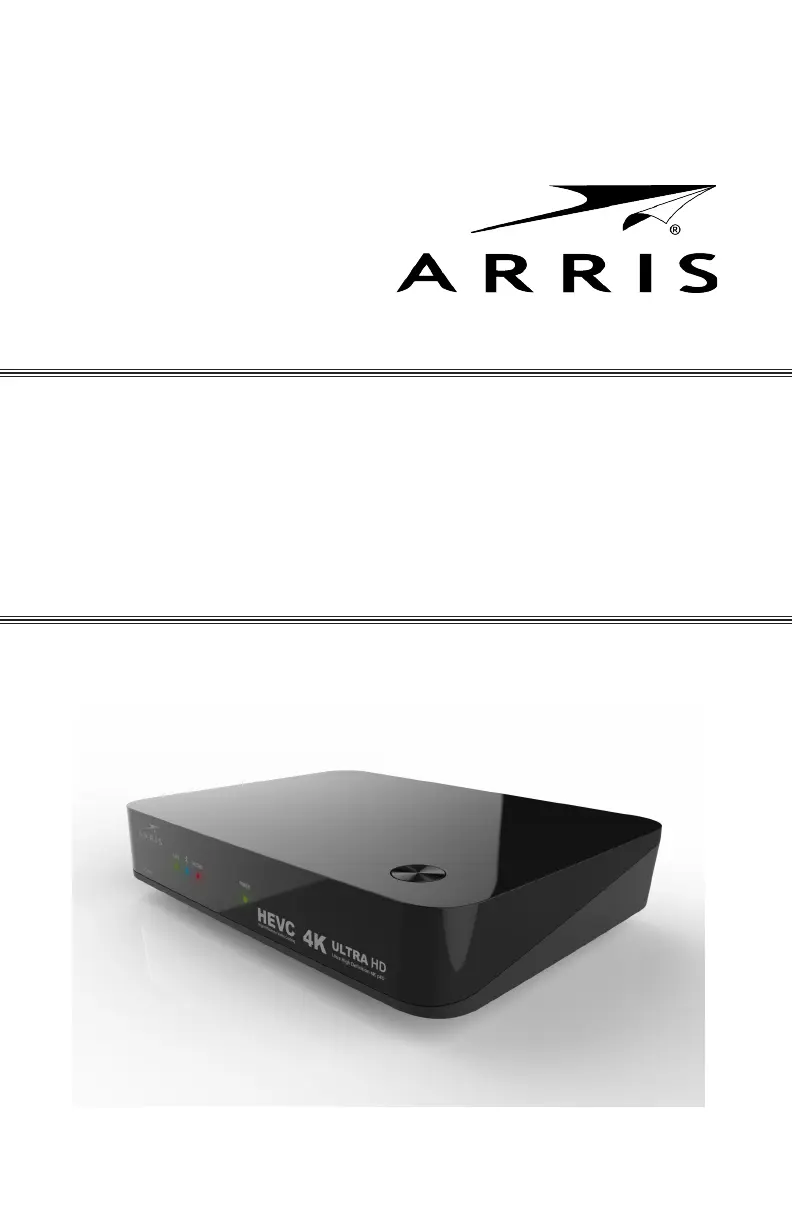
VIP5662
IPTV Receiver
Installation Guide

Questions and Answers

Summary

IMPORTANT SAFETY INSTRUCTIONS

Introduction

Overview

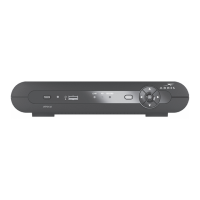
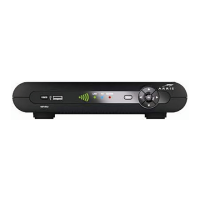
Top and Front Panel

Details controls and indicator lights on the front of the receiver.

Rear Panel

Describes rear panel features, controls, and connectors.

Remove Hard Drive Procedures

Insert Hard Drive Procedures

Connecting Your TV Receiver

Digital Audio;Video Connections

Explains how to connect the receiver using HDMI for digital signals.

Component Video and Digital Audio Connections

Details connecting via component video and optical digital audio.

Composite Video and Stereo Audio Connections

Describes connecting using composite video and stereo audio.

Troubleshooting

Regulatory Information

Software License

Open Source Attributions

Summary

IMPORTANT SAFETY INSTRUCTIONS

Introduction

Overview

Top and Front Panel

Details controls and indicator lights on the front of the receiver.

Rear Panel

Describes rear panel features, controls, and connectors.

Remove Hard Drive Procedures

Insert Hard Drive Procedures

Connecting Your TV Receiver

Digital Audio;Video Connections

Explains how to connect the receiver using HDMI for digital signals.

Component Video and Digital Audio Connections

Details connecting via component video and optical digital audio.

Composite Video and Stereo Audio Connections

Describes connecting using composite video and stereo audio.

Troubleshooting

Regulatory Information

Software License

Open Source Attributions

Arris VIP5662 Specifications

General IconGeneral
ModelVIP5662
CategoryTV Receiver
Dolby DigitalYes
Dolby AtmosNo
Audio OutputHDMI
Resolution4K
EthernetGigabit Ethernet
Wi-Fi802.11ac
Hard Drive SupportExternal via USB
Recording CapabilitiesYes

Related product manuals