EasyManua.ls Logo

Arris VIP5602WT - User Manual

Arris VIP5602WT
24 pages
Print Icon
To Next Page IconTo Next Page
Loading...
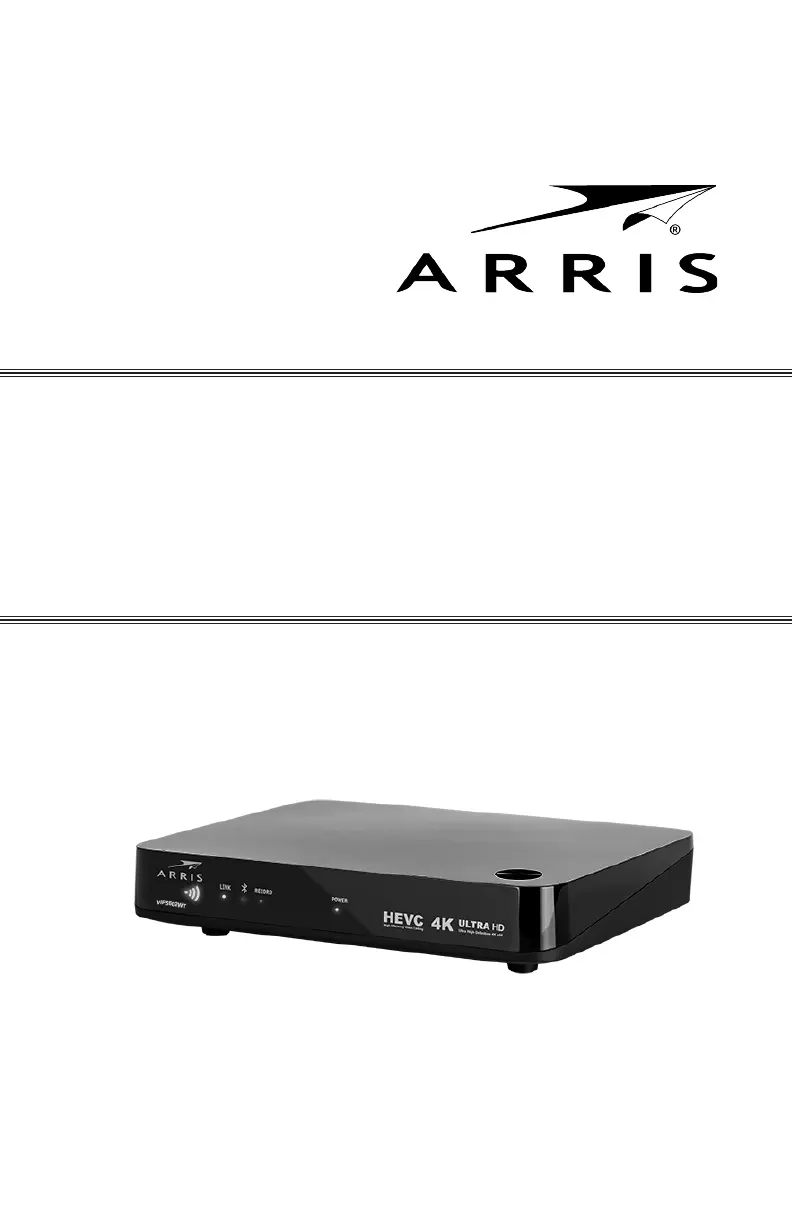
VIP5602WT
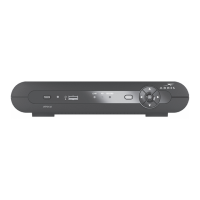
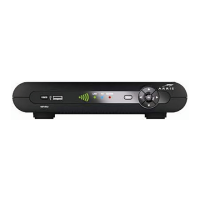
Wireless IPTV Receiver
Installation Guide

Questions and Answers

  • S
    Sandra RamirezAug 5, 2025
    Why Arris TV Receiver remote control does not work?
    • E
      Edward Cummings DDSAug 5, 2025
      If your Arris TV Receiver remote control isn't working, ensure the TV is on and the STB mode LED on the remote is lit. Check for obstructions between the remote and receiver, and aim directly at the receiver's front panel. Avoid standing too far to the side. Press keys firmly, one at a time. Try changing channels using the buttons on the receiver itself. Also, check and replace the remote's batteries if needed.
  • T
    Teresa CarrollAug 11, 2025
    What to do if Arris TV Receiver will not power on?
    • J
      Jennifer RodriguezAug 11, 2025
      If your Arris TV Receiver won't power on, verify the power adapter is properly connected to both the receiver and a working AC outlet. Try unplugging the receiver, then plugging it back in, and pressing the POWER button. If connected to a switched outlet, ensure the switch is on. Try pressing the POWER button on the receiver itself, rather than the remote. Also, check the remote's batteries, as they may be depleted.
  • B
    briggschadAug 18, 2025
    What to do if Arris VIP5602WT video or audio quality is poor?
    • A
      Angel MaldonadoAug 18, 2025
      If the video or audio quality of your Arris TV Receiver is poor, check the signal strength indicated by the illuminated bars on the front panel. If the signal strength is inadequate, try reorienting or relocating the Wireless TV receiver or the Access Point for improved reception. To improve video quality, consider upgrading your connection (from composite analog to component+digital audio to HDMI).
  • J
    Jennifer SmithAug 25, 2025
    How to fix no audio when viewing TV channels on Arris VIP5602WT TV Receiver?
    • K
      Kelly QuinnAug 25, 2025
      If there's no audio when viewing TV channels on your Arris TV Receiver, first check if the Mute button on the remote has been pressed. If the receiver is connected to the TV, check the TV's mute status as well. If connected to a home theater receiver, ensure it's set to the correct input source and isn't muted. Verify that you're using the correct audio cables and that they are firmly connected between the receiver and your playback device.
  • D
    Danielle WelchAug 30, 2025
    Why is there no audio from surround speakers connected to Arris VIP5602WT?
    • M
      Melinda DavisAug 30, 2025
      If you're not getting audio from the center and/or surround speakers connected to your Arris TV Receiver, first ensure the Optical S/PDIF cable is securely connected to both the receiver and the home theater receiver. Verify that your home theater receiver is set to a surround sound audio mode like Dolby Digital or Dolby Pro Logic. Also, confirm that the home theater receiver is properly configured to work with all connected speakers. Note that not all Dolby Digital programs feature full 5.1 surround sound; some may only contain left and right stereo audio.

Summary

Introduction

Included in the carton

Lists items included in the product packaging.

Overview

Top and Front Panel

Describes the features, controls, and indicator lights on the front panel.

Wireless Connection

Register the TV Receiver with the Access Point

Step-by-step guide to pairing the receiver with the wireless Access Point using WPS.

Connecting Your TV Receiver

Connection Options

Details various video and audio output options available for connecting to a TV.

Troubleshooting

The wireless receiver will not power on.

Provides solutions for issues where the wireless receiver does not power on.

The remote control does not work.

Offers troubleshooting steps for when the remote control is not functioning.

Video or Audio quality is poor or missing.

Lists potential causes and solutions for poor or missing video/audio quality.

Regulatory Information

Federal Communications Commission Radio and Television Interference Statement for a Class B Device

FCC statement regarding compliance and potential radio frequency interference.

Wireless LAN Information

Details about the wireless LAN technology used in the product.

Wireless LAN and your Health

Information on radio frequency emissions and health guidelines.

Restrictions on Use of Wireless Devices

Guidelines and restrictions for using wireless devices in specific environments.

Arris VIP5602WT Specifications

General IconGeneral
BrandArris
ModelVIP5602WT
CategoryTV Receiver
LanguageEnglish

Related product manuals