EasyManua.ls Logo

Arris VIP5602W - User Manual

Arris VIP5602W
24 pages
Print Icon
To Next Page IconTo Next Page
Loading...
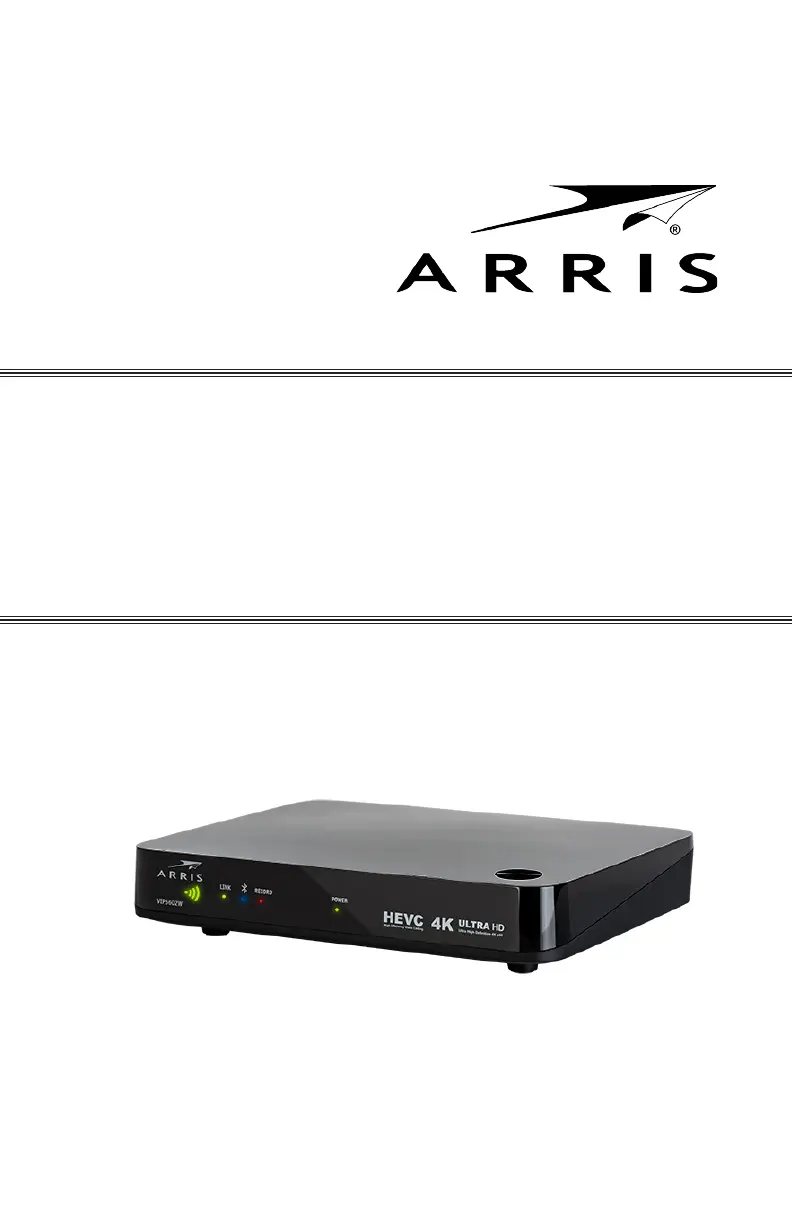
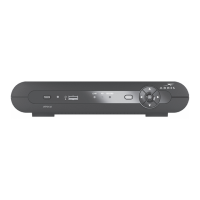
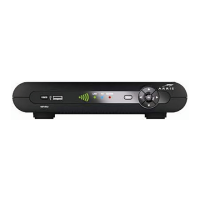
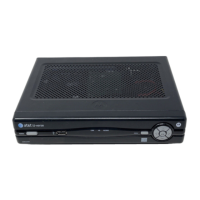
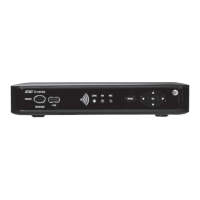
VIP5602W
Wireless IPTV Receiver
Installation Guide

Questions and Answers

  • M
    Mark CampbellAug 5, 2025
    Why is my Arris TV Receiver remote control not working?
    • K
      Katherine WebsterAug 5, 2025
      There could be several reasons why your Arris TV Receiver remote isn't working. First, ensure your TV is powered on and the STB mode LED on the remote is lit. Make sure there are no obstructions between the remote and the receiver, and aim directly at the receiver's front panel. Avoid standing too far to the side. Press the buttons firmly and one at a time. Try changing channels using the buttons on the receiver itself. Also, check and replace the remote's batteries if needed.
  • R
    robertbakerAug 11, 2025
    What to do if my Arris VIP5602W won't turn on?
    • N
      Nicholas NelsonAug 11, 2025
      If your Arris TV Receiver isn't powering on, start by checking that the power adapter is properly connected to both the receiver and a working AC outlet. Try unplugging the receiver from the outlet, waiting a few seconds, and then plugging it back in before pressing the POWER button. If the receiver is connected to a switched outlet, ensure that the switch is turned on. Try pressing the POWER button on the receiver itself, instead of using the remote. Also, verify that the batteries in the remote control are not depleted.
  • R
    Rebekah SmithAug 18, 2025
    How to fix no audio on my Arris TV Receiver?
    • H
      hollyponceAug 18, 2025
      If you're not getting any sound from your Arris TV Receiver, first check that the Mute button on both the remote and the TV (if the receiver is connected directly to it) hasn't been pressed. If you're using a home theater receiver, ensure it's set to the correct input source and that its Mute button is also off. Also, verify that you're using the correct audio cables and that they are securely connected between the receiver and your TV or home theater system.
  • C
    Courtney JohnsonAug 25, 2025
    How to improve poor video or audio quality on Arris VIP5602W?
    • A
      Ashley PonceAug 25, 2025
      Poor video or audio quality on your Arris TV Receiver can often be improved by verifying the signal strength from the wireless Access Point. If the signal is weak, try reorienting or relocating either the TV receiver or the Access Point to get better reception. You can also upgrade your connection from composite analog to component+digital audio or HDMI for improved video quality.
  • B
    brandongarzaAug 29, 2025
    Why is there no audio from surround speakers connected to my Arris TV Receiver?
    • C
      Chris BrownAug 29, 2025
      If you're not getting audio from the center or surround speakers connected to your Arris TV Receiver, first, confirm that the Optical S/PDIF cable is securely connected to both the receiver and the home theater receiver. Ensure that your home theater receiver is set to a surround sound audio mode like Dolby Digital, Dolby Pro Logic® II, or Dolby Pro Logic. Also, double-check that the home theater receiver is correctly configured to work with all the connected speakers. Note that not all Dolby Digital programs have full 5.1 surround sound; some may only have left and right stereo audio.

Summary

Safety and Warnings

Important Safety Instructions

Key safety guidelines for operating the wireless IPTV receiver, emphasizing precautions.

General Cautions and Warnings

Covers risk of electric shock, fire, and other hazards associated with the device.

Introduction

Product Features and Carton Contents

Highlights the receiver's features and lists items included in the product packaging.

Overview: Top and Front Panel

Controls and Indicator Lights

Details the functions of buttons and status lights on the receiver's front panel and top.

Overview: Rear Panel

Rear Panel Features and Connectors

Identifies and describes the ports and connectors located on the back of the receiver.

Wireless Connection

Registering the TV Receiver

Step-by-step guide on how to connect the receiver to the wireless Access Point using WPS.

Connecting Your TV Receiver

Connection Options Overview

Presents various methods for connecting the receiver to a TV or A/V system.

Connecting Your TV Receiver: Standard-Definition

Component and Composite Connections

Explains how to make standard-definition video and audio connections using breakout cables.

Digital Audio;Video Connections

HDMI Connection Details

Instructions for connecting the receiver to a TV using an HDMI cable for high-quality output.

Component Video and Digital Audio Connections

Component and Optical Audio Setup

Guides on connecting component video and digital optical audio for enhanced audio-visual experience.

Composite Video and Stereo Audio Connections

Composite Connection Details

Details on using composite video and stereo audio connections for standard definition output.

Troubleshooting: Power and Remote Issues

Solving Power and Remote Control Problems

Provides solutions for issues related to the receiver not powering on or the remote control not functioning.

Troubleshooting: Audio;Video and Output Issues

Resolving Audio;Video and Output Problems

Addresses problems with poor audio/video quality or no audio from surround sound systems.

Regulatory Information: FCC

FCC Interference and Exposure Statements

Details compliance with FCC rules regarding radio frequency interference and exposure limits.

Regulatory Information: Canada

Canada Statements and Wireless Restrictions

Covers Industry Canada regulations, radiation exposure, and wireless device usage restrictions.

Software License Agreement

End User License Terms

Outlines the terms and conditions for using the receiver's software and firmware.

Open Source Attributions

Software Licenses and Descriptions

Lists and describes open source software used, including licenses and copyright notices.

Copyright and Trademarks

Arris VIP5602W Specifications

General IconGeneral
ModelVIP5602W
ManufacturerArris
Video OutputHDMI
ConnectivityWi-Fi, Ethernet
ResolutionUp to 1080p
Supported Resolutions480i, 480p, 720p, 1080i, 1080p
ChipsetBroadcom
DVR CapabilitiesNo
Voice RemoteNo
Audio OutputHDMI
Power SupplyExternal Power Adapter
USB PortUSB 2.0
TypeWireless IPTV Receiver

Related product manuals