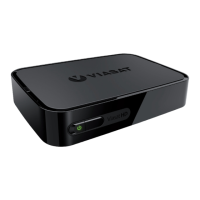
8 VIP5602W Wireless IPTV Receiver Installation Guide
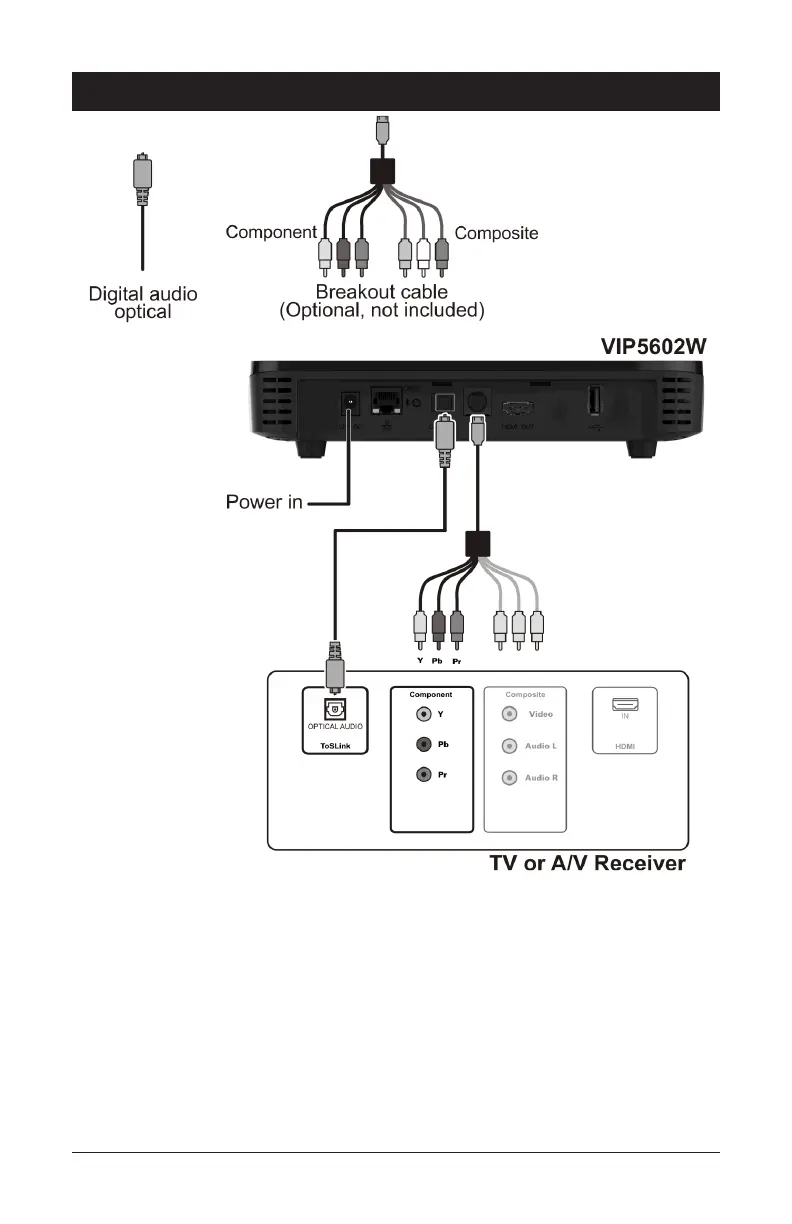
Component Video and Digital Audio Connections
If you use a DVI video input to connect to your TV set, you will need to provide a separate
connection for the audio. Use the OPTICAL S/PDIF output, which offers digital audio
quality, including support for Dolby Digital 5.1 Surround Sound.
If your HDTV has component inputs available, connect the component outputs from a
Breakout cable to the correct inputs on your HDTV (as shown).
If your HDTV or A/V Receiver has an optical audio input available, use a Digital Optical Audio
cable to connect from the VIP5602W to the correct input on your HDTV or TV Receiver (as
shown).
NOTE: If you choose to configure stereo audio instead of digital audio, connect the
composite outputs for Audio Left and Audio Right rather than the Optical Audio, as shown.


 To Next Page