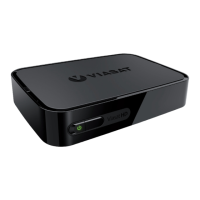
2 VIP5602WT Wireless IPTV Receiver Installation Guide
Overview
Top and Front Panel
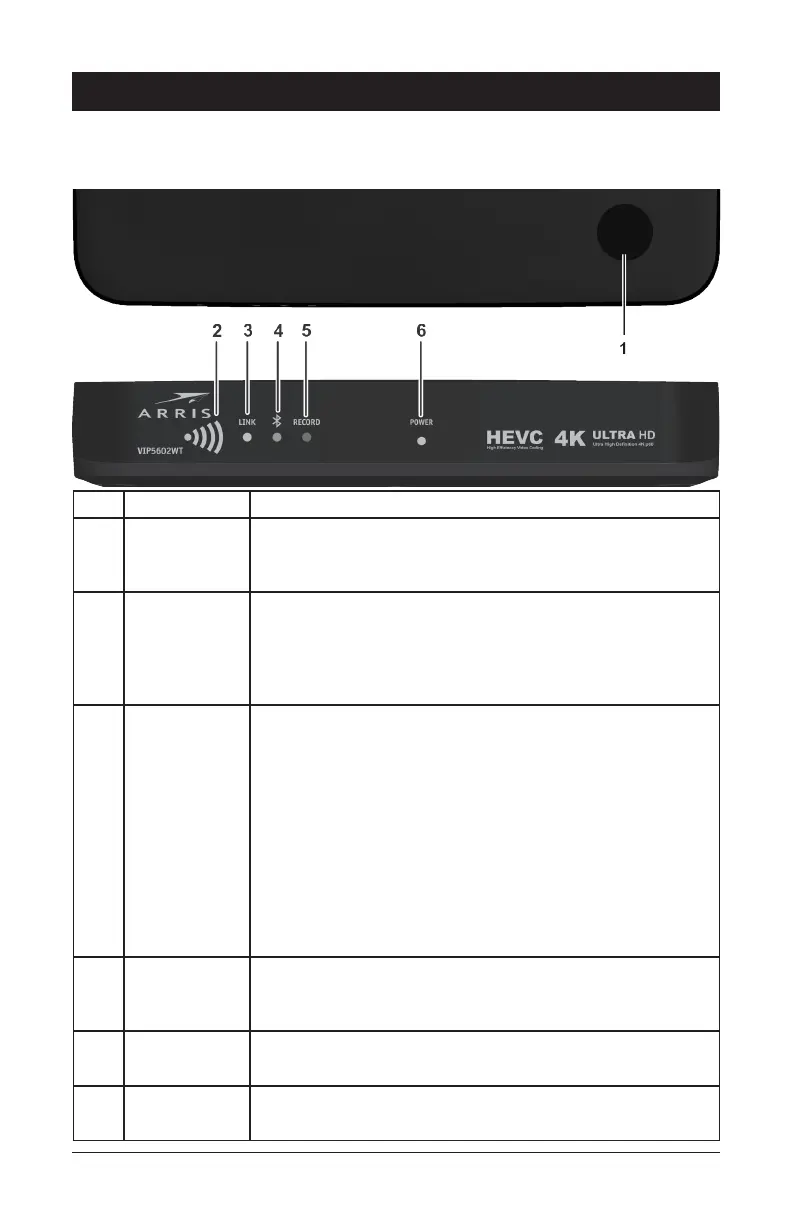
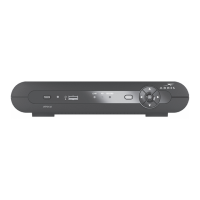
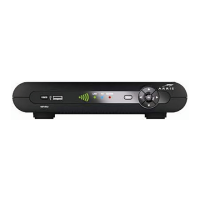
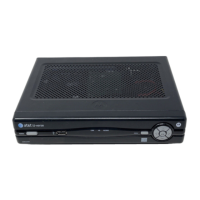
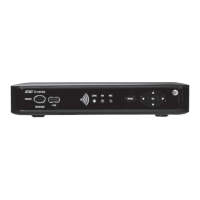
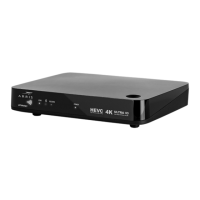
The illustrations below (Top view and Front Panel view, respectively) and the table following
describe the top/front-panel features, controls, and indicator lights.
Key Item Function
1 POWER
BUTTON
Press to turn the wireless receiver on or place the unit in
standby mode. If held for five (5) seconds or longer, restarts
the wireless receiver.
2 SIGNAL
STRENGTH
The five-bar display lights green to indicate signal strength
from your wireless Access Point device. The number of bars
that light reflect the strength of the received signal (the more
bars, the stronger the signal. See the Troubleshooting section
for details.
3 LINK Wired Connection LED behavior
• No light: No ethernet connection (Off)
• Blinking green: Set top connecting to network
• Solid green: Network connection enabled (On)
Wireless Connection
• No light: No wireless connection
• Blinking green: Set top box pairing to Access Point or
establishing network connection
• Solid green: Network connection enabled
4 BLUETOOTH No light: No Bluetooth
Blinking blue: Set top box pairing is pairing with the RCU
Solid blue: RCU is paired with the wireless receiver
5 RECORD No light: Not recording
Solid red: Recording is in progress
6 POWER No light: Wireless receiver is off
Solid green: Wireless receiver is on


 To Next Page