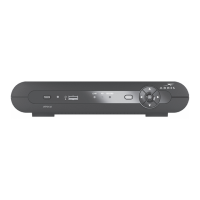
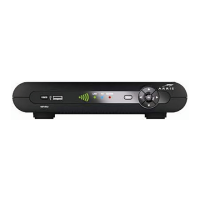
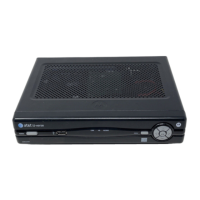
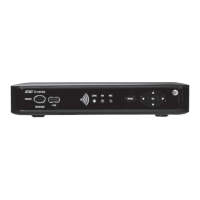
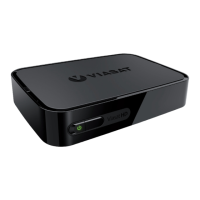
4 VIP5662 IPTV Receiver Installation Guide
Remove Hard Drive Procedures
To remove the Hard Drive from the VIP5662, perform the following procedure:
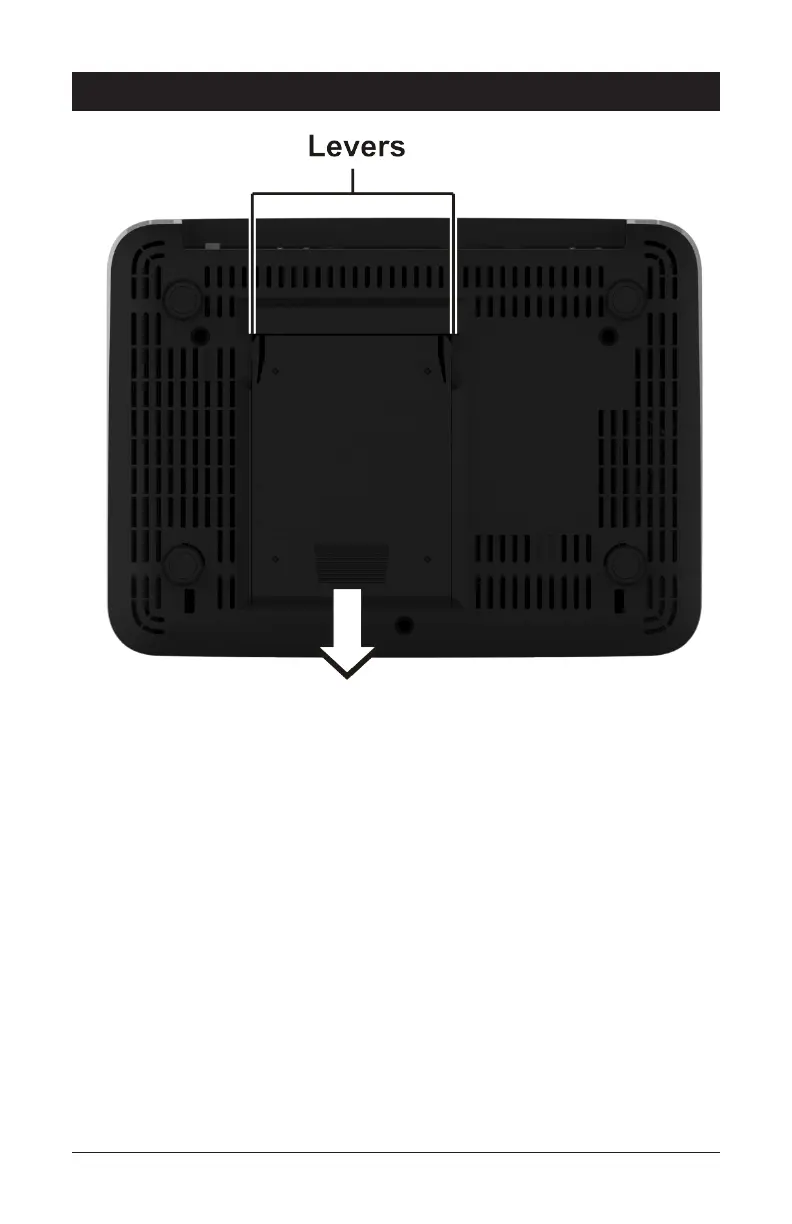
1. Turn unit off.
2. Flip unit upside down.
3. Grip levers on either side of hard drive compartment and squeeze to release.
4. Slide hard drive out of compartment then lift up to remove.


 To Next Page