VIP5662 IPTV Receiver Installation Guide 1
Introduction
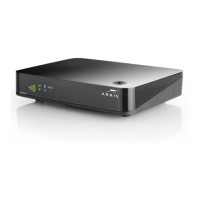
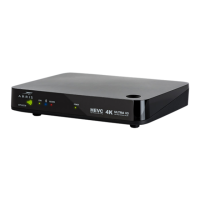
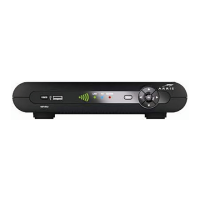
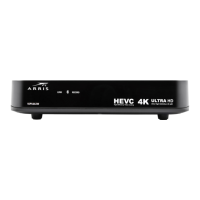
Congratulations on receiving your ARRIS VIP5662 IPTV Receiver.
The VIP5662 provides these extraordinary home entertainment features:
• Ultra High Definition TV (UHDTV), with up to twice the color resolution and up to six
times the sharpness of standard TV when connected to a UHD-capable TV
• A direct digital connection to consumer audio and video devices through multiple
interfaces
• Bluetooth connectivity via remote control unit. Refer to your service provider for more
information
This installation manual introduces the basic features, outlines important safeguards, and
provides options for integrating your receiver into your entertainment system. Please take a
few moments to read through this manual. Its configuration diagrams and troubleshooting
section will help you make the most of your home entertainment experience.
Included in the carton:
• VIP5662 Ultra High-Definition (UHD)
• Power adapter
• Other accessories may be included
For more information about your TV service, refer to the other documentation from your
service provider.
Wired Connection
Plug the power adapter into a wall socket and into the rear panel of the receiver. Plug an
Ethernet cable into the network port of the receiver. Verify the following:
• The Ethernet LEDs located on the rear panel light and behave as indicated on page 3
of this manual
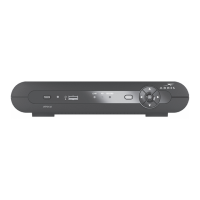
• The link LED located on the front panel lights and behaves as indicated on page 2 of
this manual.


 To Next Page