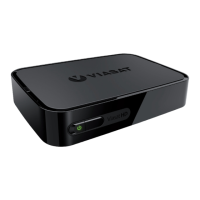
2 VIP5662 IPTV Receiver Installation Guide
Overview
Top and Front Panel
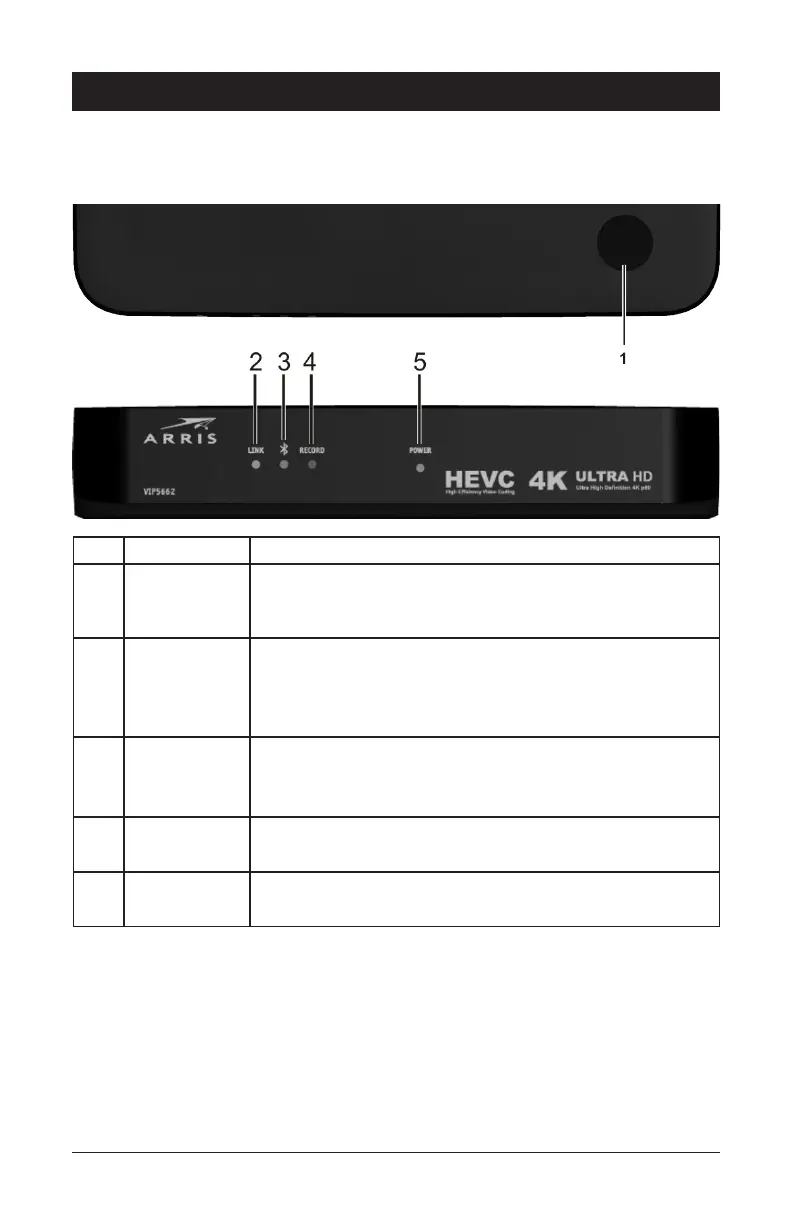
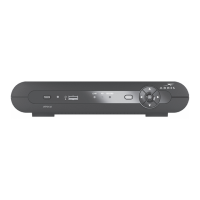
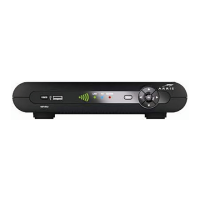
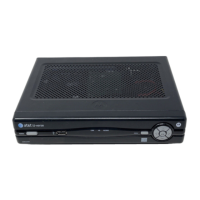
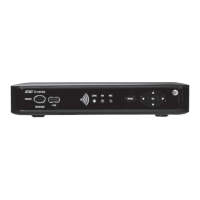
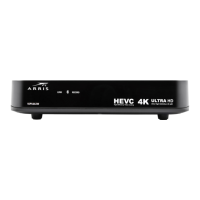
The illustrations below (Top view and Front Panel view, respectively) and the table following
describe the top/front-panel features, controls, and indicator lights.
Key Item Function
1 POWER
BUTTON
Press to turn the receiver on or place the unit in standby
mode. If held for five (5) seconds or longer, restarts the
receiver.
2 LINK • No light: No Ethernet connection (Off)
• Blinking green: Receiver connecting to network
• Solid green: Network connection enabled (On)
3 BLUETOOTH No light: No bluetooth
Blinking blue: Receiver is pairing with the RCU
Solid blue: Receiver is paired with the RCU
4 RECORD No light: Not recording
Solid red: Recording is in progress
5 POWER No light: Receiver is off
Solid green: Receiver is on


 To Next Page