Chapter 2: Set up your SURFboard mAX home network
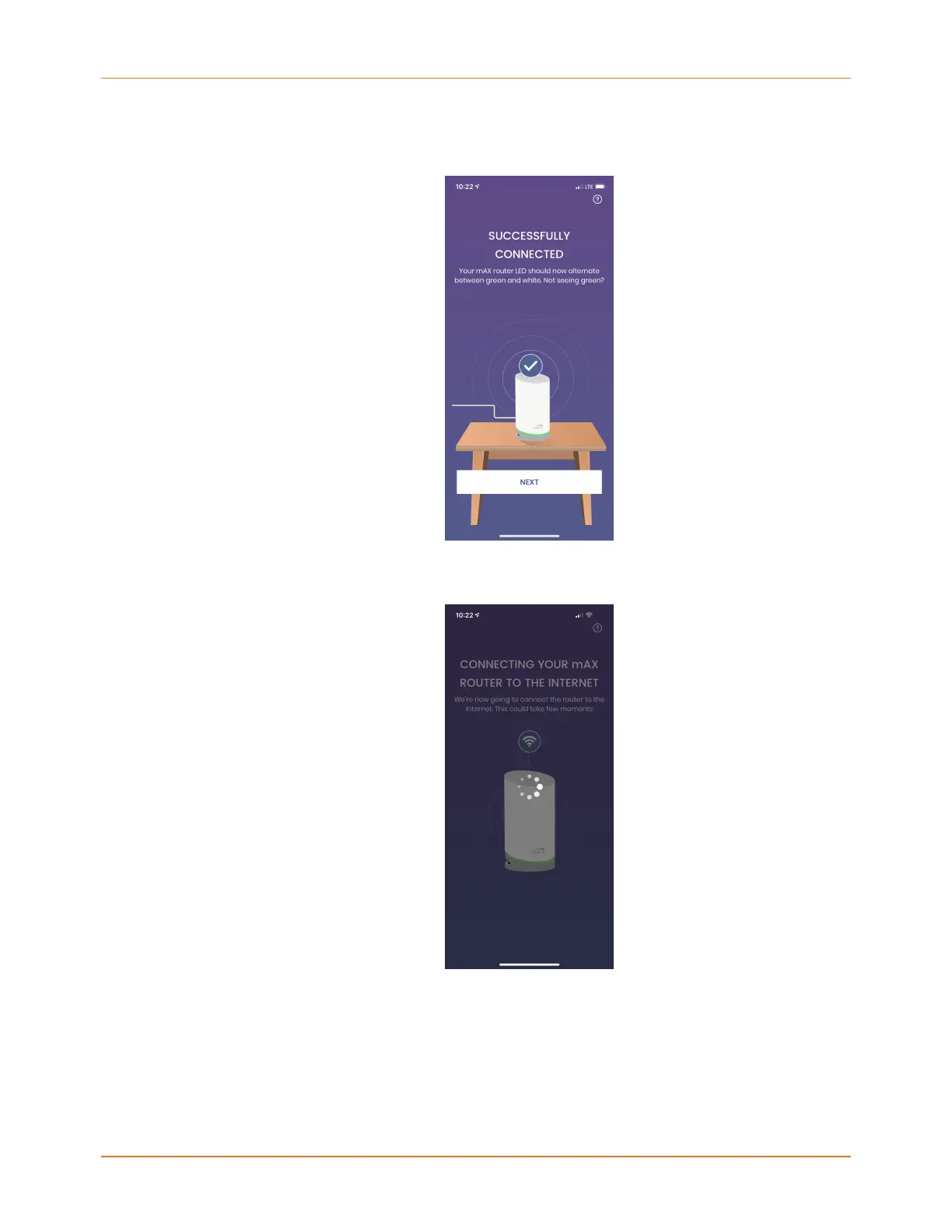
2. When the SURFboard Central mobile app successfully connects to your mAX router,
the LED will light solid blue and a SUCCESSFULLY CONNECTED screen displays on your
mobile app. Tap NEXT.
3. The mAX router will now be connected to the Internet. This will take a few minutes. The
LED will alternate white and blue during this process. Tap NEXT.
4. With a successful connection to the Internet, the LED will continue to alternate white
and blue, but the SUCCESSFULLY CONNECTED TO THE INTERNET screen displays. Tap
NEXT.
Now that your mAX router is online, it will take a few minutes to check for new firmware,
which improves system performance. If firmware is found, the LED will alternate blue and
amber while downloading. If your firmware is already up-to-date or after the firmware is
SURFboard mAX User Guide Standard Revision x.1 18



 To Next Page